001、判断文件是否存在
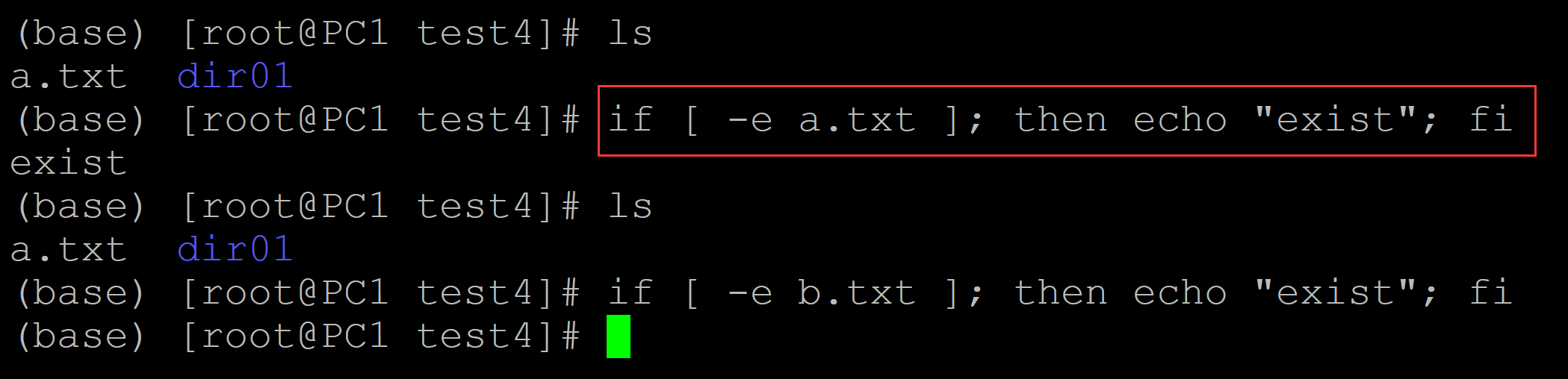
(base) [root@PC1 test4]# ls
a.txt  dir01
(base) [root@PC1 test4]# if [ -e a.txt ]; then echo "exist"; fi   ## 判断文件是否存在
exist
(base) [root@PC1 test4]# ls
a.txt  dir01
(base) [root@PC1 test4]# if [ -e b.txt ]; then echo "exist"; fi
也可以用:
a、
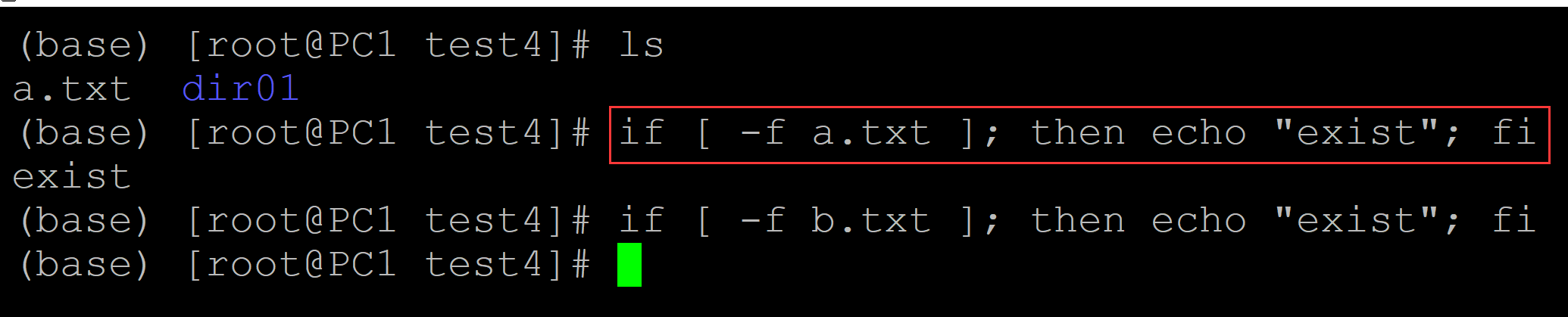
(base) [root@PC1 test4]# ls
a.txt  dir01
(base) [root@PC1 test4]# if [ -f a.txt ]; then echo "exist"; fi    ## 判断是否为文件
exist
(base) [root@PC1 test4]# if [ -f b.txt ]; then echo "exist"; fi
b、
(base) [root@PC1 test4]# ls
a.txt  dir01
(base) [root@PC1 test4]# if [ -d dir01 ]; then echo "exit"; fi     ## 判断是否为目录
exit
(base) [root@PC1 test4]# if [ -d dir02 ]; then echo "exit"; fi

002、判断是否为文件
(base) [root@PC1 test4]# ls
a.txt  dir01
(base) [root@PC1 test4]# if [ -f a.txt ]; then echo "file"; fi    ## 判断是否为目录
file
(base) [root@PC1 test4]# if [ -f dir01 ]; then echo "file"; fi

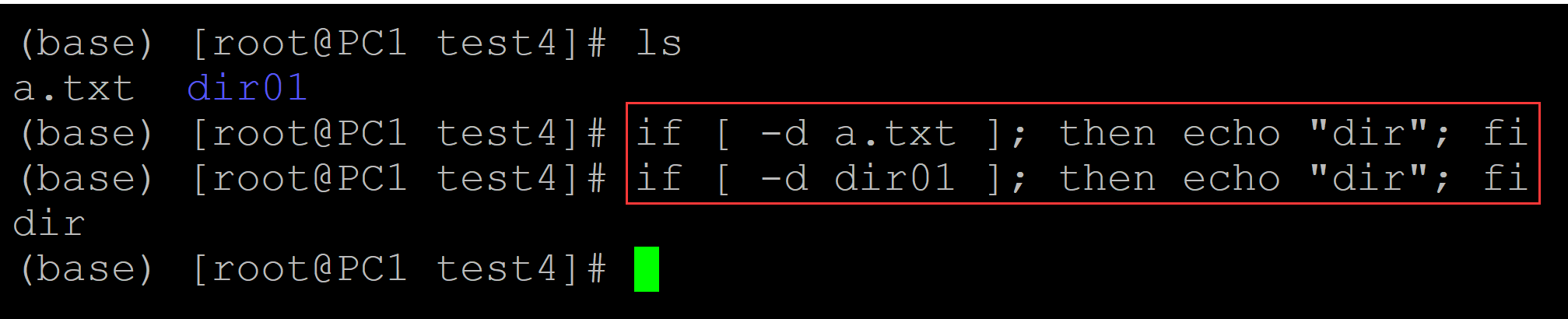
003、判断是否为目录
(base) [root@PC1 test4]# ls
a.txt  dir01
(base) [root@PC1 test4]# if [ -d a.txt ]; then echo "dir"; fi   ## 判断是否为目录
(base) [root@PC1 test4]# if [ -d dir01 ]; then echo "dir"; fi
dir