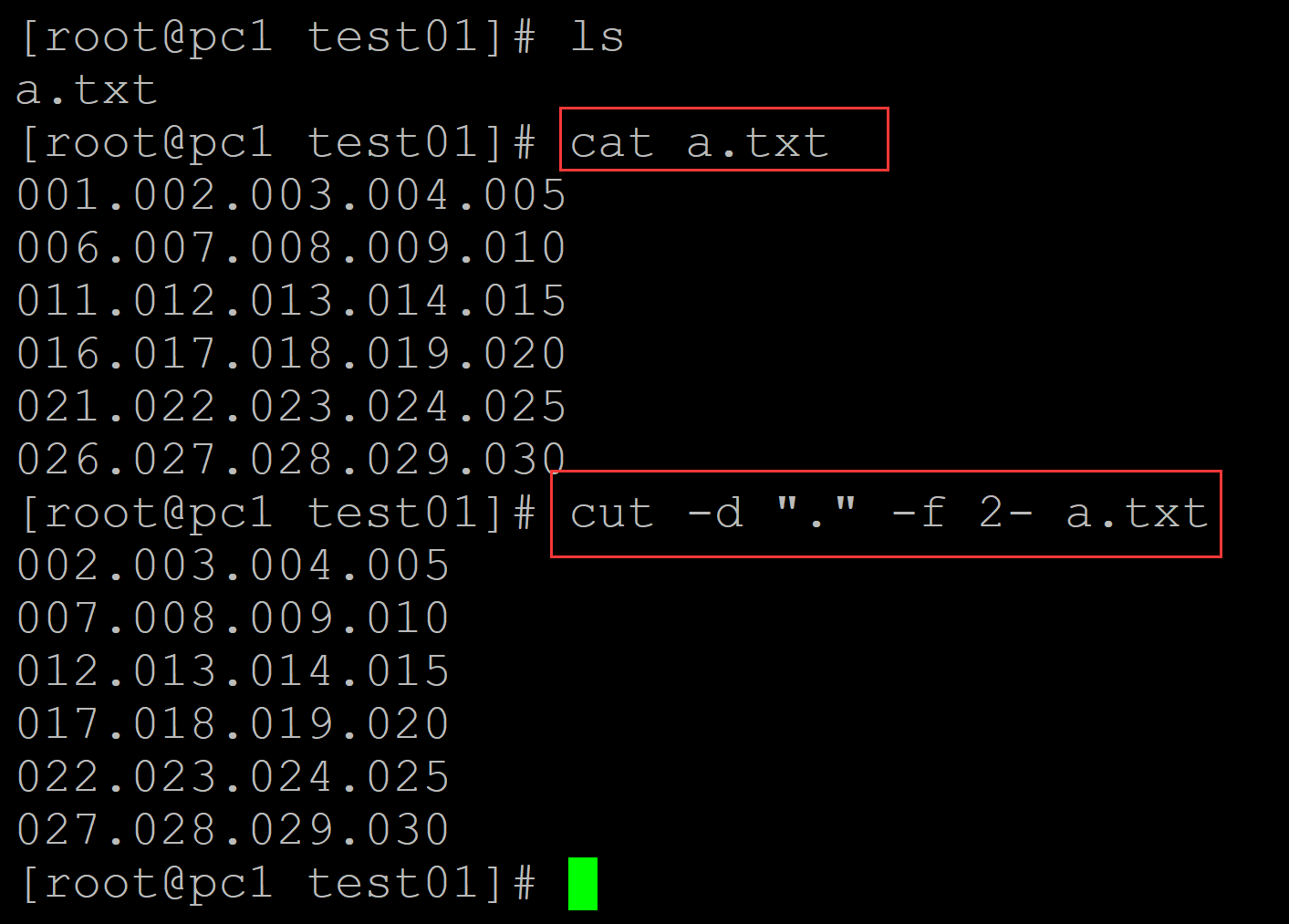
001、方法1 利用cut
[root@pc1 test01]# ls
a.txt
[root@pc1 test01]# cat a.txt                   ## 测试数据
001.002.003.004.005
006.007.008.009.010
011.012.013.014.015
016.017.018.019.020
021.022.023.024.025
026.027.028.029.030
[root@pc1 test01]# cut -d "." -f 2- a.txt      ## cut
002.003.004.005
007.008.009.010
012.013.014.015
017.018.019.020
022.023.024.025
027.028.029.030
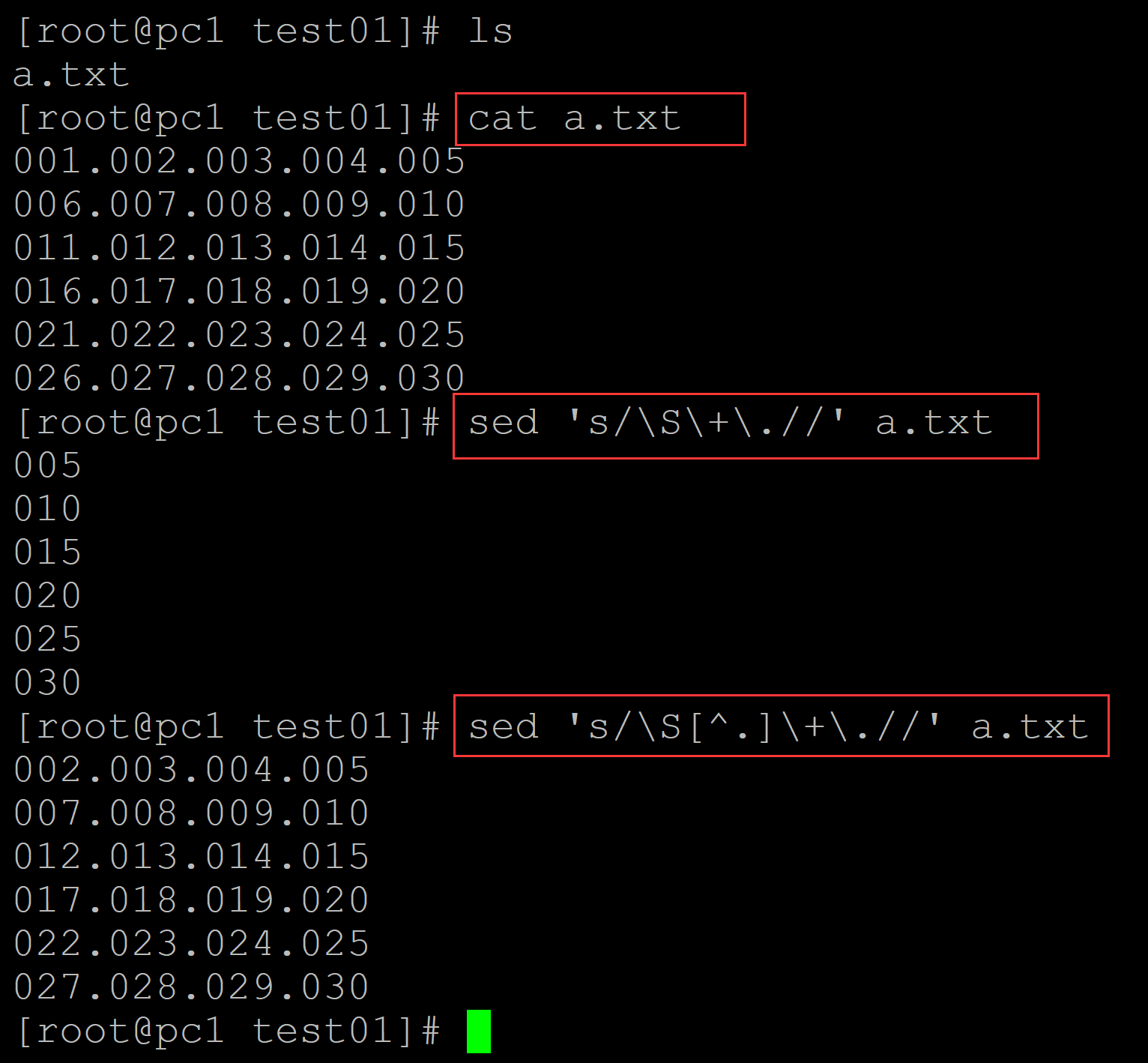
002、方法2 ,利用sed
[root@pc1 test01]# ls
a.txt
[root@pc1 test01]# cat a.txt
001.002.003.004.005
006.007.008.009.010
011.012.013.014.015
016.017.018.019.020
021.022.023.024.025
026.027.028.029.030
[root@pc1 test01]# sed 's/\S\+\.//' a.txt         ## 有点奇怪
005
010
015
020
025
030
[root@pc1 test01]# sed 's/\S[^.]\+\.//' a.txt     ## 需要多加一层否定
002.003.004.005
007.008.009.010
012.013.014.015
017.018.019.020
022.023.024.025
027.028.029.030
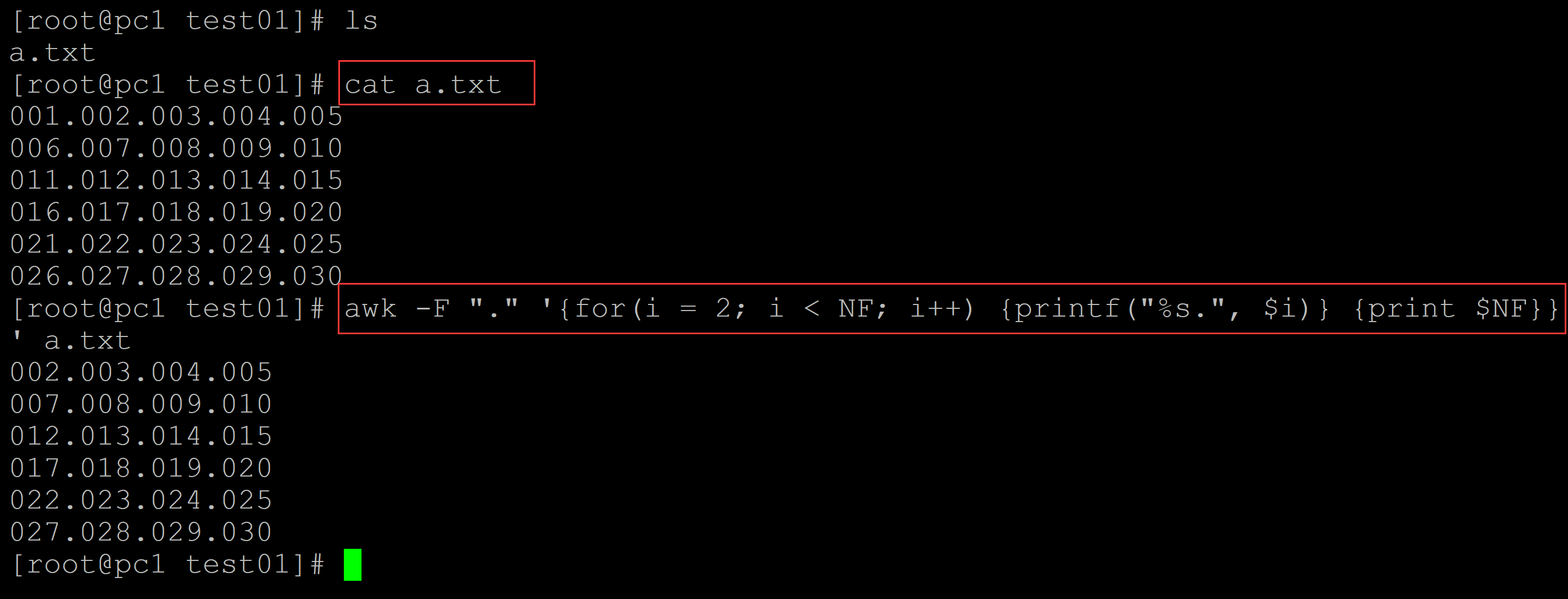
003、方法3, 利用awk
[root@pc1 test01]# ls
a.txt
[root@pc1 test01]# cat a.txt      ## 测试数据
001.002.003.004.005
006.007.008.009.010
011.012.013.014.015
016.017.018.019.020
021.022.023.024.025
026.027.028.029.030                                               ## awk实现
[root@pc1 test01]# awk -F "." '{for(i = 2; i < NF; i++) {printf("%s.", $i)} {print $NF}}' a.txt
002.003.004.005
007.008.009.010
012.013.014.015
017.018.019.020
022.023.024.025
027.028.029.030
004、