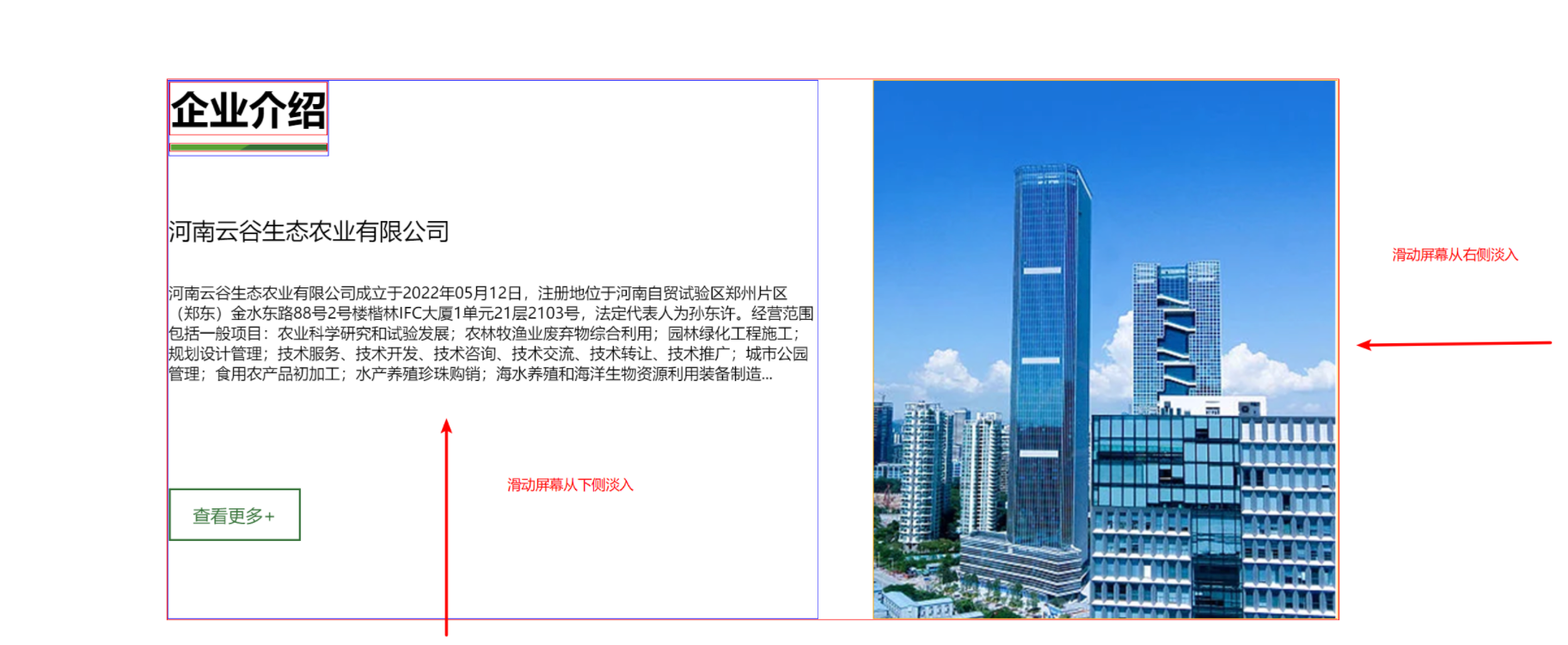
1.安装动画库;
npm install animate.css
2、在main.js中引入;
import animate from "animate.css";
3、给对应的模块设置好想要的animate动画类名,通过一个变量控制是否添加/移除该类名,达到重复播放的效果;
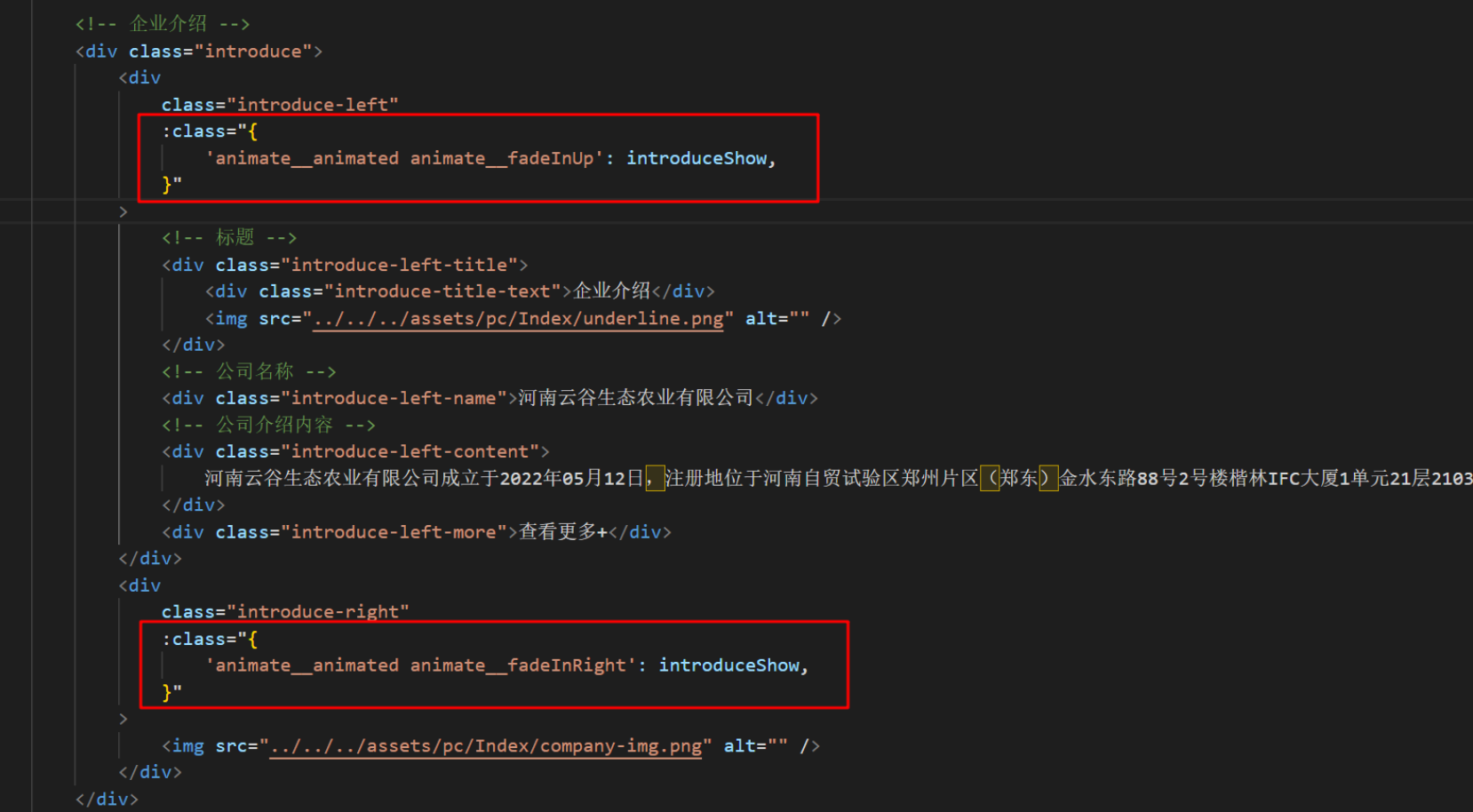
4、在mounted中给对应的模块创建监听,控制这个变量,进入区域为true,反之为fase;
mounted() {
    // 创建一个监听
    const introduce = new IntersectionObserver(
        (entries) => {
            // entries[0].intersectionRatio 的范围是 0.0 ~ 1.0
            if (entries[0].intersectionRatio > 0.5) {
                // 开启动画
                this.introduceShow = true;
            } else {
                // 关闭动画
                this.introduceShow = false;
            }
        },
        // threshold:是一个数组,默认为[0],决定了监听对象的交叉区域与边界区域的比率为多少时触发
        { threshold: [0, 0.25, 0.5, 0.75, 1] }
    );
    // 设置监听的模块
    introduce.observe(document.querySelector(".introduce"));
},
效果: