C#随记(1)
1.新建第一个C#文件
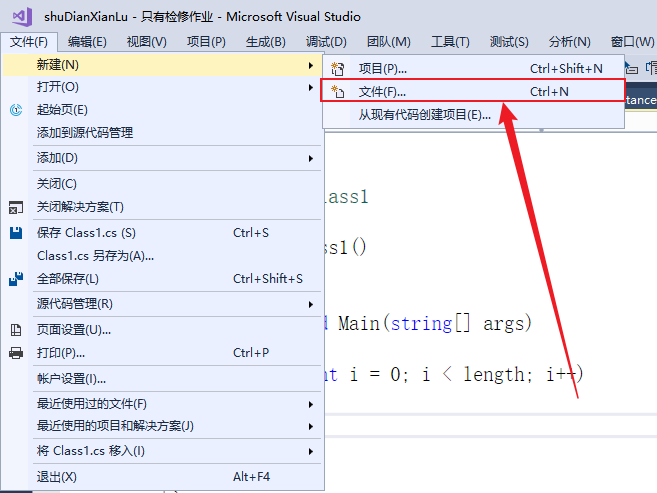
- 点击新建文件
-
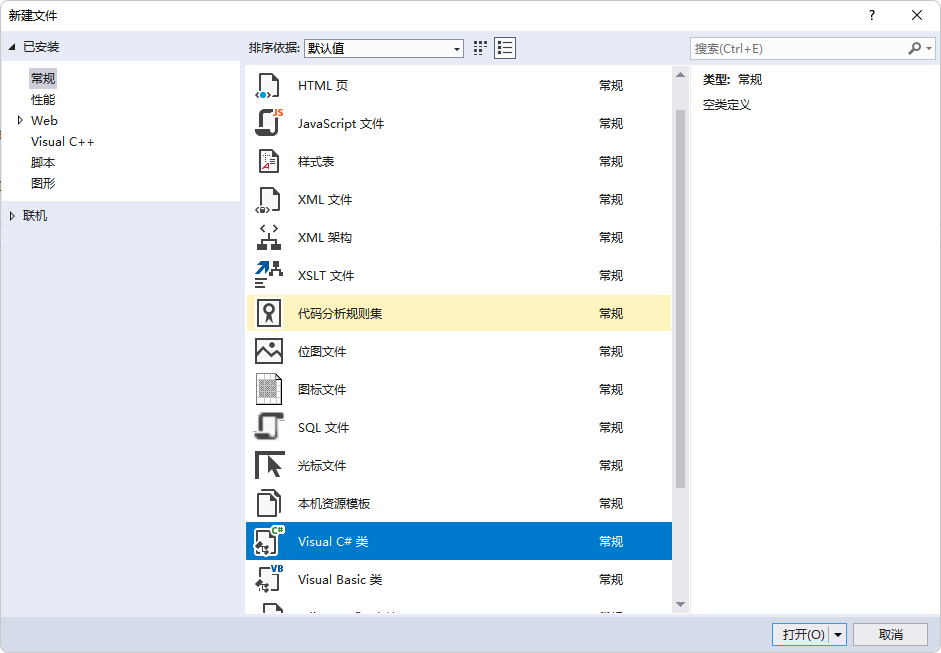
这里选择C#类常规
2.使用快捷键上手VS
-
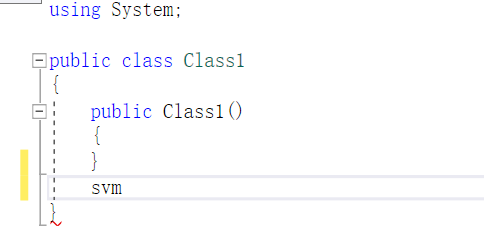
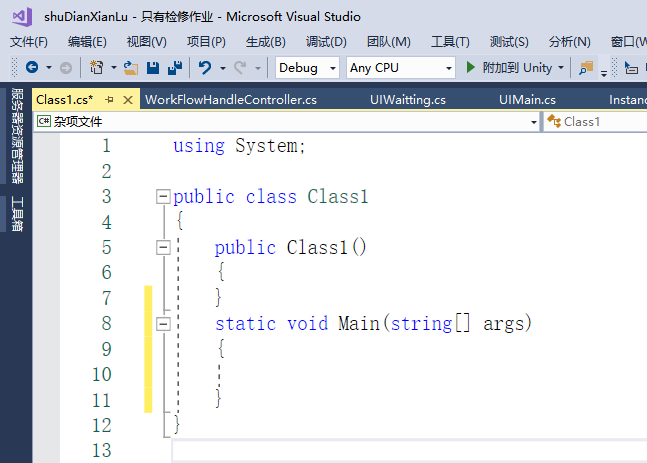
这里输入svm,同时点击两下TAB键,生成主类
-
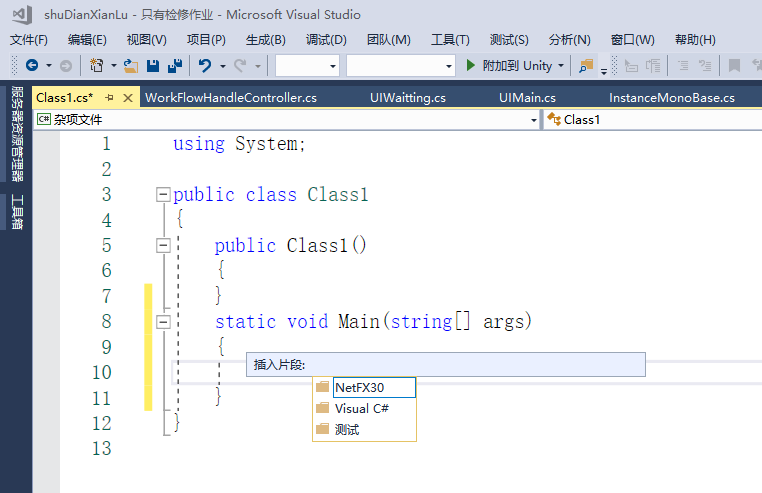
Ctrl+K、Ctrl+X可以生成C#的代码段
-
这里选择第二个
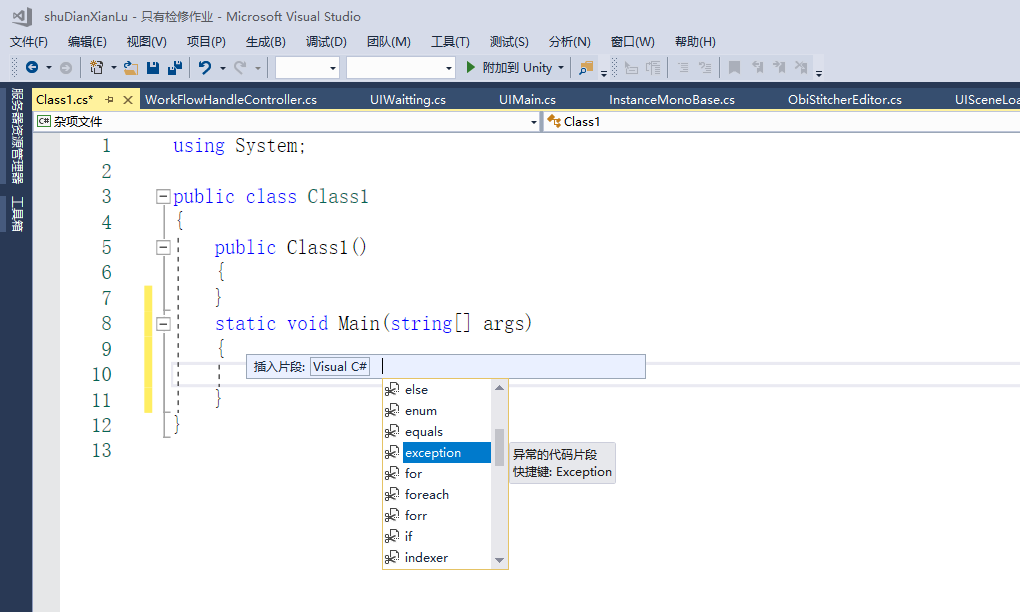
这里输入代码块
using System;

public class Class1
{
	public Class1()
	{
	}
    static void Main(string[] args)
    {
        // someWords is a string array.
        string[] someWords = {
    "the",
    "quick",
    "brown",
    "fox",
    "jumps"
    };
        string[] moreWords = {
                "over",
        "the",
        "lazy",
        "dog"
        };
        // Alphabetically sort the words.
        IEnumerable<string> query = from word in someWords
                                    orderby word
                                    select word;
    }
}
- 当我们需要注释掉某行代码时,快捷键(CTRL+K,CTRL+C)

- 同样需要注视掉某行时,快捷键(Ctrl+K, Ctrl+U)

-
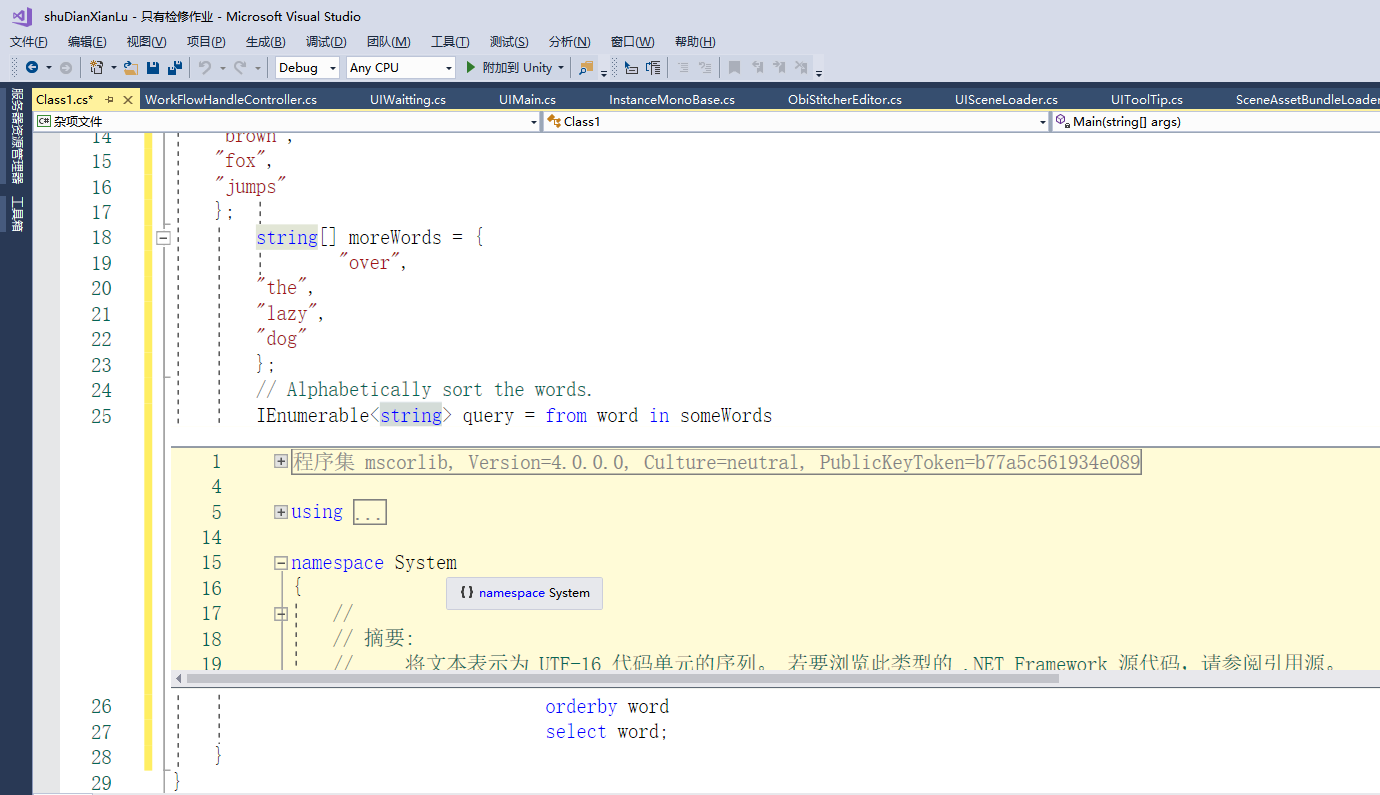
当我们需要查看定义时,快捷键(Alt+F12)
代码补全功能
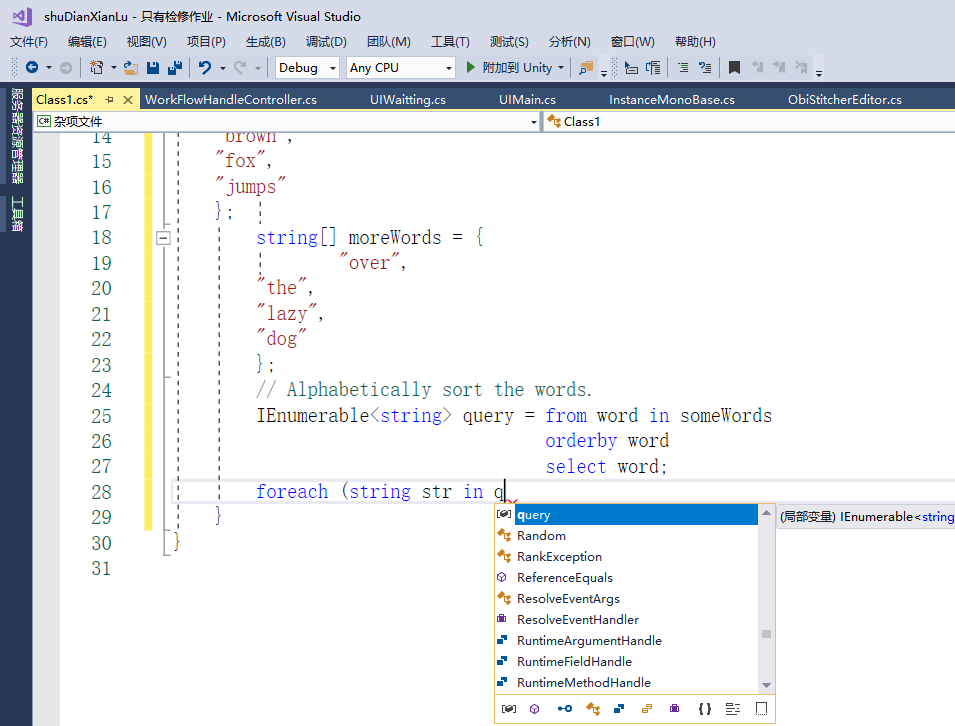
using System;

public class Class1
{
	public Class1()
	{
	}
    static void Main(string[] args)
    {
        // someWords is a string array.
        string[] someWords = {
    "the",
    "quick",
    "brown",
    "fox",
    "jumps"
    };
        string[] moreWords = {
                "over",
        "the",
        "lazy",
        "dog"
        };
        // Alphabetically sort the words.
        IEnumerable<string> query = from word in someWords
                                    orderby word
                                    select word;
        foreach (string str in query)
        {
            //CW+TAB两次
            Console.WriteLine(str);
        }
    }
}
-
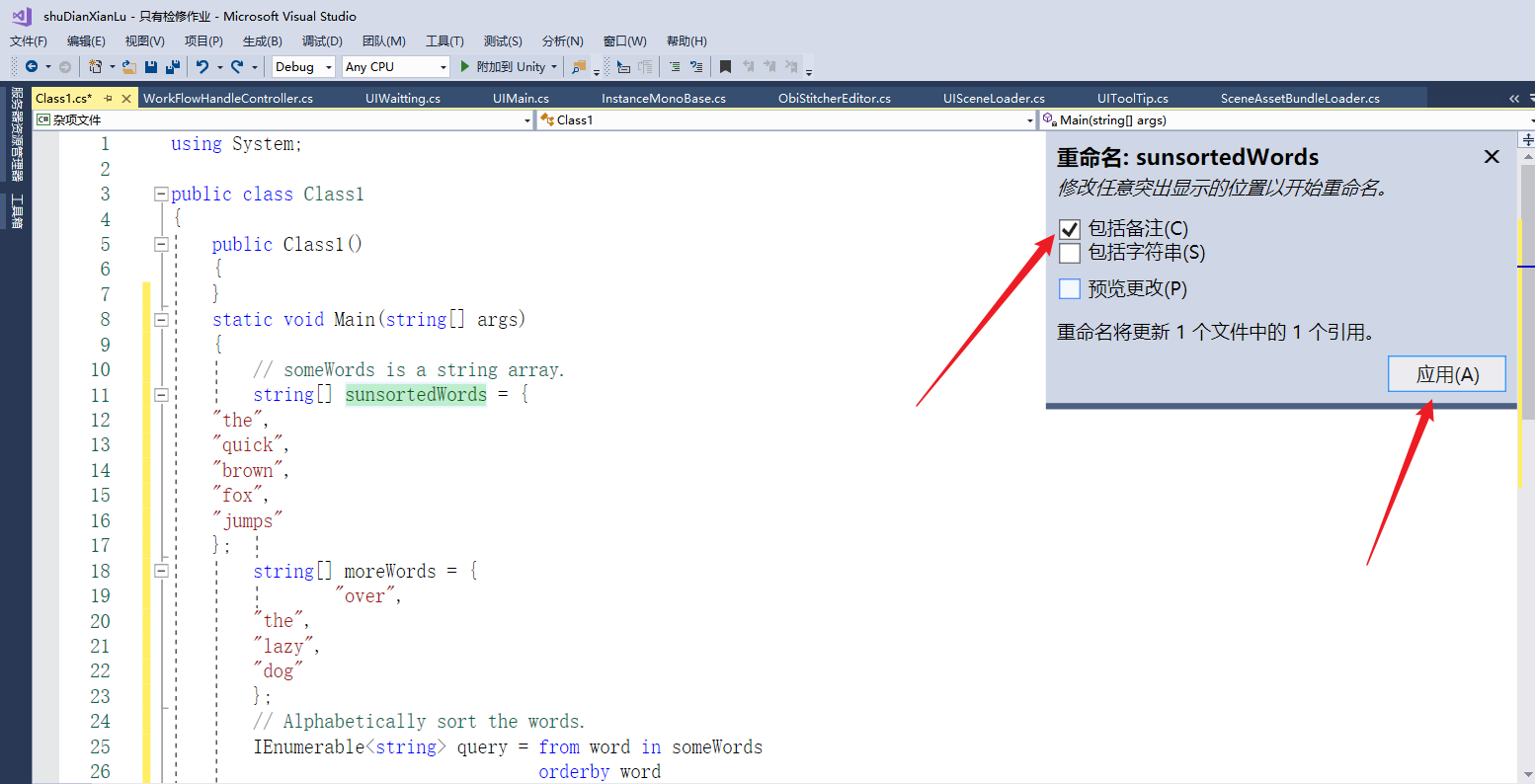
代码重构:将 somewords 变量重命名为unsortedWords ,点击变量,右键重命名