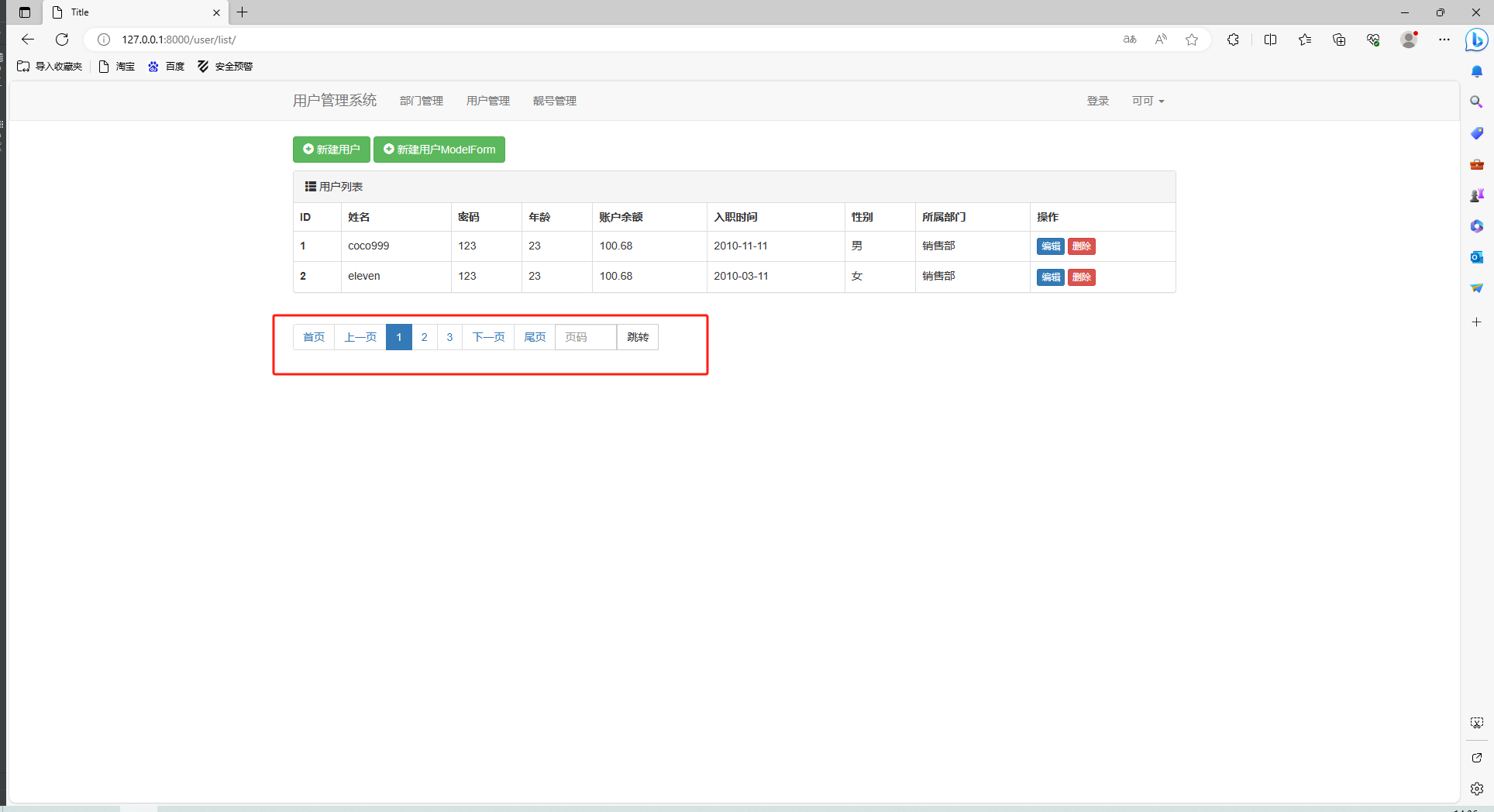
在用户管理页面添加分页
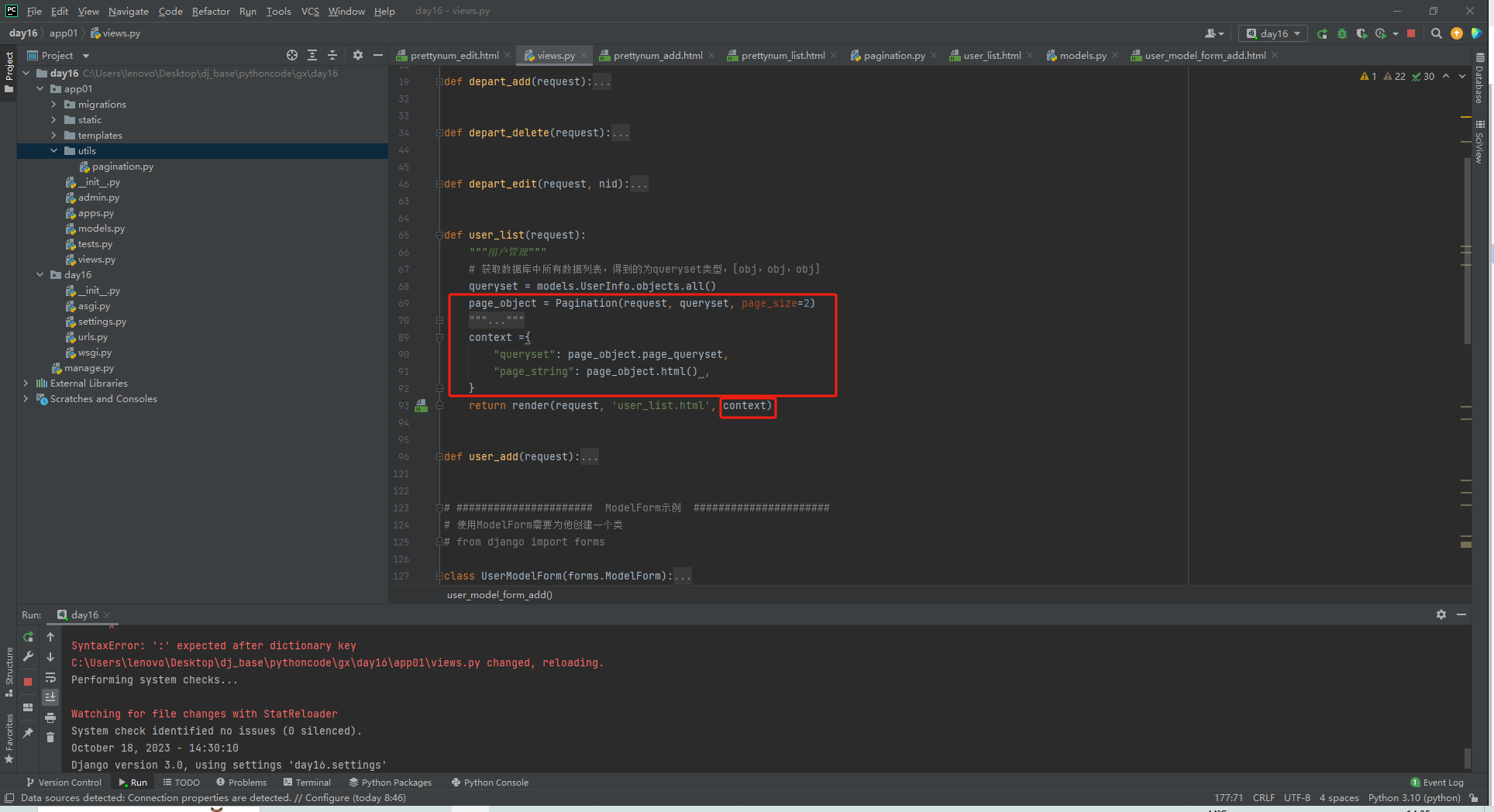
views.py
def user_list(request):
    """用户管理"""
    # 获取数据库中所有数据列表,得到的为queryset类型,[obj,obj,obj]
    queryset = models.UserInfo.objects.all()
    page_object = Pagination(request, queryset, page_size=2)
    context ={
        "queryset": page_object.page_queryset,
        "page_string": page_object.html() ,
    }
    return render(request, 'user_list.html', context)
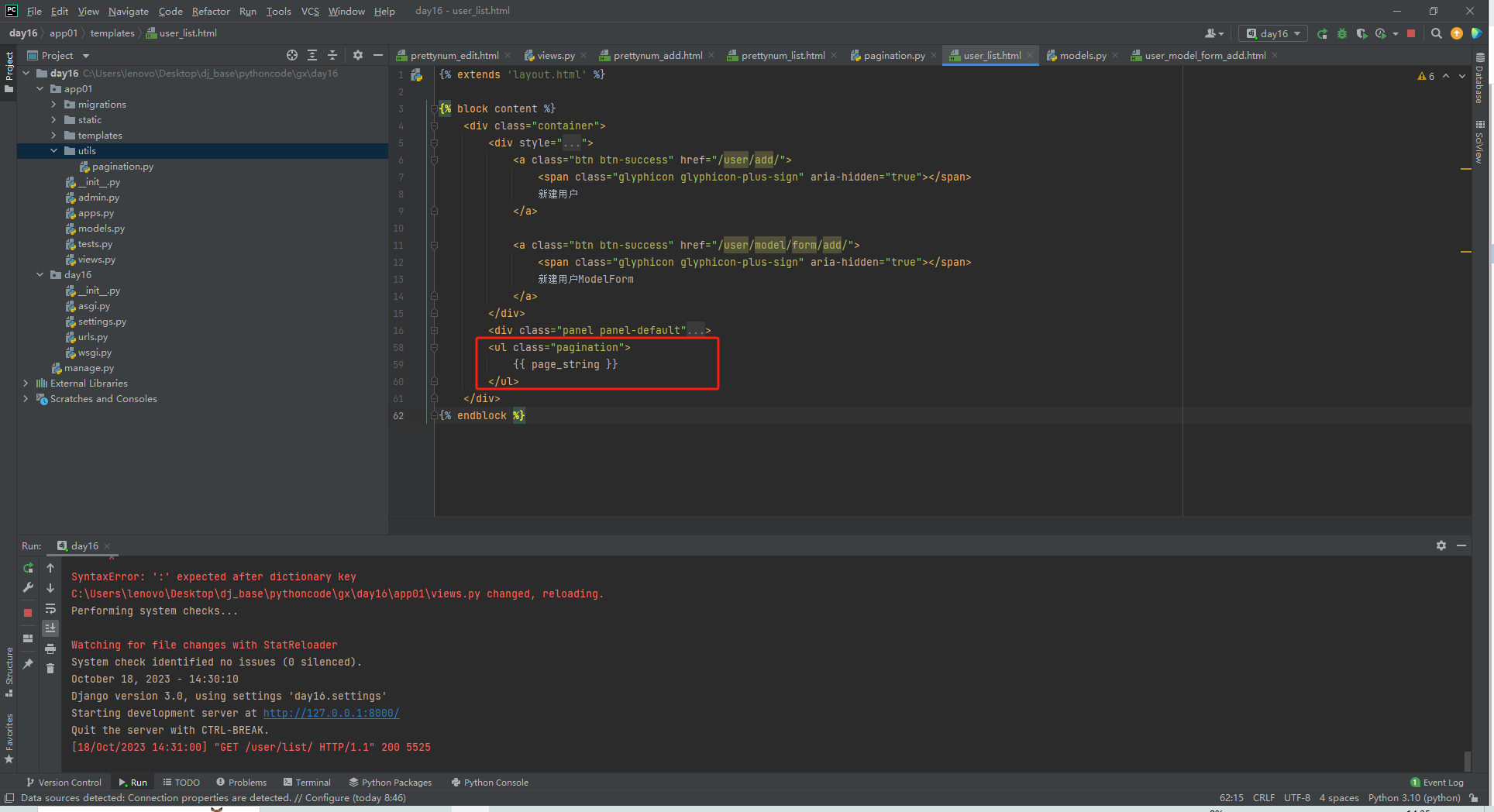
user.html
{% extends 'layout.html' %}

{% block content %}
    <div class="container">
        <div style="margin-bottom: 10px">
            <a class="btn btn-success" href="/user/add/">
                <span class="glyphicon glyphicon-plus-sign" aria-hidden="true"></span>
                新建用户
            </a>

            <a class="btn btn-success" href="/user/model/form/add/">
                <span class="glyphicon glyphicon-plus-sign" aria-hidden="true"></span>
                新建用户ModelForm
            </a>
        </div>
        <div class="panel panel-default">
            <!-- Default panel contents -->
            <div class="panel-heading">
                <span class="glyphicon glyphicon-th-list" aria-hidden="true"></span>
                用户列表
            </div>

            <!-- Table -->
            <table class="table table-bordered">
                <thead>
                <tr>
                    <th>ID</th>
                    <th>姓名</th>
                    <th>密码</th>
                    <th>年龄</th>
                    <th>账户余额</th>
                    <th>入职时间</th>
                    <th>性别</th>
                    <th>所属部门</th>
                    <th>操作</th>
                </tr>
                </thead>
                <tbody>
                {% for obj in queryset %}
                    <tr>
                        <th>{{ obj.id }}</th>
                        <td>{{ obj.name }}</td>
                        <td>{{ obj.password }}</td>
                        <td>{{ obj.age }}</td>
                        <td>{{ obj.acount }}</td>
                        <td>{{ obj.creata_time|date:"Y-m-d" }}</td>
                        <td>{{ obj.get_gender_display }}</td>
                        <td>{{ obj.depart.title }}</td>
                        <td>
                            <a class="btn btn-primary btn-xs" href="/user/{{ obj.id }}/edit/">编辑</a>
                            <a class="btn btn-danger btn-xs" href="/user/{{ obj.id }}/delete/">删除</a>
                        </td>
                    </tr>
                {% endfor %}
                </tbody>
            </table>
        </div>
        <ul class="pagination">
            {{ page_string }}
        </ul>
    </div>
{% endblock %}
浏览器预览