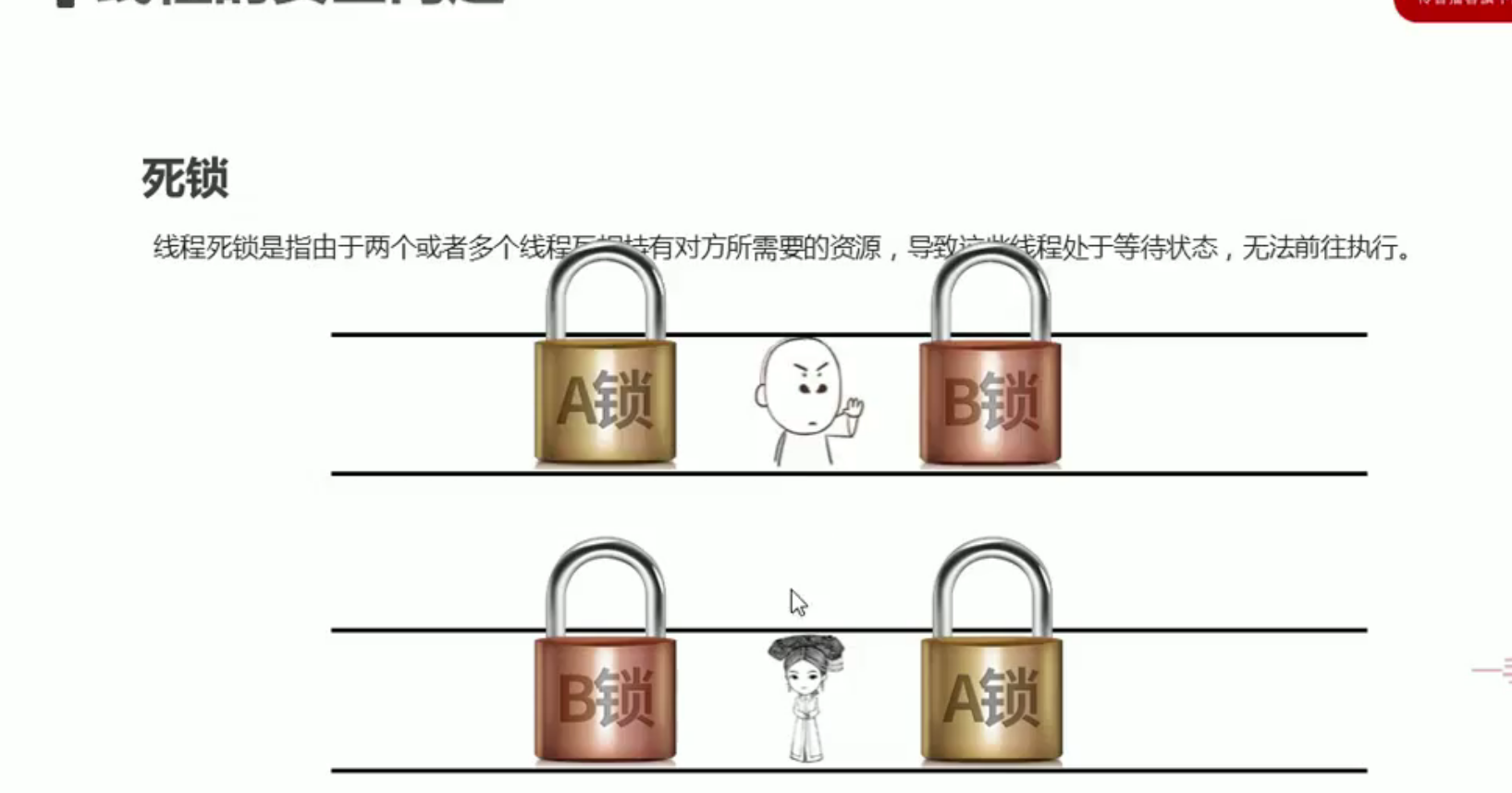
了解多线程
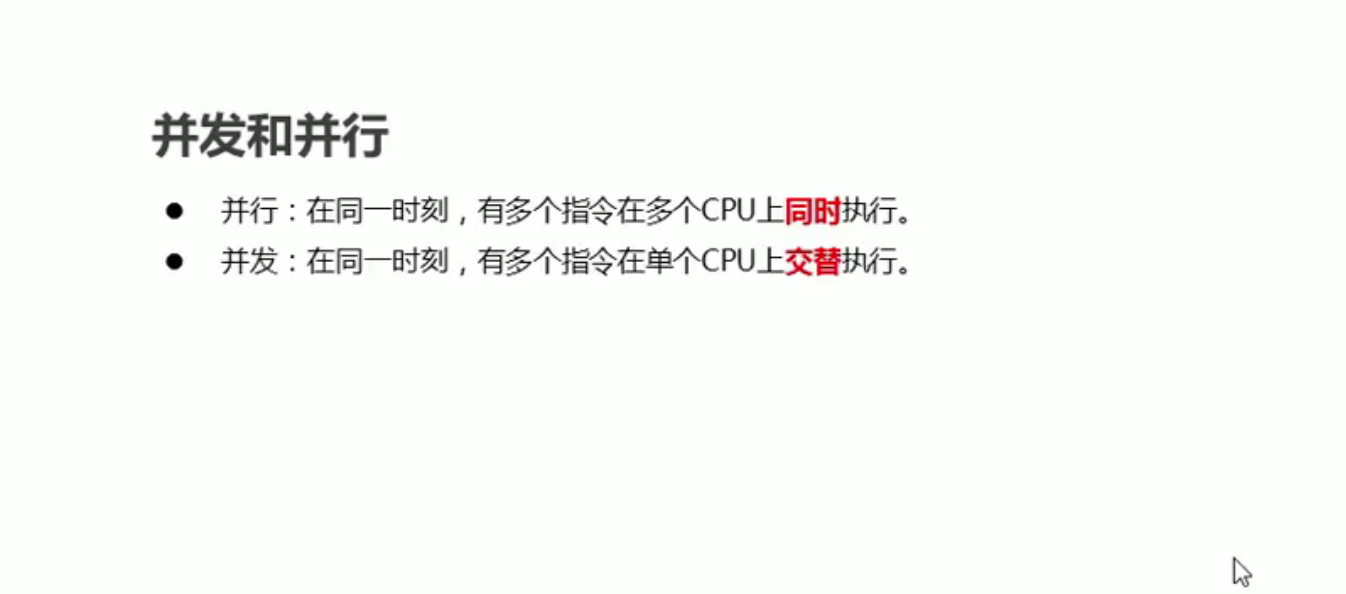
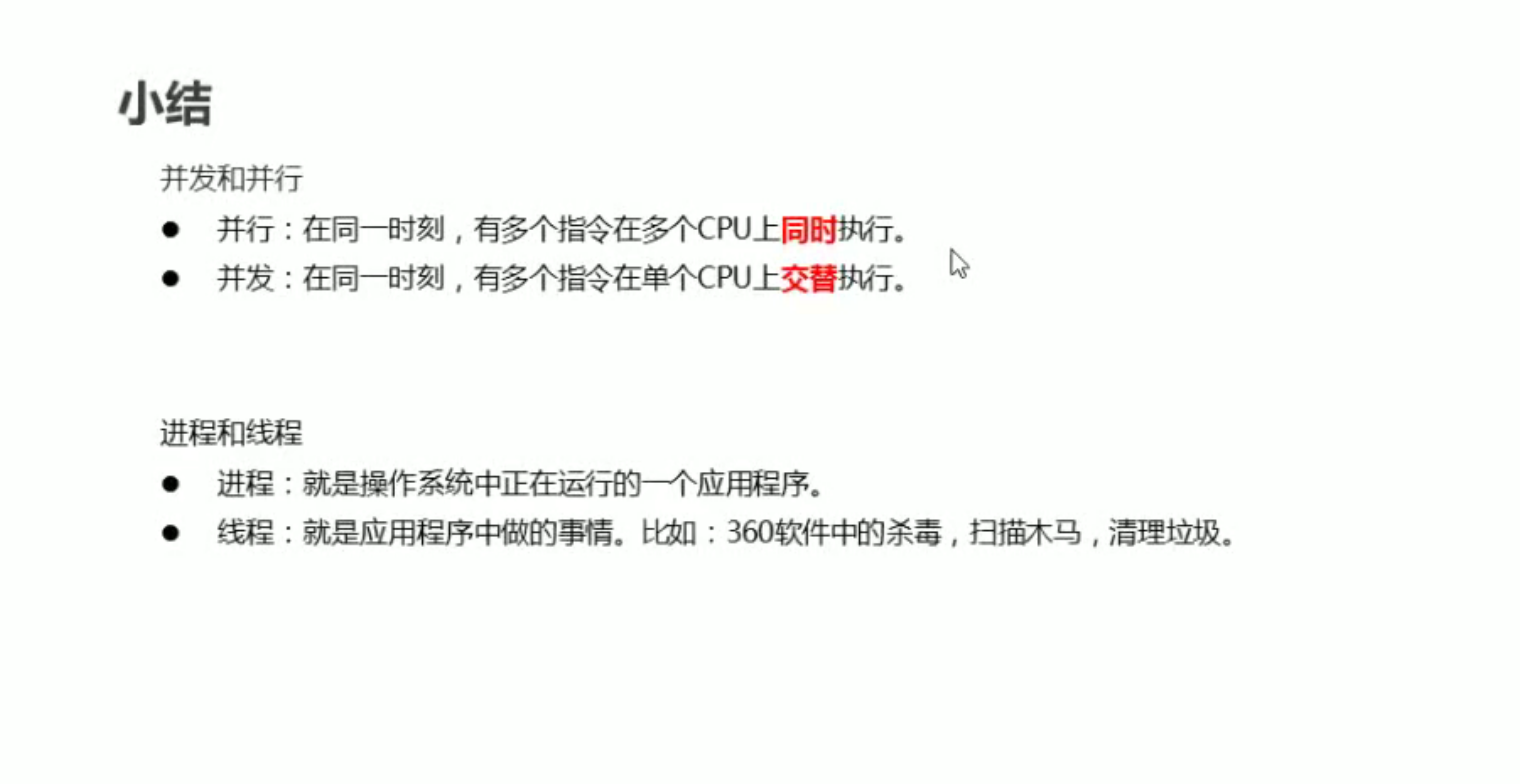
并发和并行
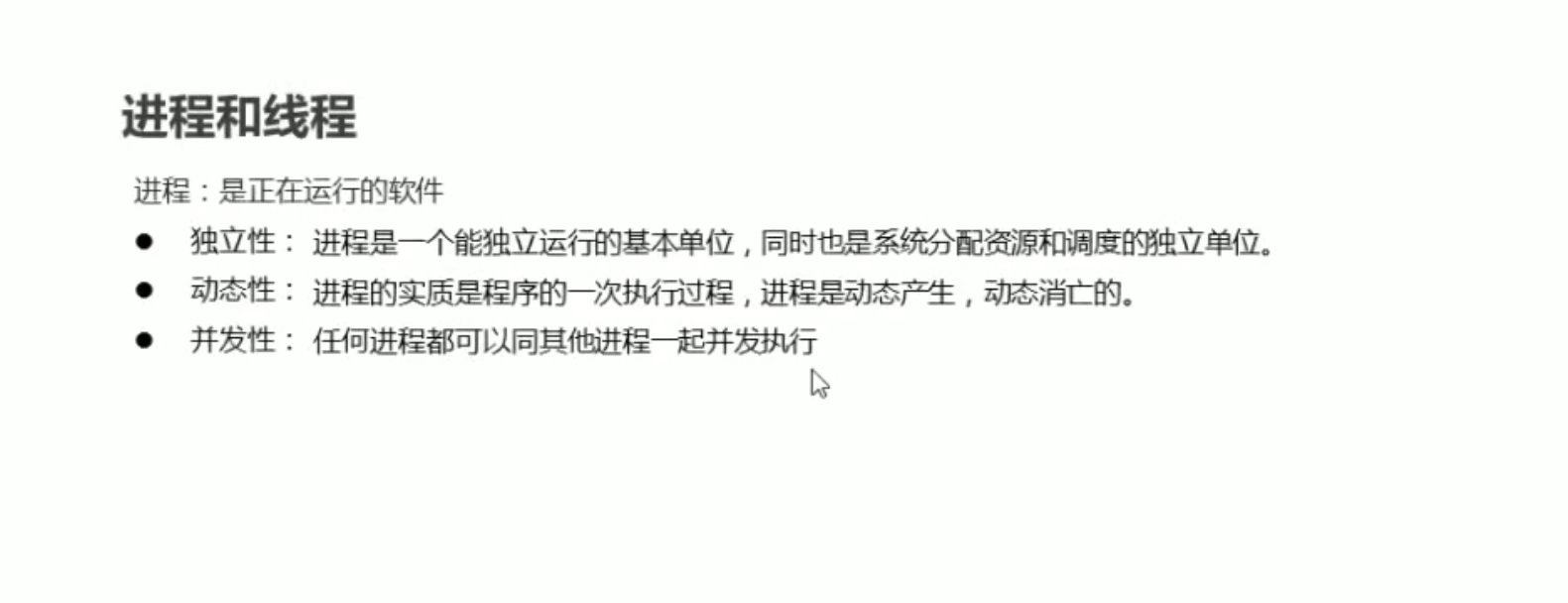
进程和线程
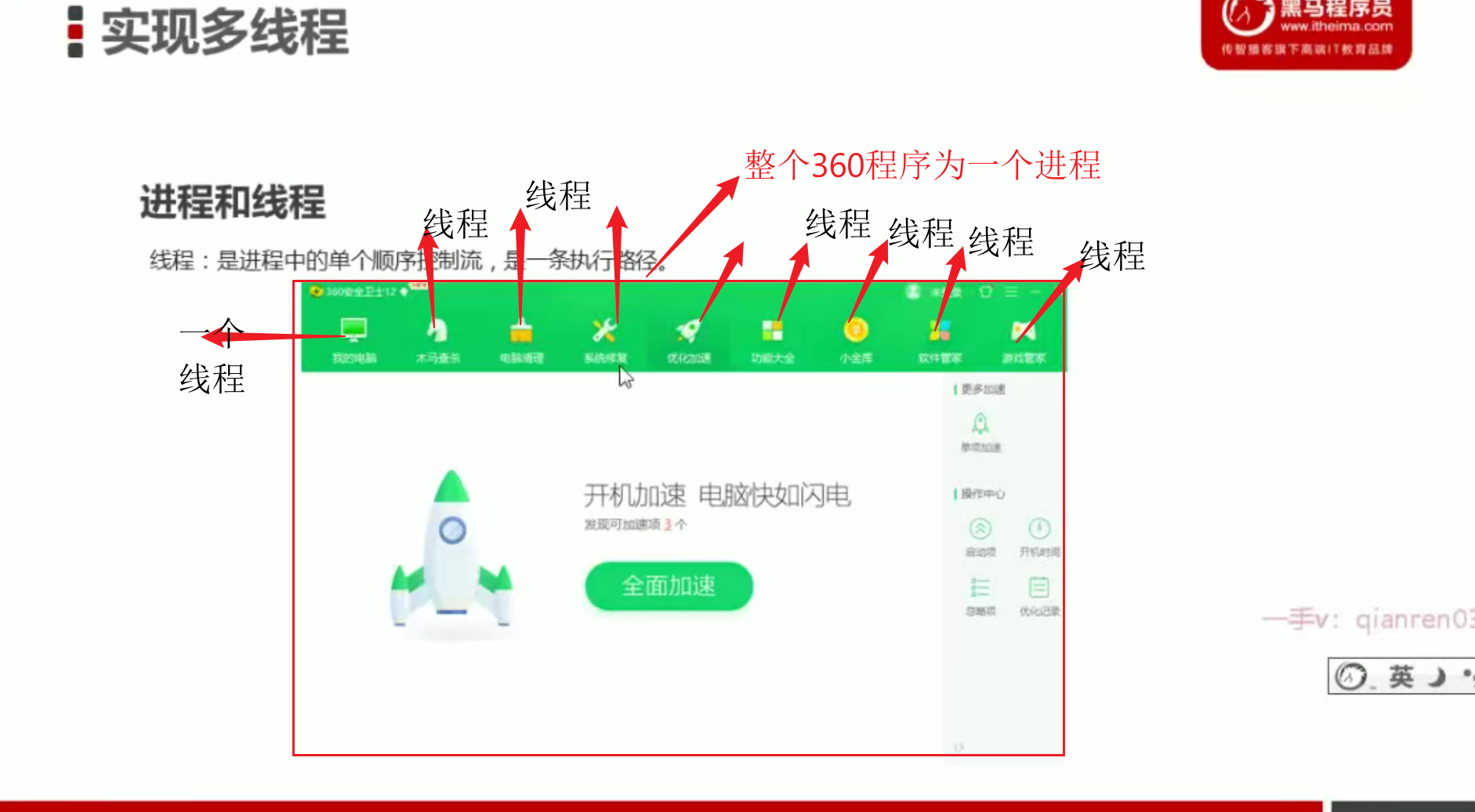

- 总结
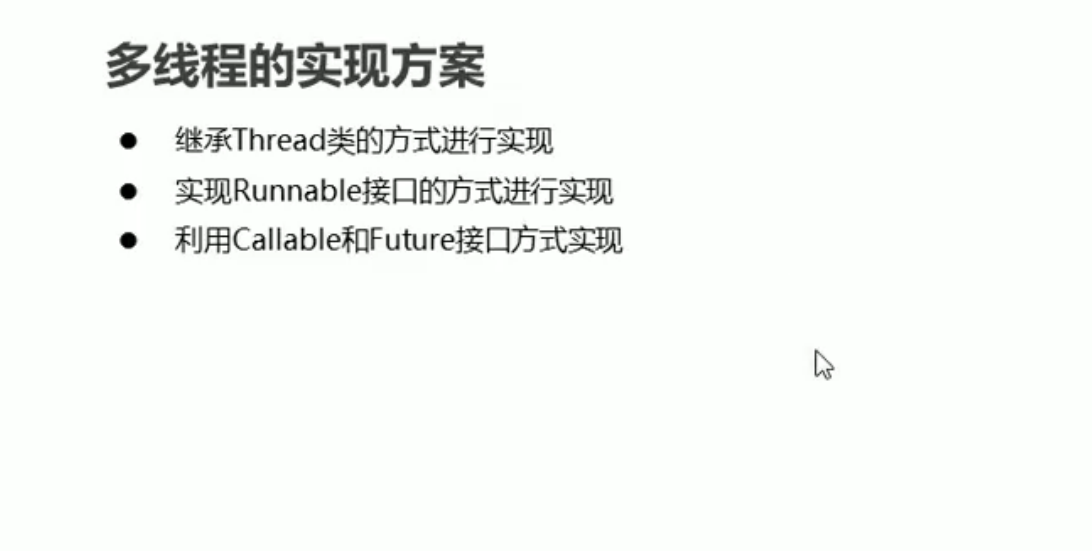
多线程的实现方式--继承Thread
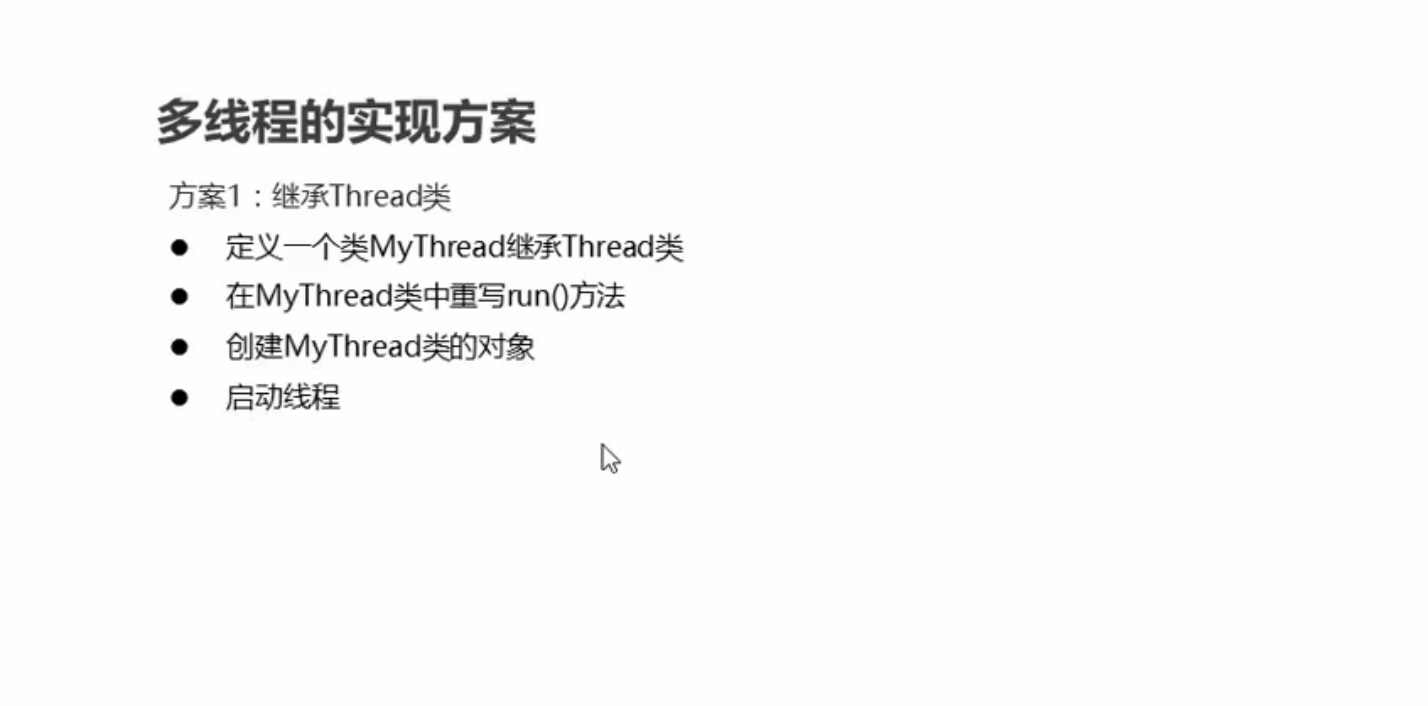
- 实现步骤
package com.thread;

public class MyThread extends Thread{
    @Override
    public void run(){
        //run()里面的代码就是线程开启之后执行的代码
        for (int i = 0; i < 100; i++) {
            System.out.println("线程开始了"+i);
        }
    }

}
package com.thread;

public class Test {
    public static void main(String[] args) {
        MyThread myThread = new MyThread();//线程1
        MyThread myThread1 = new MyThread();//线程2
        myThread.start();//开启线程1
        myThread1.start();//开启线程2
    }
}
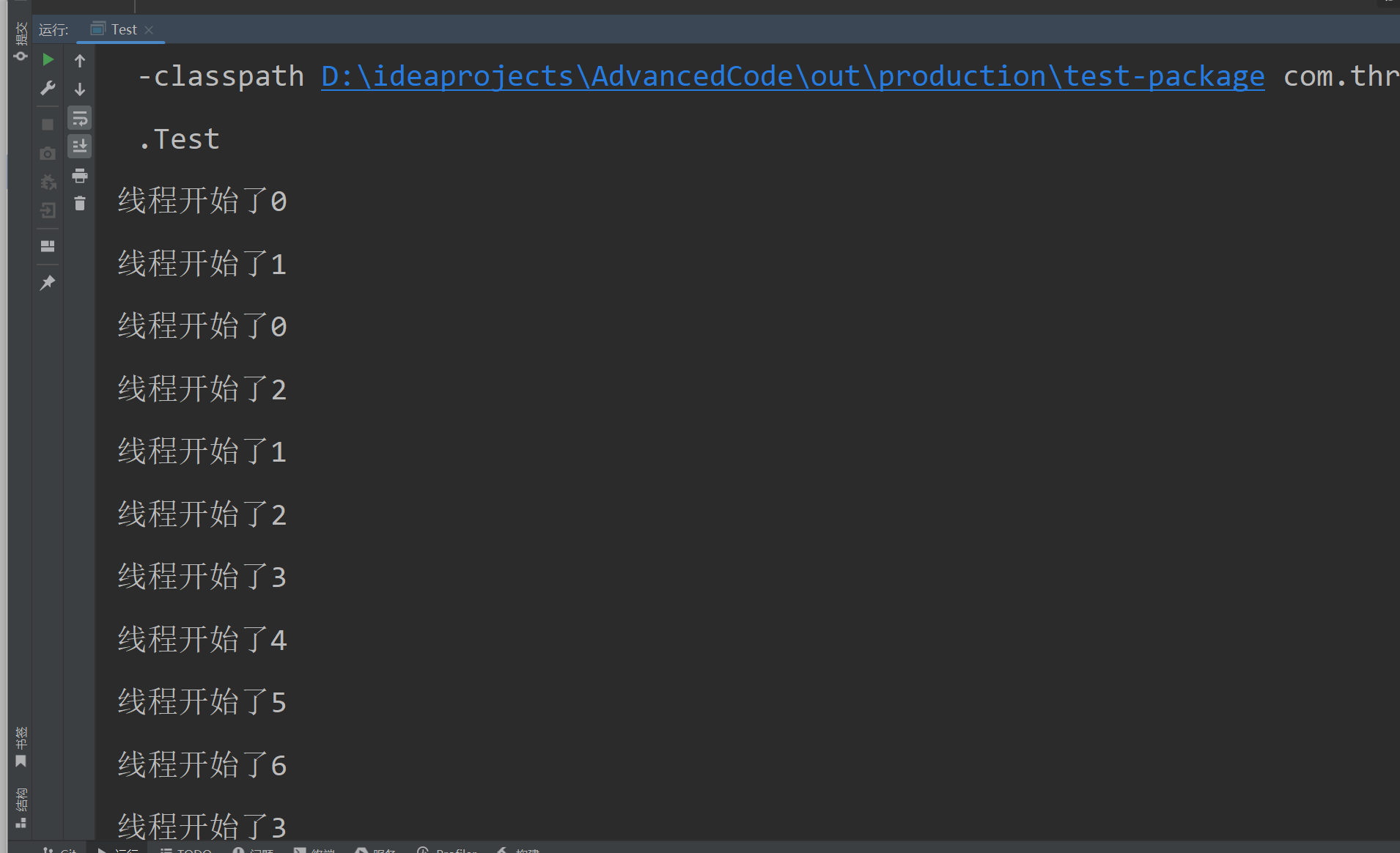
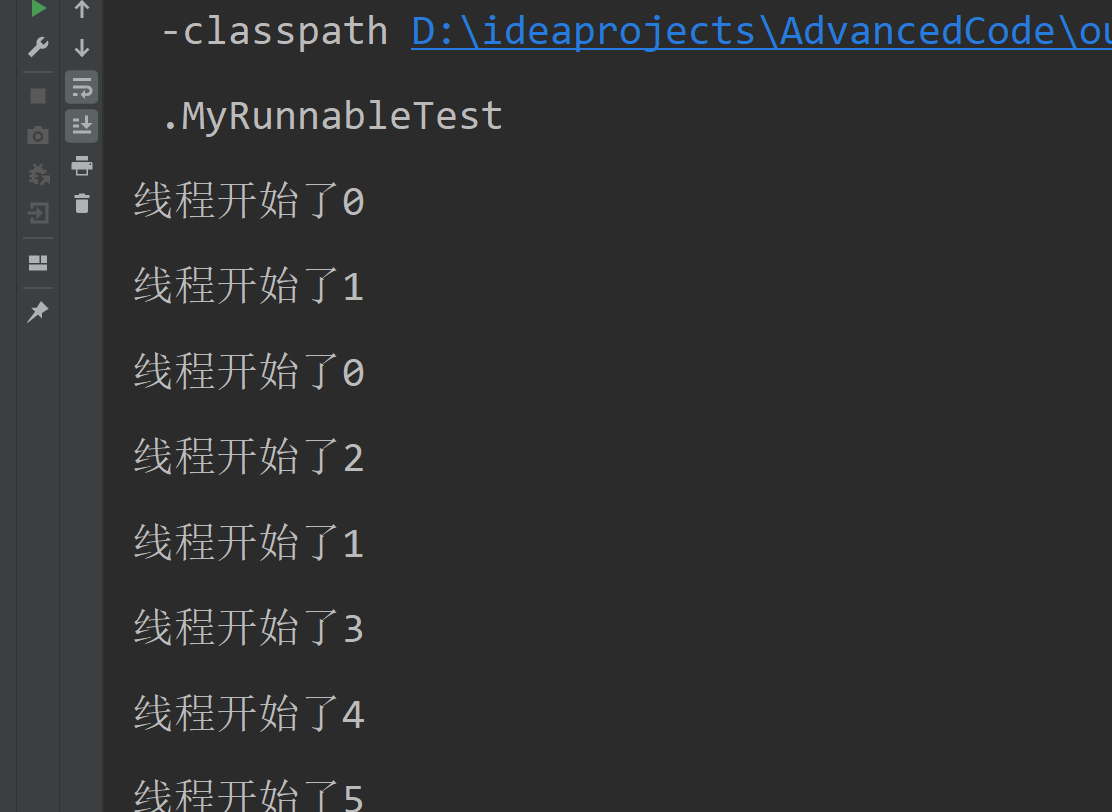
我们从一个线程的执行可能开不出来什么,什么我们同时开启了2个线程。可以看到这2个线程在并发交替执行
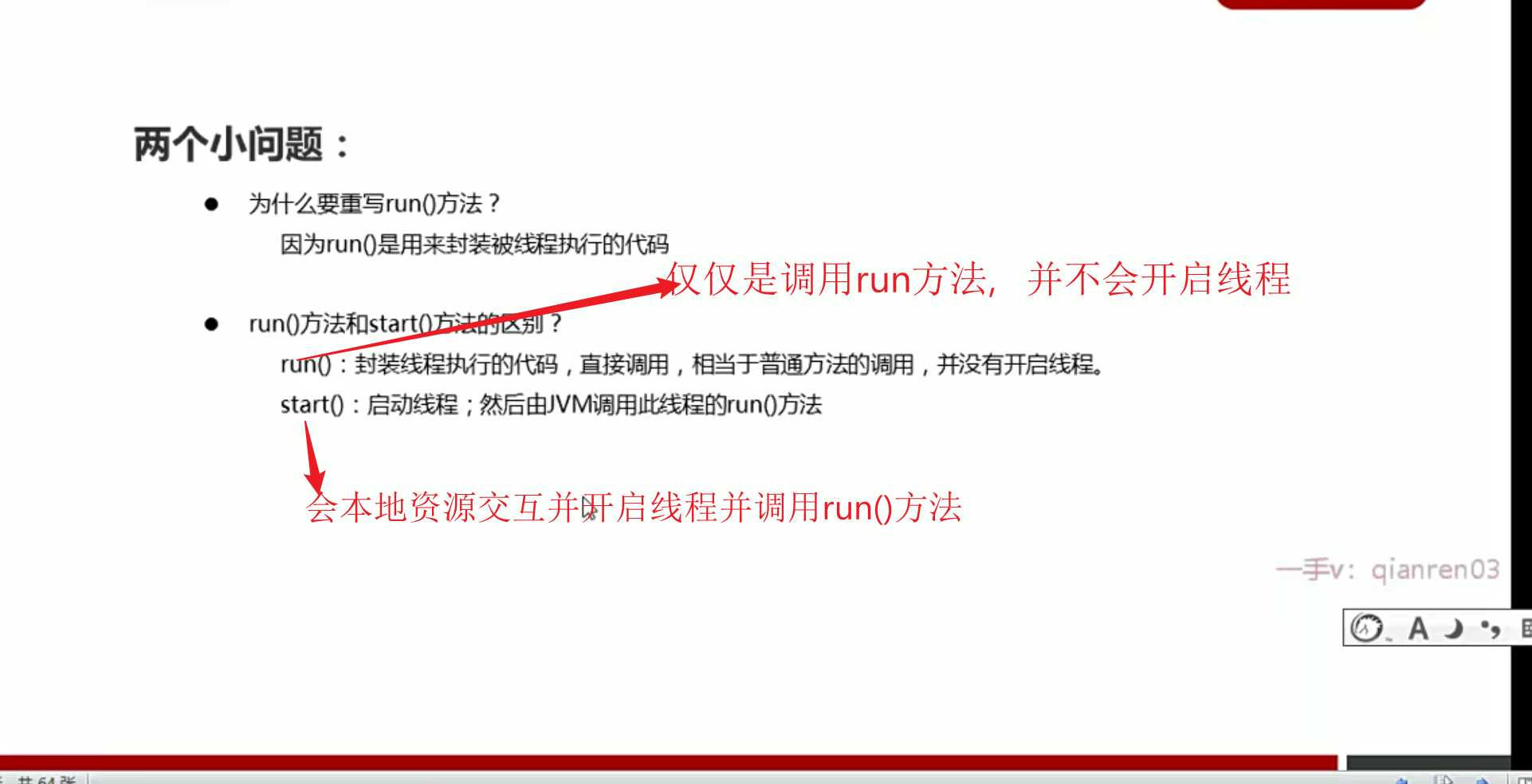
2个小问题
多线程的实现方式--实现Runnable接口
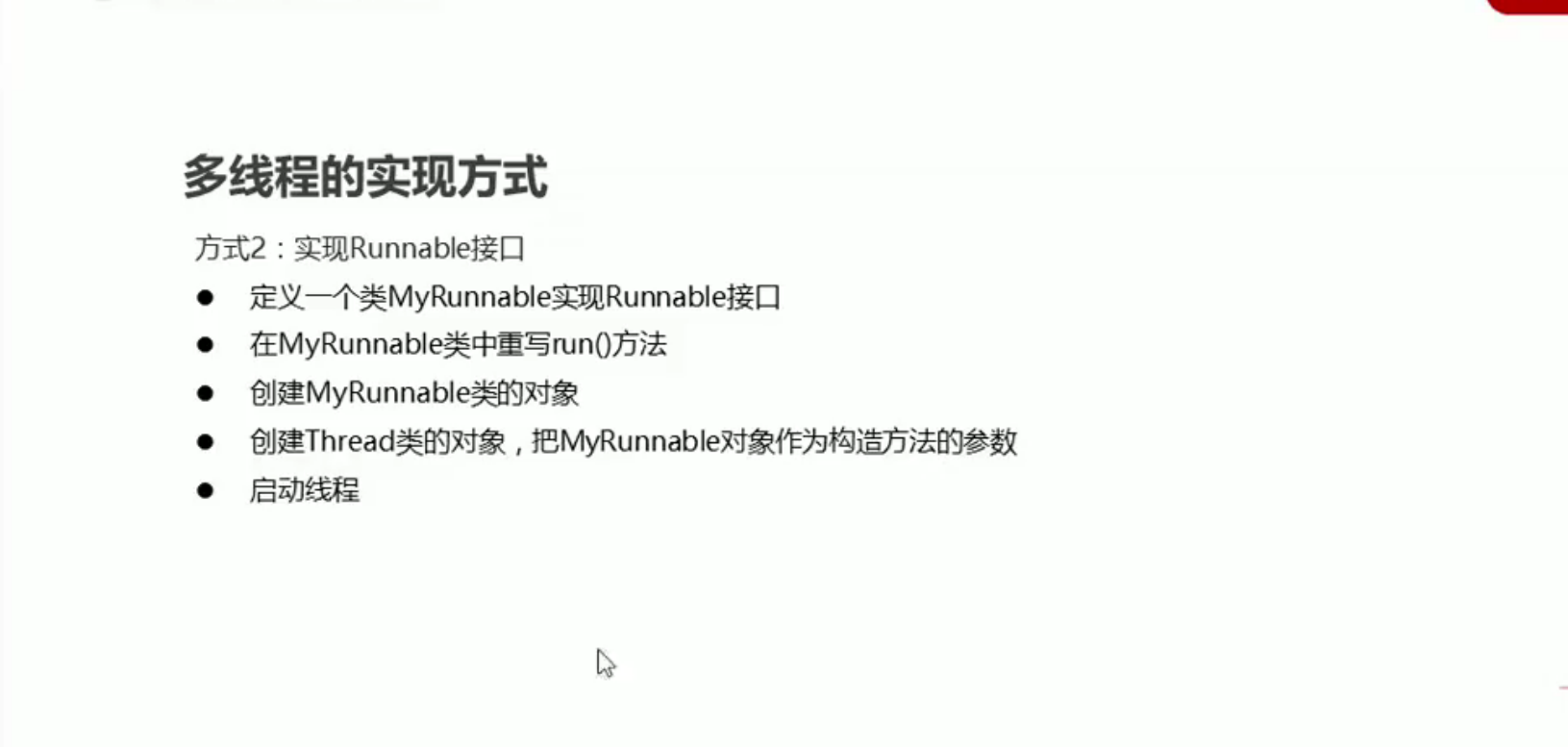
Thread构造方法里面传递的参数,表示线程执行对应myrnnnable的run 方法
- 实现步骤
package com.runnable;

public class MyRunnableTest {
    public static void main(String[] args) {
        //创建了一个参数的对象
        MyRunnable myRunnable = new MyRunnable();
        //创建了一个线程的的对象并把参数传递给它
        Thread thread = new Thread(myRunnable);
        //开启线程

        //创建并执行线程2
        thread.start();
        MyRunnable myRunnable1 = new MyRunnable();
        Thread thread1 = new Thread(myRunnable1);
        thread1.start();
    }
}
package com.runnable;

public class MyRunnable implements Runnable{
    @Override
    public void run() {
        //表示线程启动后执行的代码
        for (int i = 0; i < 100; i++) {
            System.out.println("线程开始了"+i);
        }
    }
}
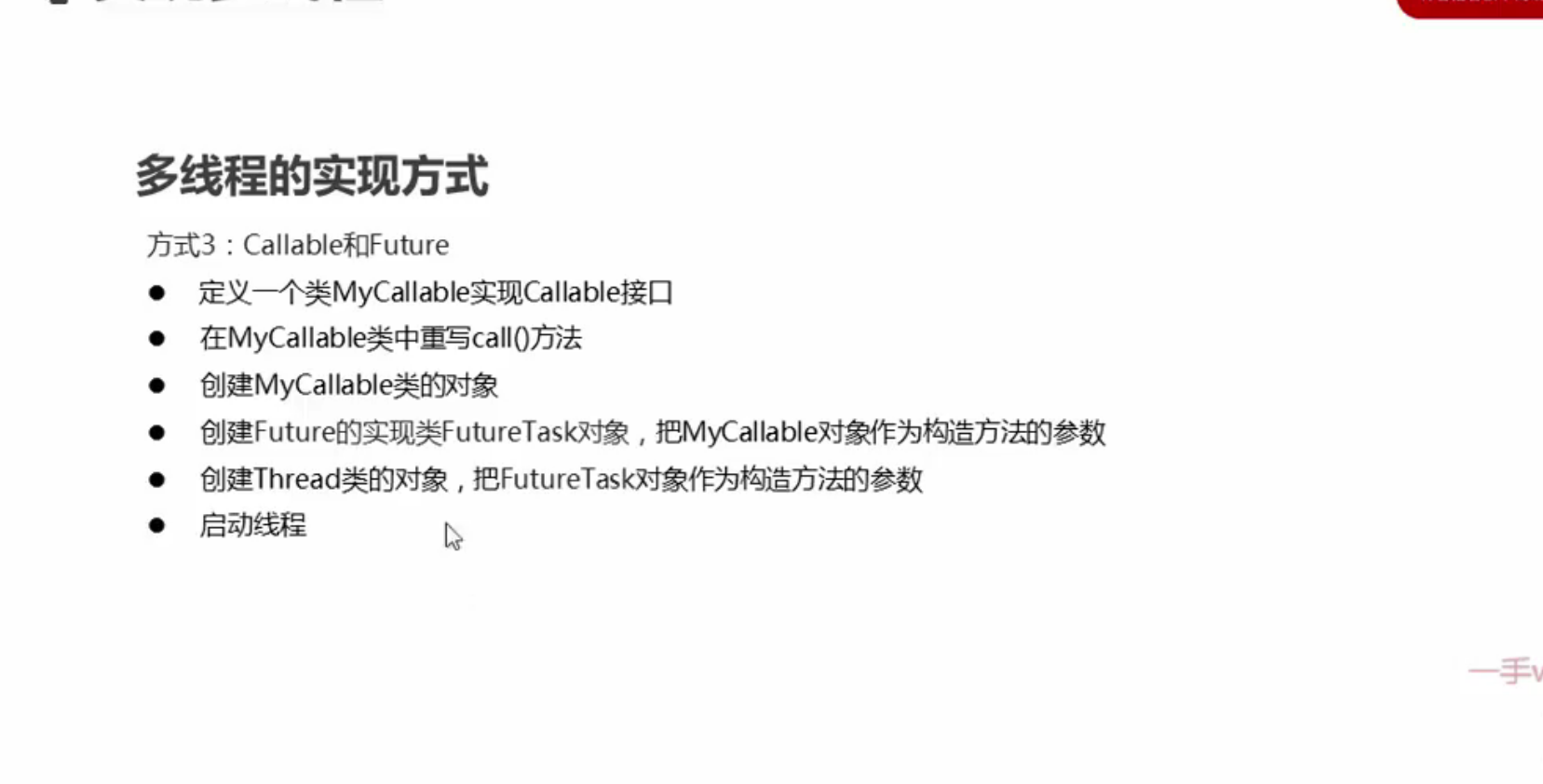
多线程的实现方式--实现callable接口
package com.callable;

import java.util.concurrent.ExecutionException;
import java.util.concurrent.Future;
import java.util.concurrent.FutureTask;

public class CallableTest {
    public static void main(String[] args) throws ExecutionException, InterruptedException {
        //线程开启后需要执行里面的cll方法
        MyCallable myCallable = new MyCallable();
        //Thread thread = new Thread(myCallable);不能直接将myCallable传递给Thread

        //1.FutureTask的泛型和MyCallable的泛型相同
        //2.将MyCallable传递给FutureTask
        //可以获取线程执行结束之后的结果
        FutureTask<String > future =  new FutureTask<>(myCallable);
        //将FutureTask传递给Thread

        Thread thread = new Thread(future);
        thread.start();
        //获取线程执行结束的结果
        final String reason = future.get();
        System.out.println(reason);
    }
}
package com.callable;

import java.util.Objects;
import java.util.concurrent.Callable;

public class MyCallable implements Callable<String> {//泛型类型表示返回值的数据类型
    //返回值表示线程运行结束之后的结果

    @Override
    public String call() throws Exception {
        return "hell world";
    }
}
- ouput:hello world
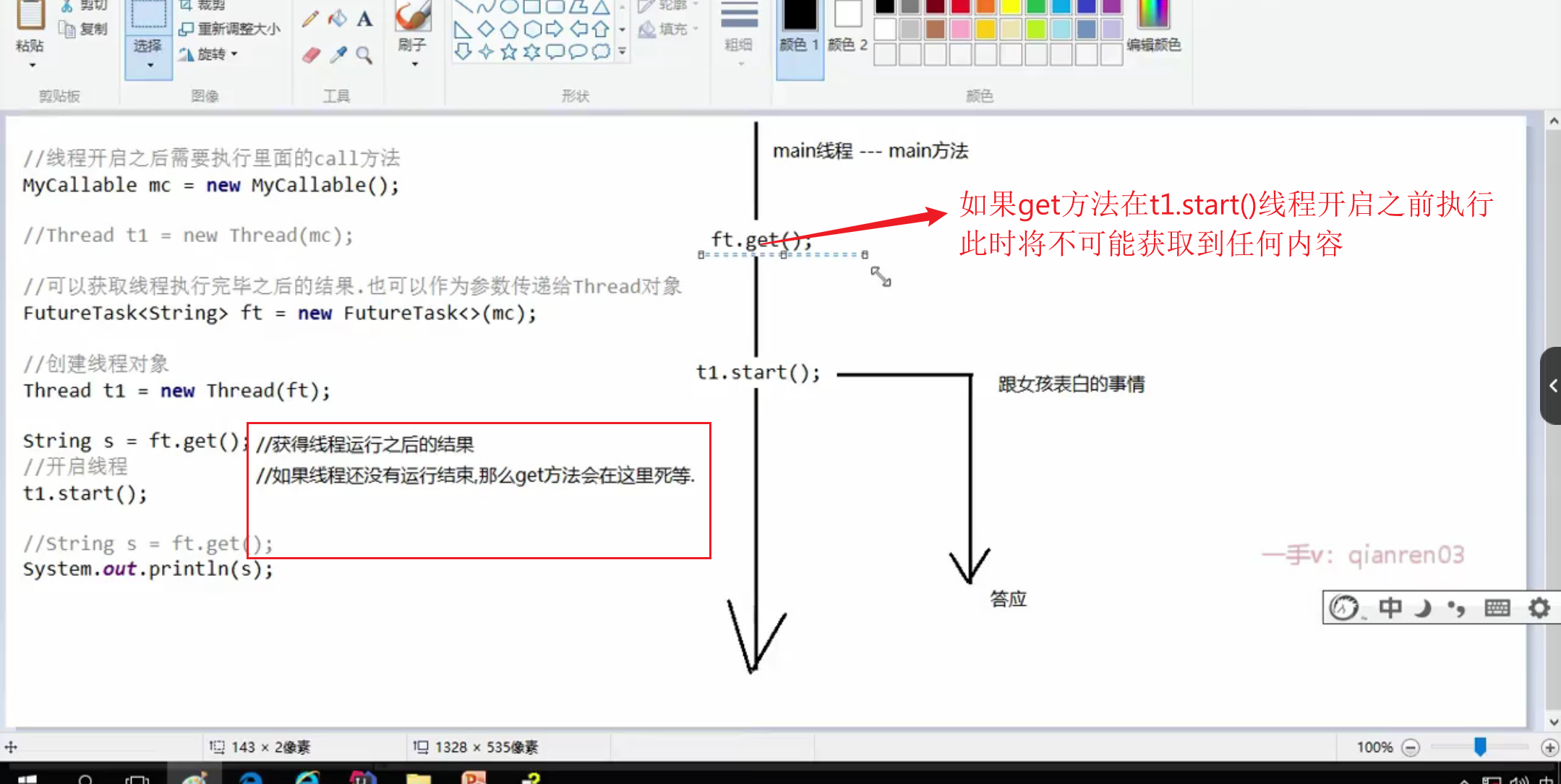
注意:当我们的get()方法在我们t1.start()线程开启之前执行,此时我们将不可能获取到线程执行的结果。并且由于get()方法
当线程还没有执行结束将会一直处于等待状态。当我们将get方法放在get之前,此时我们的程序将一直停留在get()处,不会继续运行
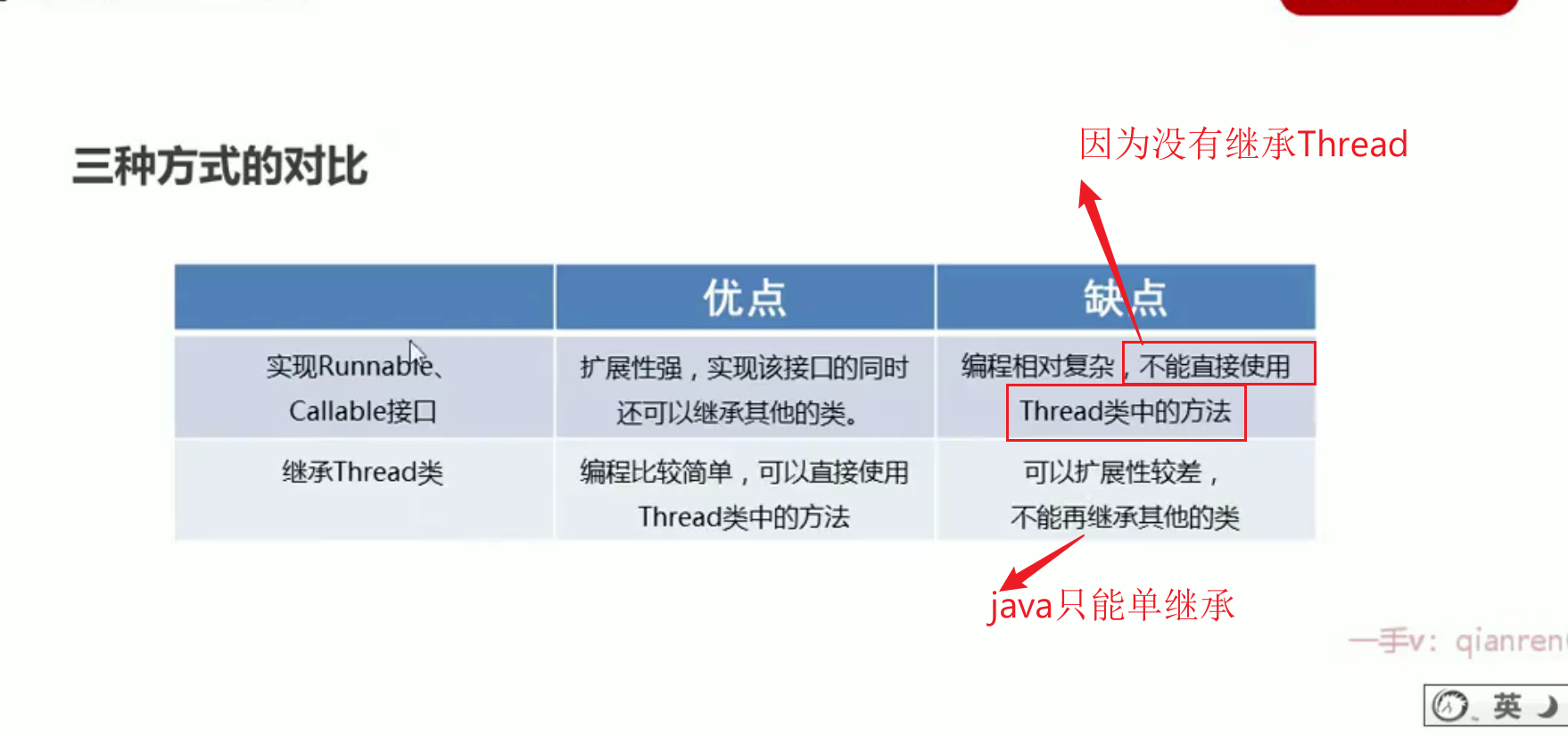
三种实现方式的对比
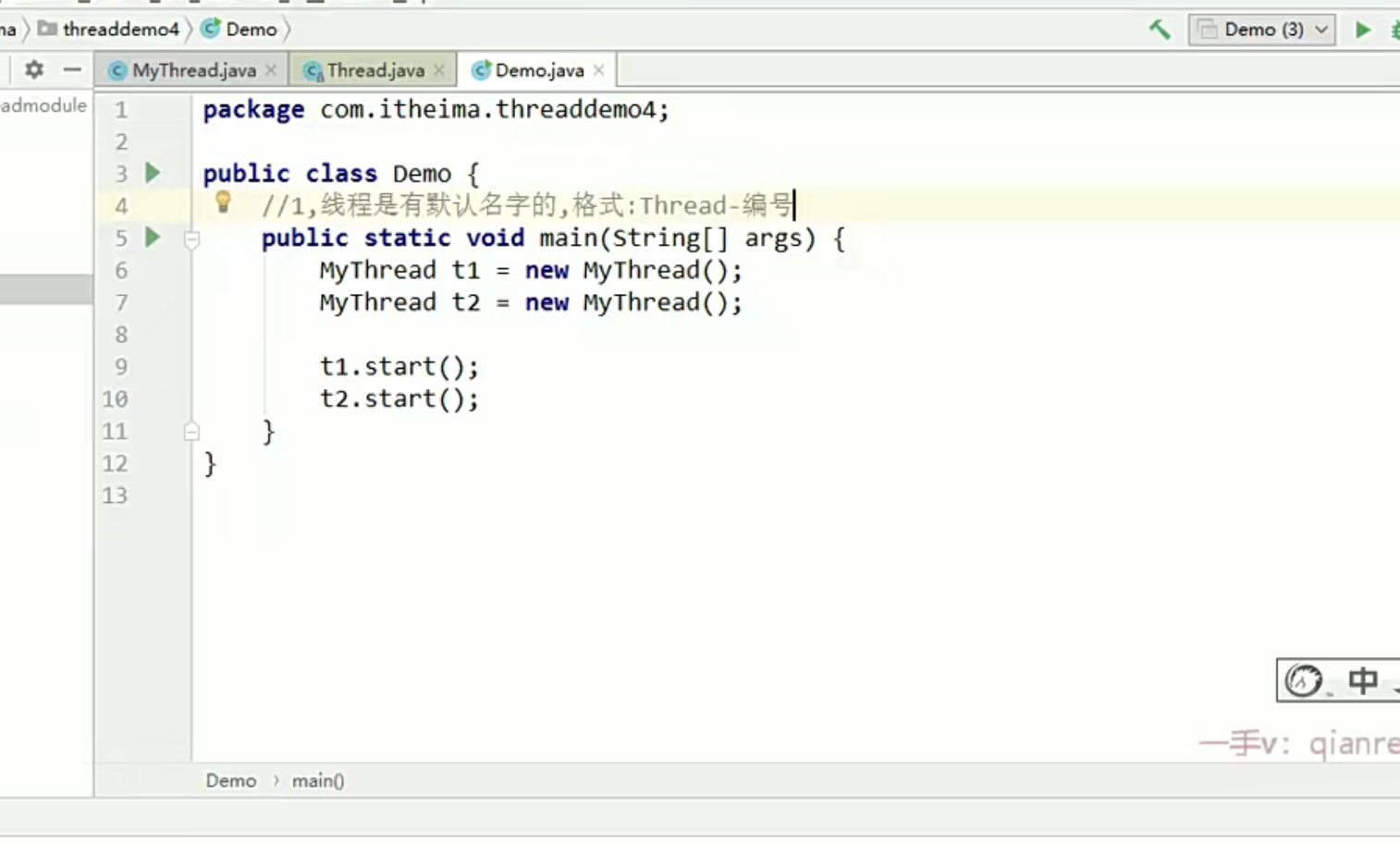
Thread方式--设置获取名字
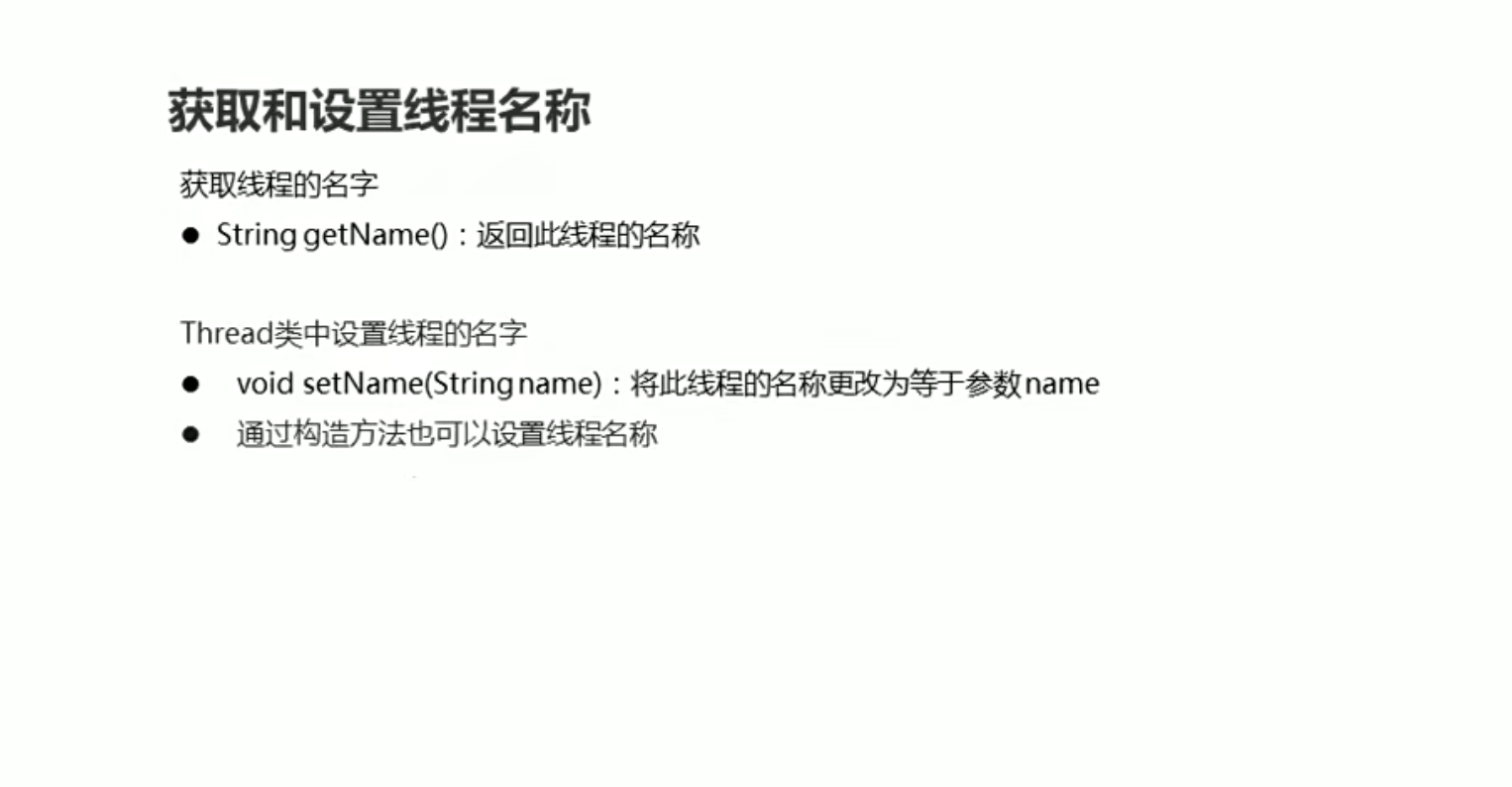
- 通过构造方法设置线程名
我们Mythread的父类是有类似Thread(String name)的构造方法专门用来设置线程名的,但是由于构造方法不能继承,所有我们的子类要想使用设置线程名的构造方法来创建子类的话,就需要在MyThread中创创建单参构造并调用父类单参构造
Thread方法--获取线程对象
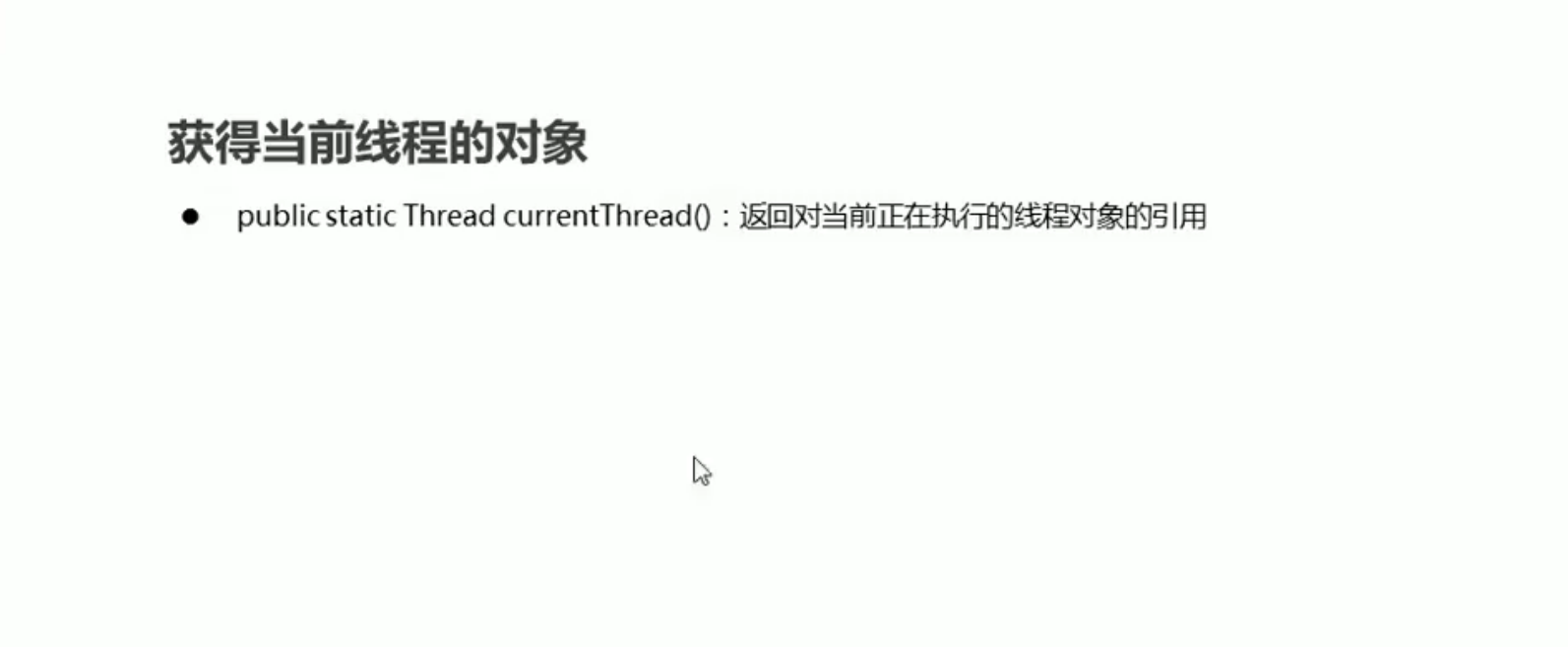
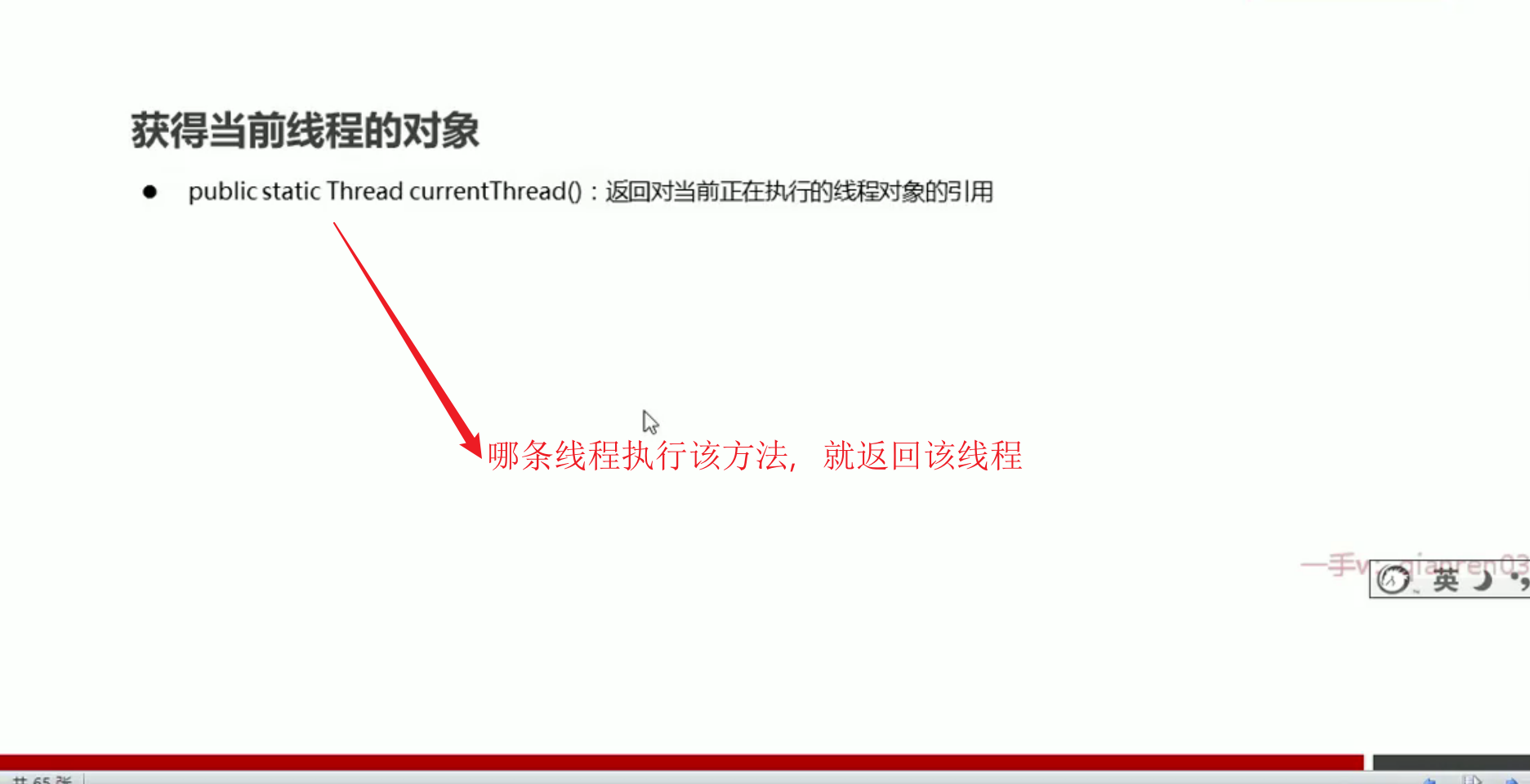
获取当先线程对象的一般使用场景
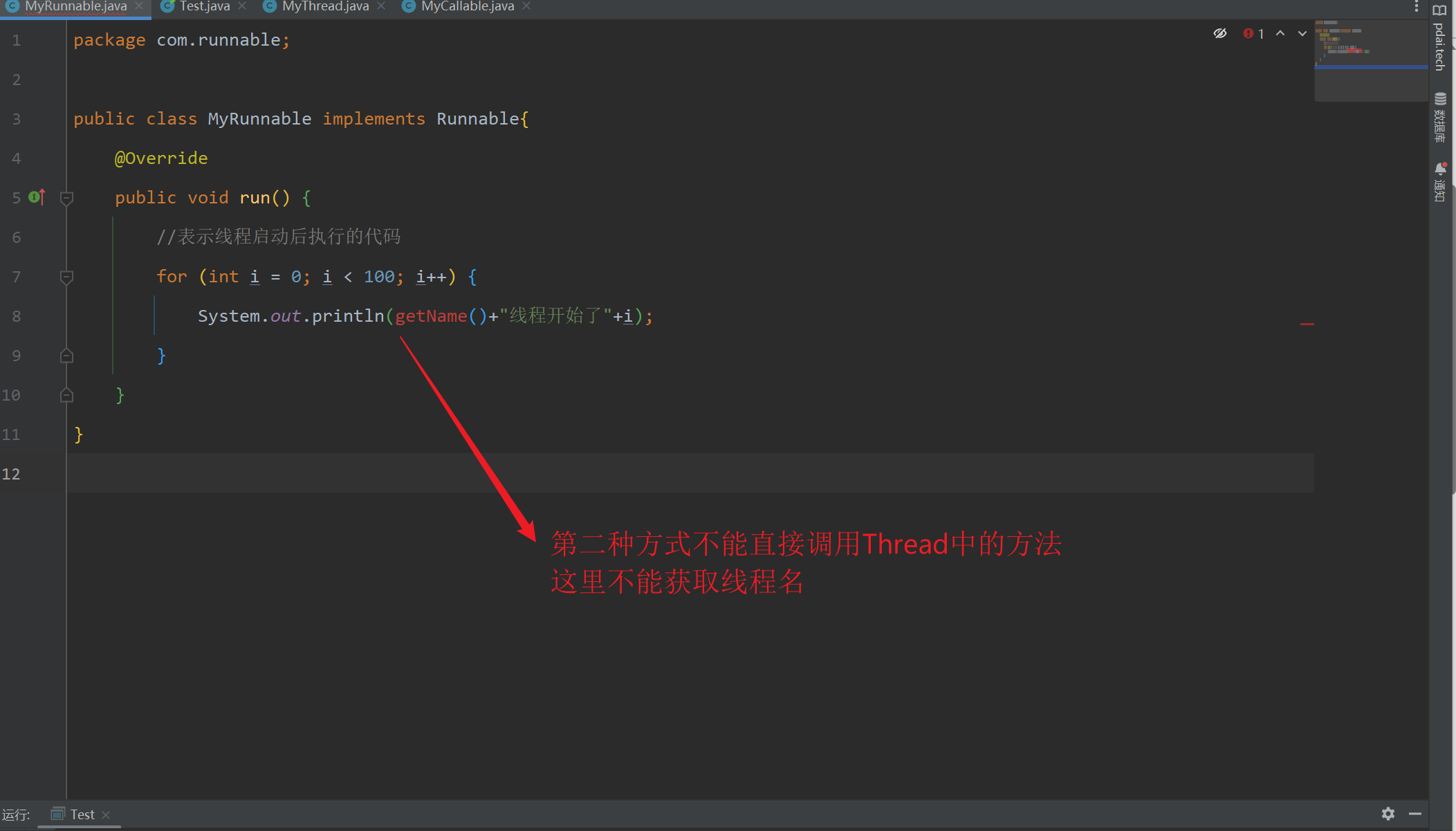
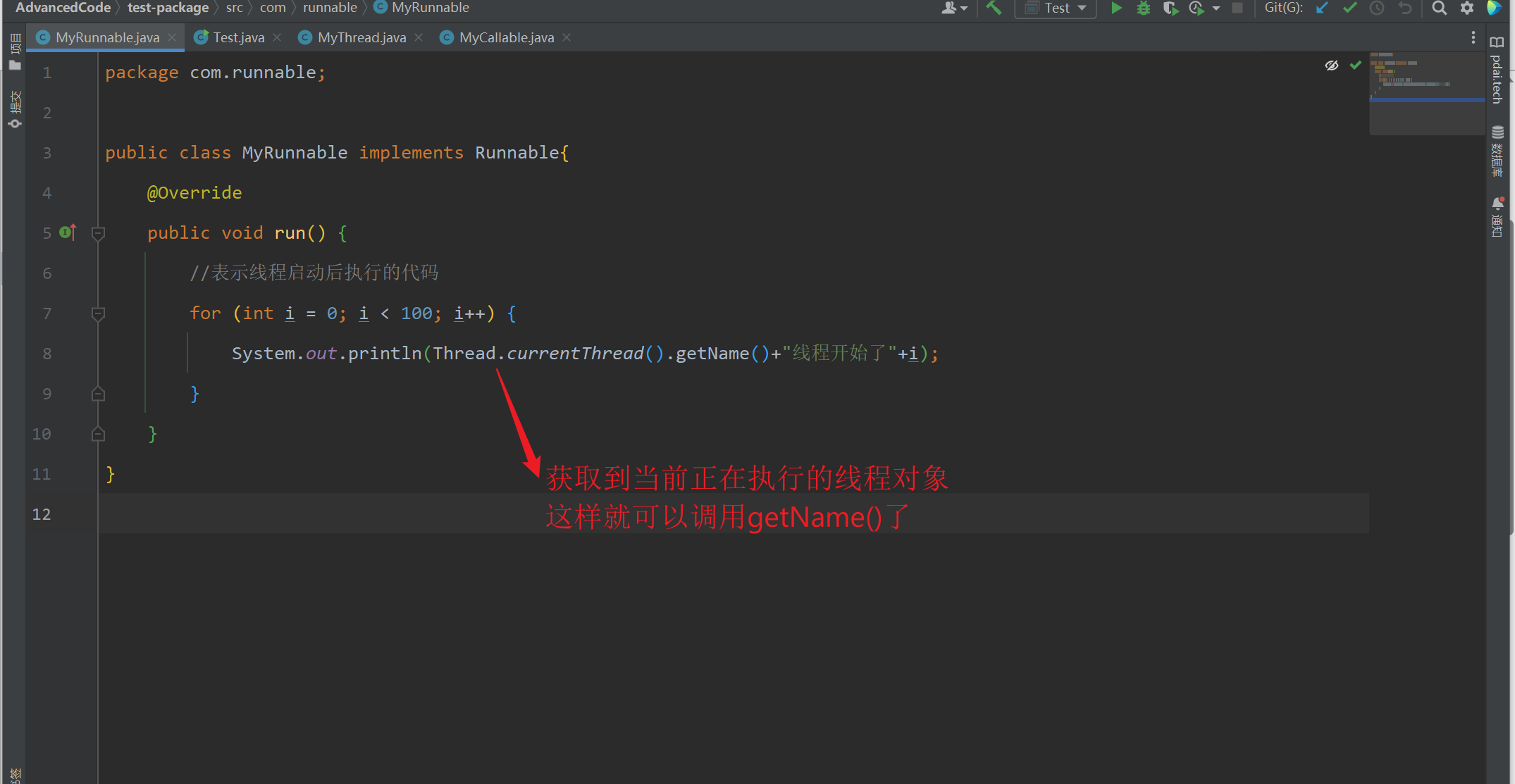
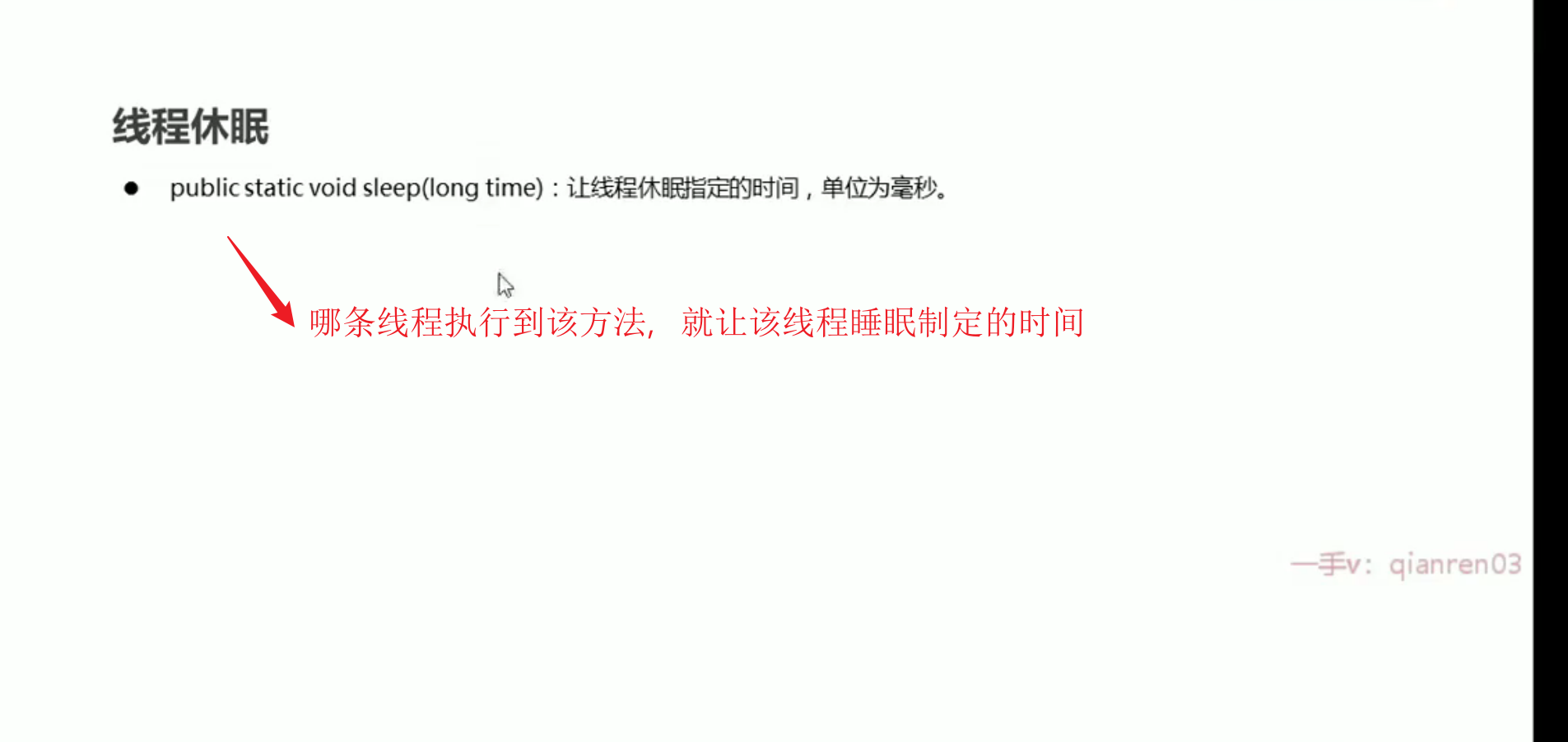
Thread----sheep方法
- 异常小计
如果一个类或者接口里面的方法没有抛出异常,那么这个类或者接口的实现类所重写的方法也不能抛出异常
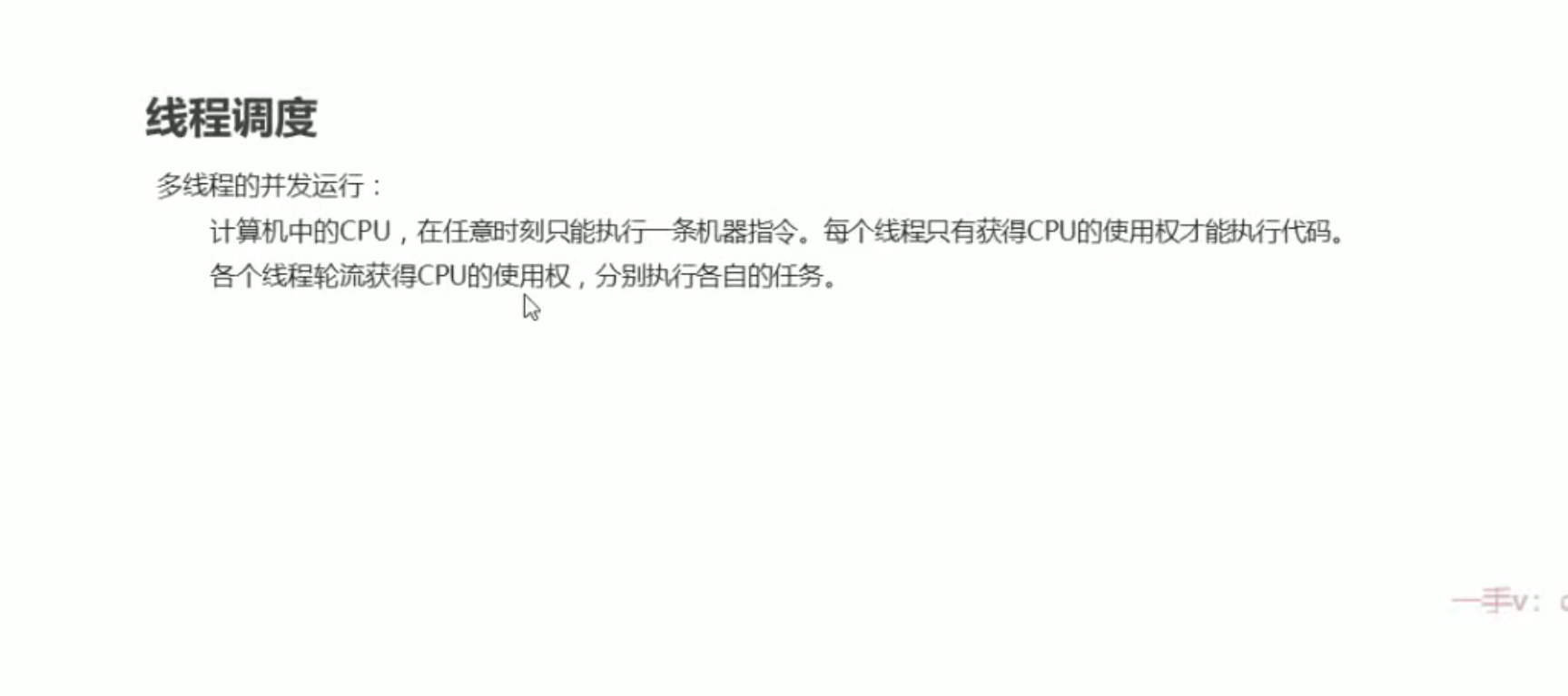
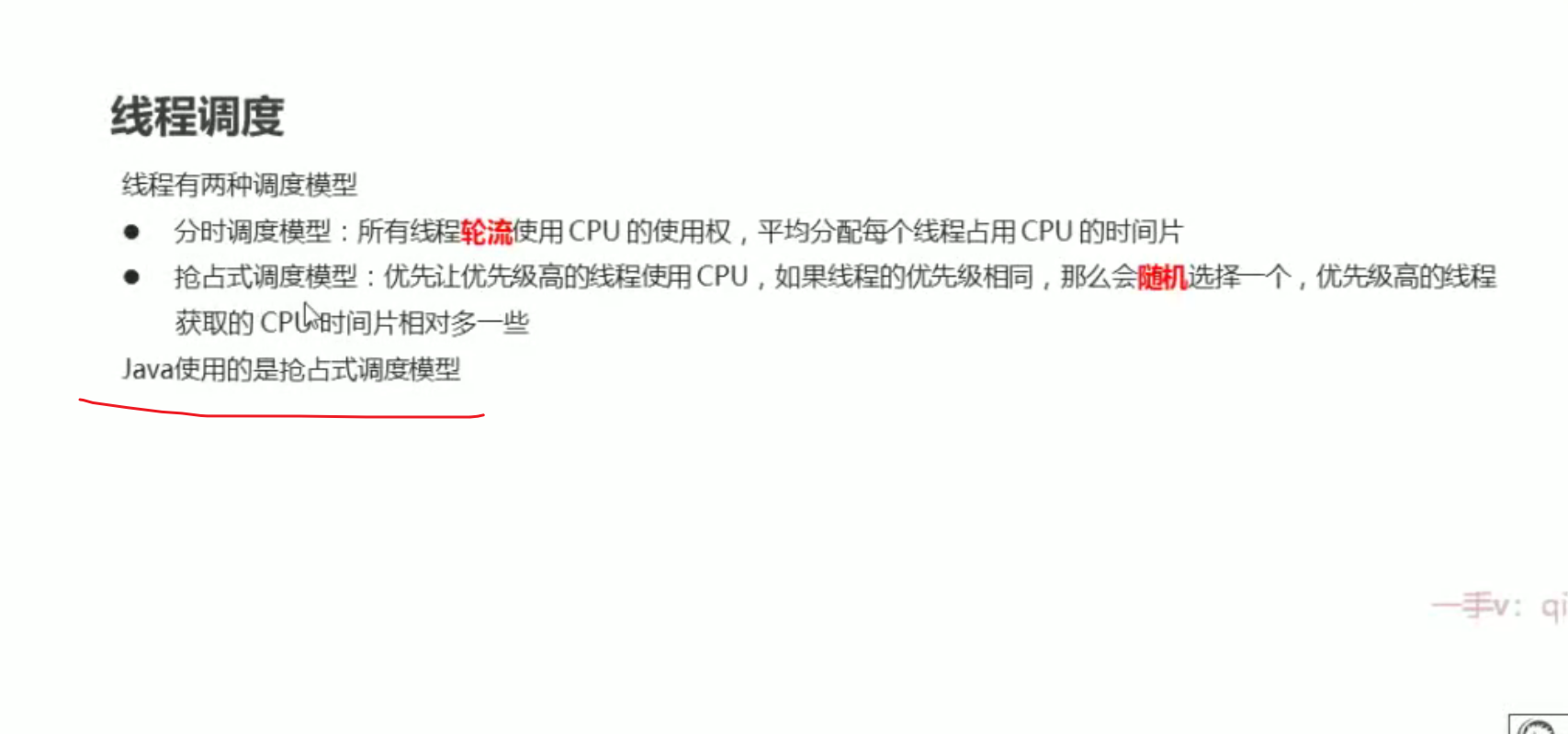
线程的优先级
- 优先级的获取和设置
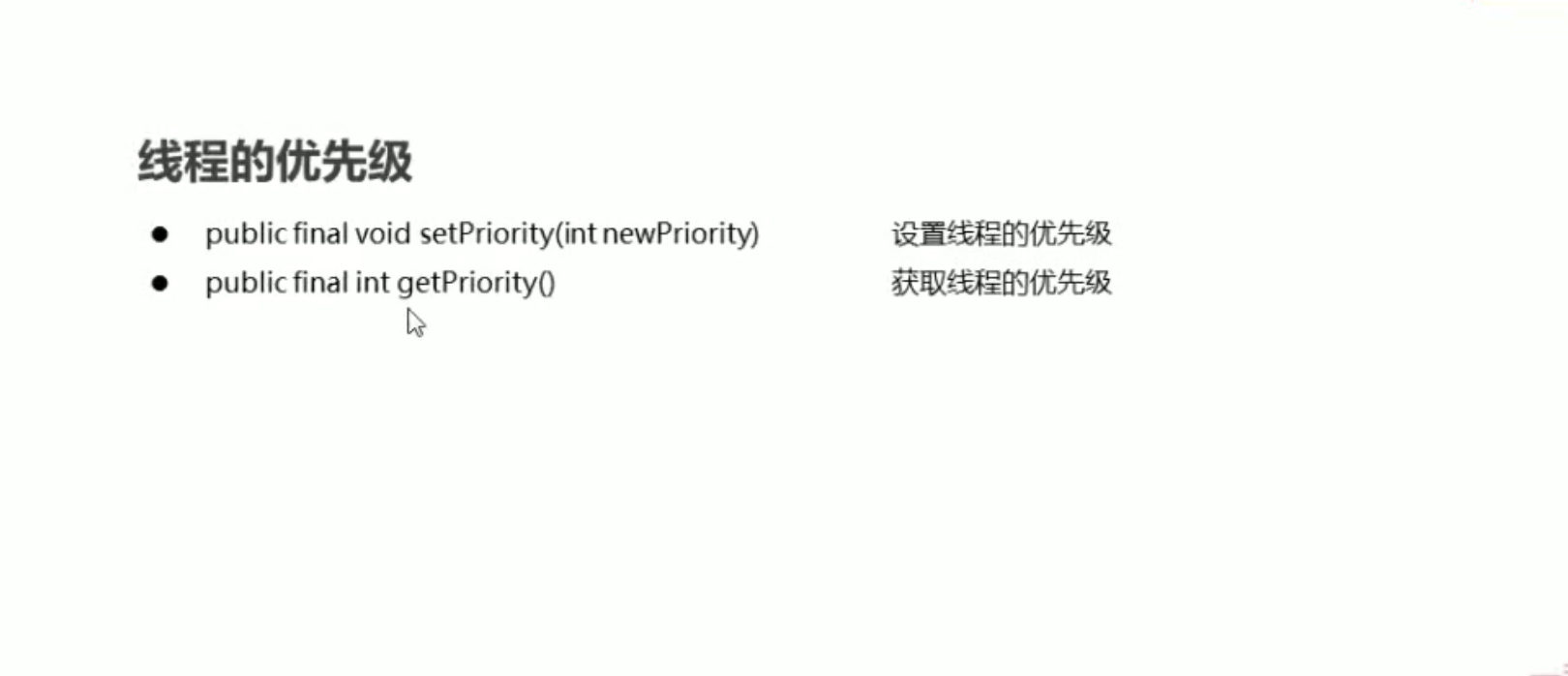
1.优先级1-10,默认为5
- 2.线程优先级越高,只能说抢到cup的概率越高,不是只可能是该线程执行**
package com.callable;

import java.util.concurrent.Callable;

public class MyCallable1 implements Callable<String> {
    @Override
    public String call() throws Exception {
        for (int i = 0; i < 100; i++) {
            System.out.println(Thread.currentThread().getName()+"线程开始了"+i);
        }
        return null;
    }
}
package com.callable;

import java.util.concurrent.FutureTask;

public class Test1 {
    public static void main(String[] args) {
        //线程1
        MyCallable1 myCallable = new MyCallable1();
        FutureTask<String> futureTask = new FutureTask<>(myCallable);
        Thread thread = new Thread(futureTask);
        System.out.println(thread.getPriority());//默认5
        //线程2
        MyCallable1 myCallable2 = new MyCallable1();
        FutureTask<String> futureTask2 = new FutureTask<>(myCallable2);
        Thread thread2 = new Thread(futureTask2);
        System.out.println(thread2.getPriority());//默认5
        //设置线程名
        thread.setName("飞机");
        thread2.setName("坦克");
        //启动线程
       // thread2.start();
        //thread.start();
    }
}
Thread方法--守护线程
- 解释
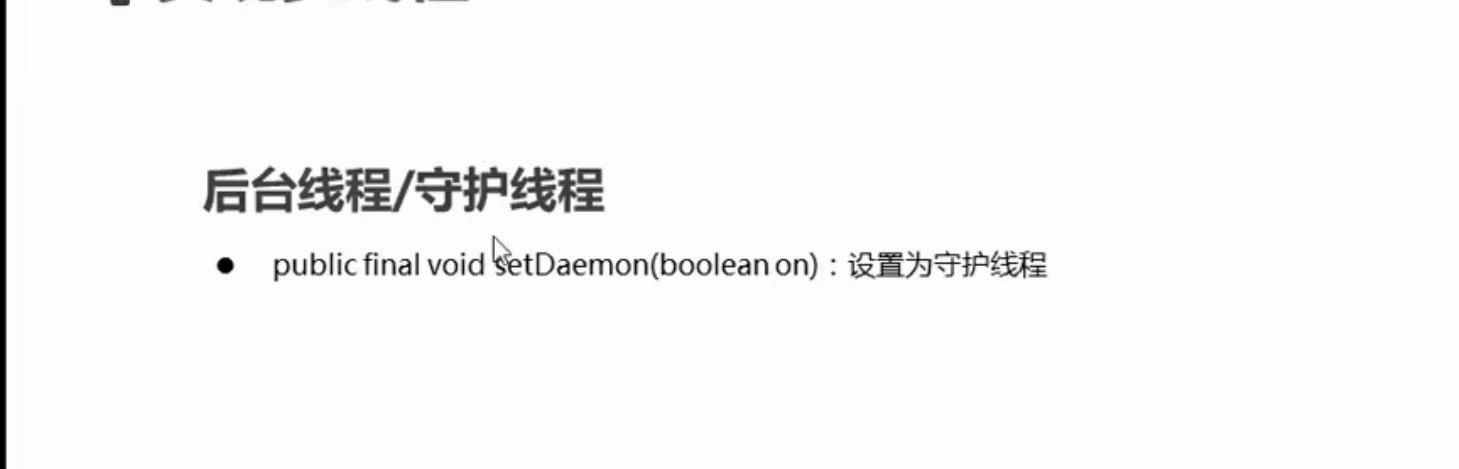
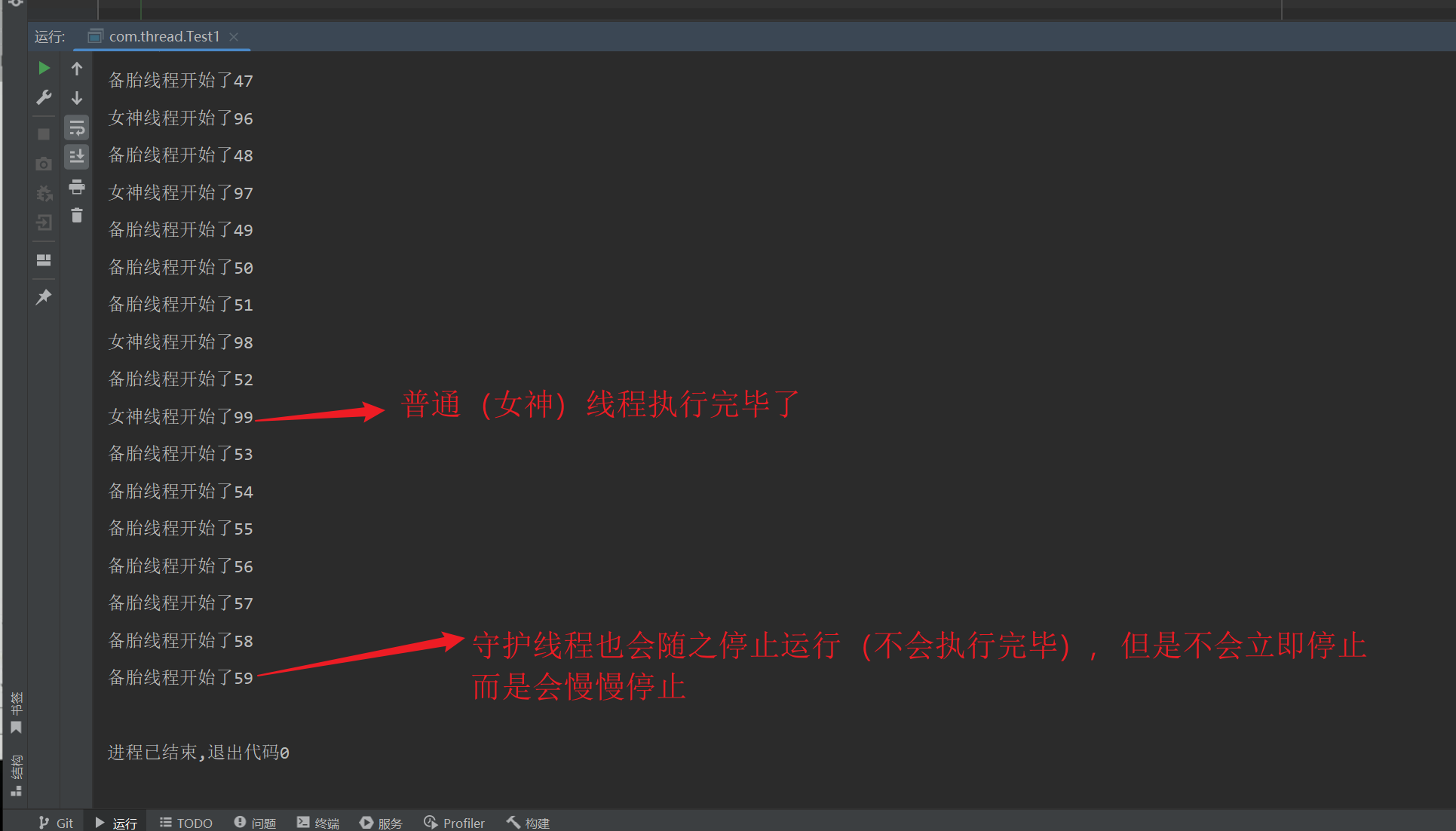
我们将QQ里面的聊天和传递文件看成是2个线程,如果我们将QQ关闭,聊天和传递文件也会随之关闭,没有存在的必要了。聊天和传递文件就是2个守护线程
package com.thread;

public class MyThread1 extends Thread{
    @Override
    public void run(){
        for (int i = 0; i < 100; i++) {
            System.out.println(currentThread().getName()+"线程开始了"+i);
        }
    }
}
package com.thread;

public class Test1 {
    public static void main(String[] args) {
        //守护线程:当普通线程执行完了,守护线程也没有继续运行下去的必要了
        MyThread1 myThread1 = new MyThread1();
        MyThread1 myThread2 = new MyThread1();
        myThread1.setName("女神");
        myThread2.setName("备胎");
        myThread2.setDaemon(true);//将第二个线程设置成守护线程
        myThread1.start();
        myThread2.start();
    }
}
02线程安全问题
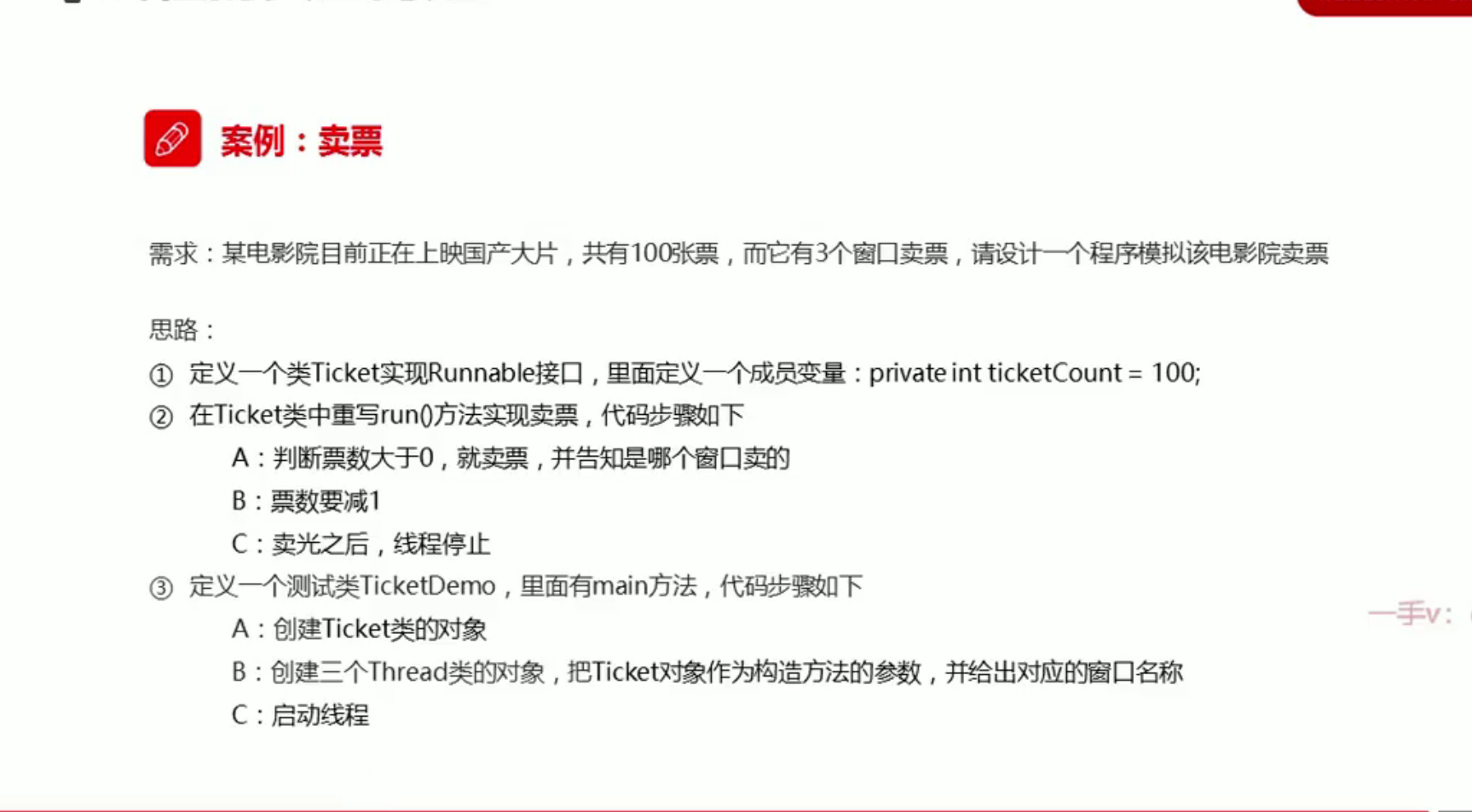
线程安全问题--买票案例的实现
package com.itheima.threadsecture;

public class Ticket implements Runnable
{
    private int ticketCount = 100;//剩下的票数
    @Override
    public void run() {
        while (true){
            if(ticketCount>0){
                ticketCount--;
                System.out.println(Thread.currentThread().getName()+"正在出售票"+"还剩下"+ticketCount);

            }else {
                //当票数为0时,线程结束
                break;
            }
        }
    }
}
package com.itheima.threadsecture;

public class TicketDemo {
    public static void main(String[] args) {
        //Ticket作为参数相当于是要执行的内容
        //各个线程的参数必须一致,要不然将会出现3份票数
        Ticket ticket = new Ticket();
        Thread thread1 = new Thread(ticket);
        Thread thread2 = new Thread(ticket);
        Thread thread3 = new Thread(ticket);
        thread1.setName("窗口1");
        thread2.setName("窗口2");
        thread3.setName("窗口3");
        thread1.start();
        thread2.start();
        thread3.start();
    }
}
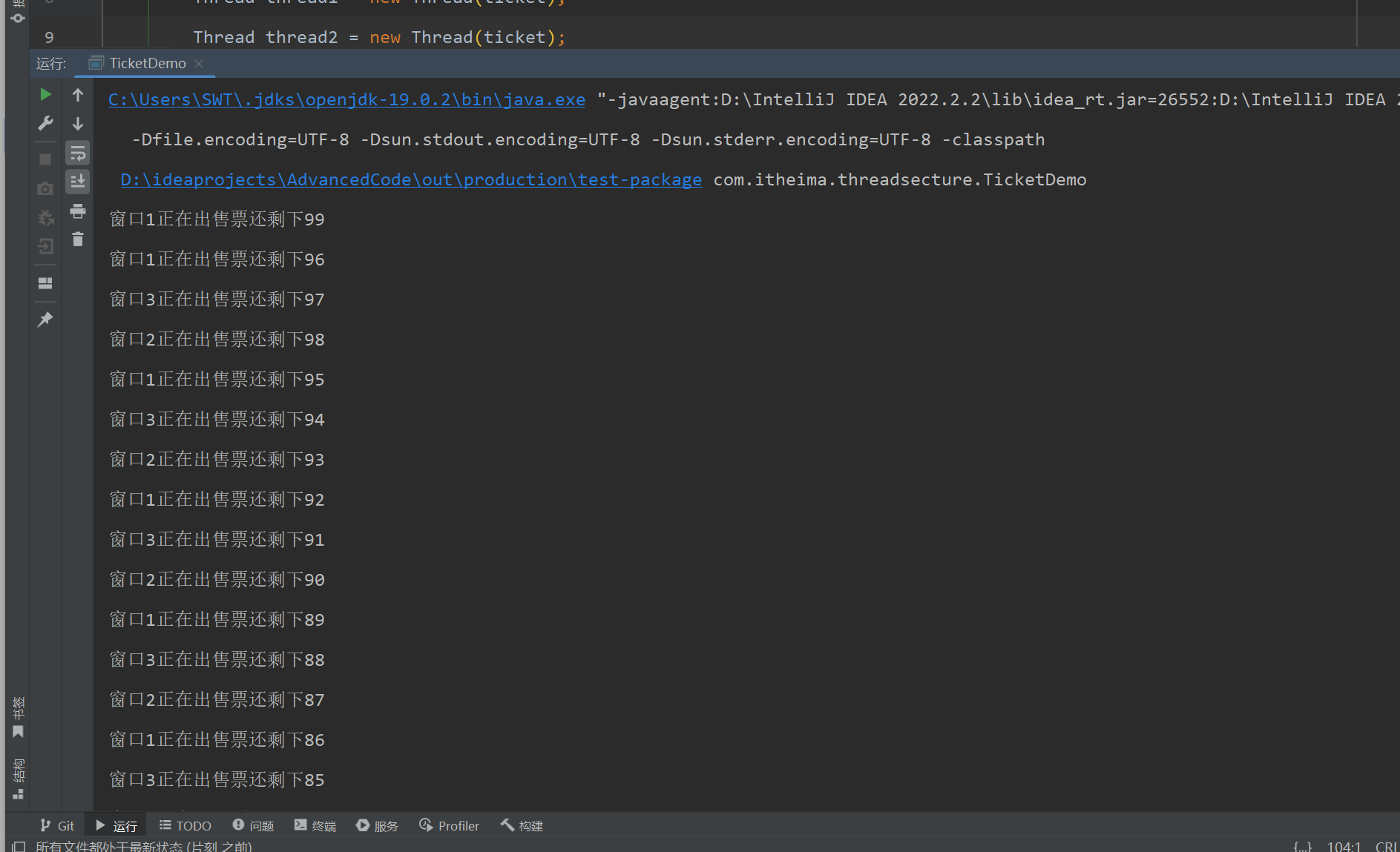
线程安全--原因分析
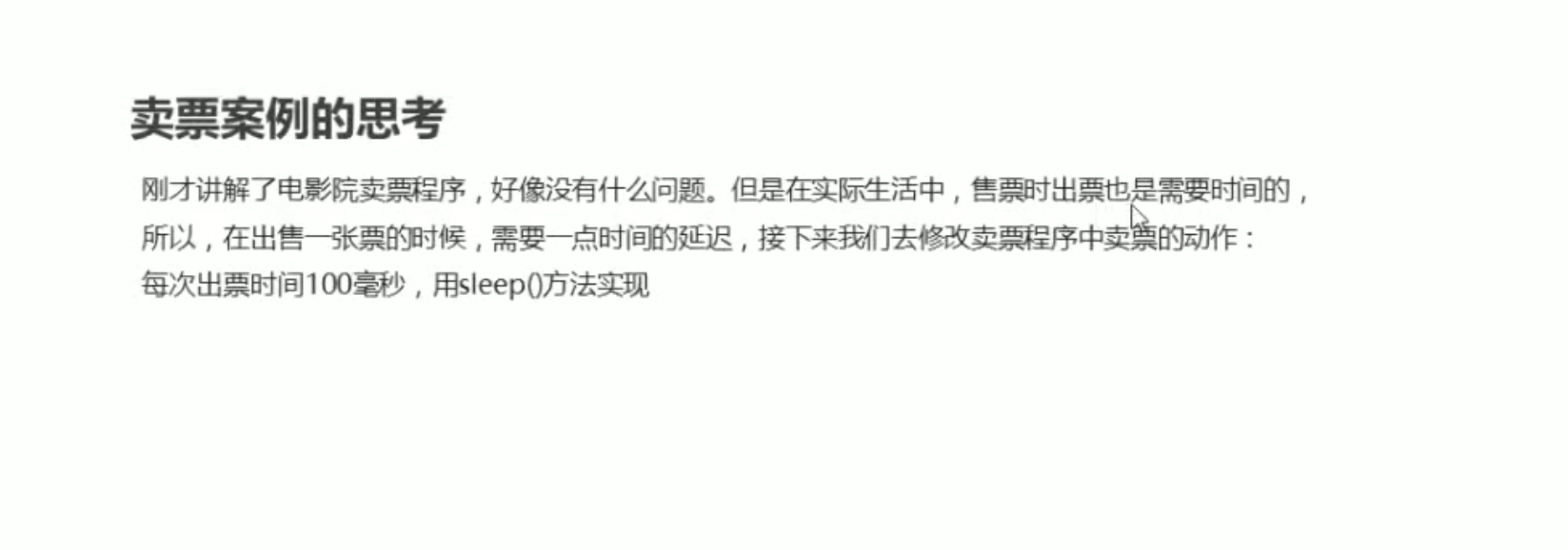
- 在Ticket类中增加延迟
package com.itheima.threadsecture;

public class Ticket implements Runnable
{
    private int ticketCount = 100;//剩下的票数
    @Override
    public void run() {
        while (true){
            if(ticketCount>0){
                try {
                    Thread.sleep(100);
                } catch (InterruptedException e) {
                    throw new RuntimeException(e);
                }
                ticketCount--;
                System.out.println(Thread.currentThread().getName()+"正在出售票"+"还剩下"+ticketCount);


            }else {
                //当票数为0时,线程结束
                break;
            }
        }
    }
}
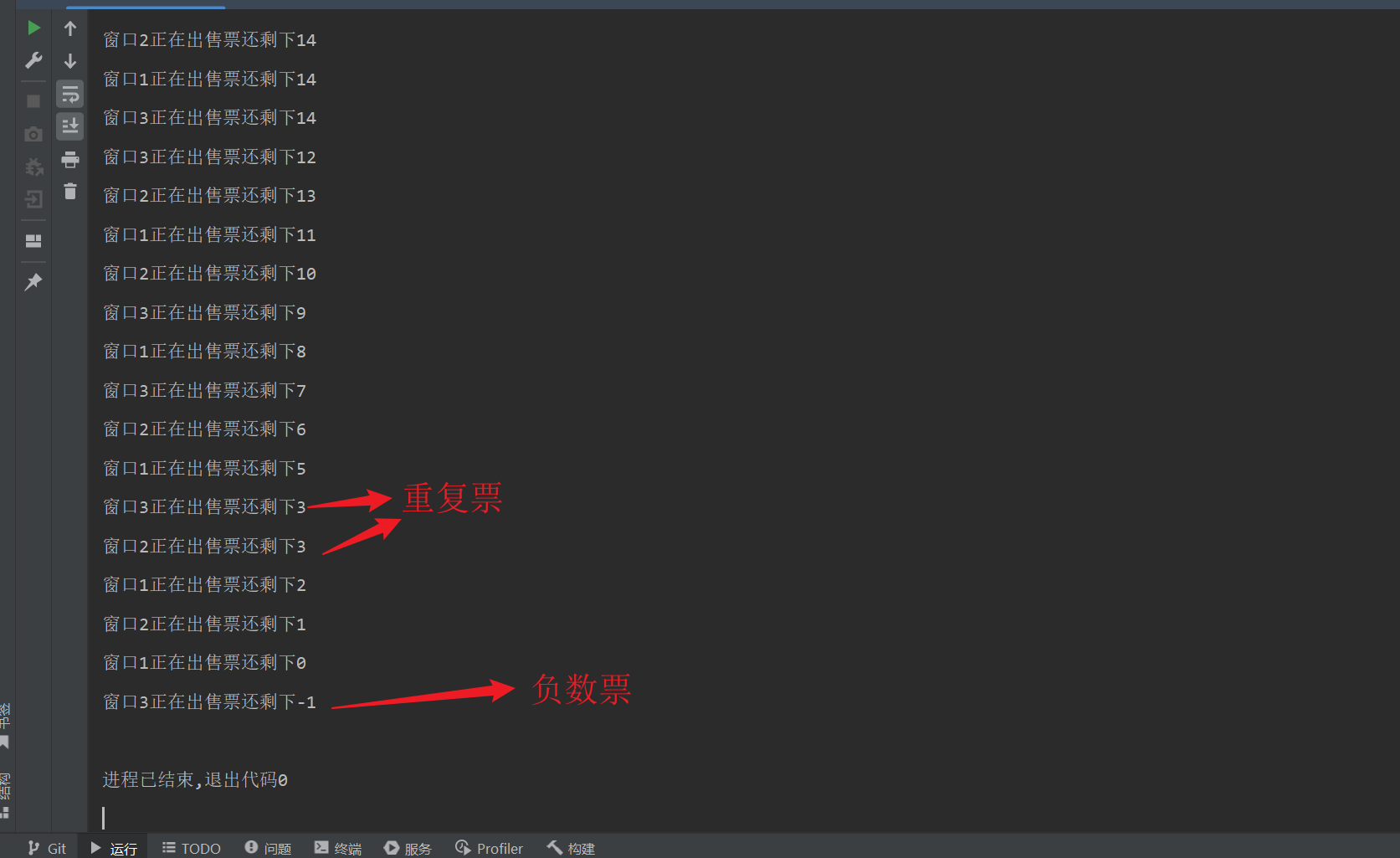
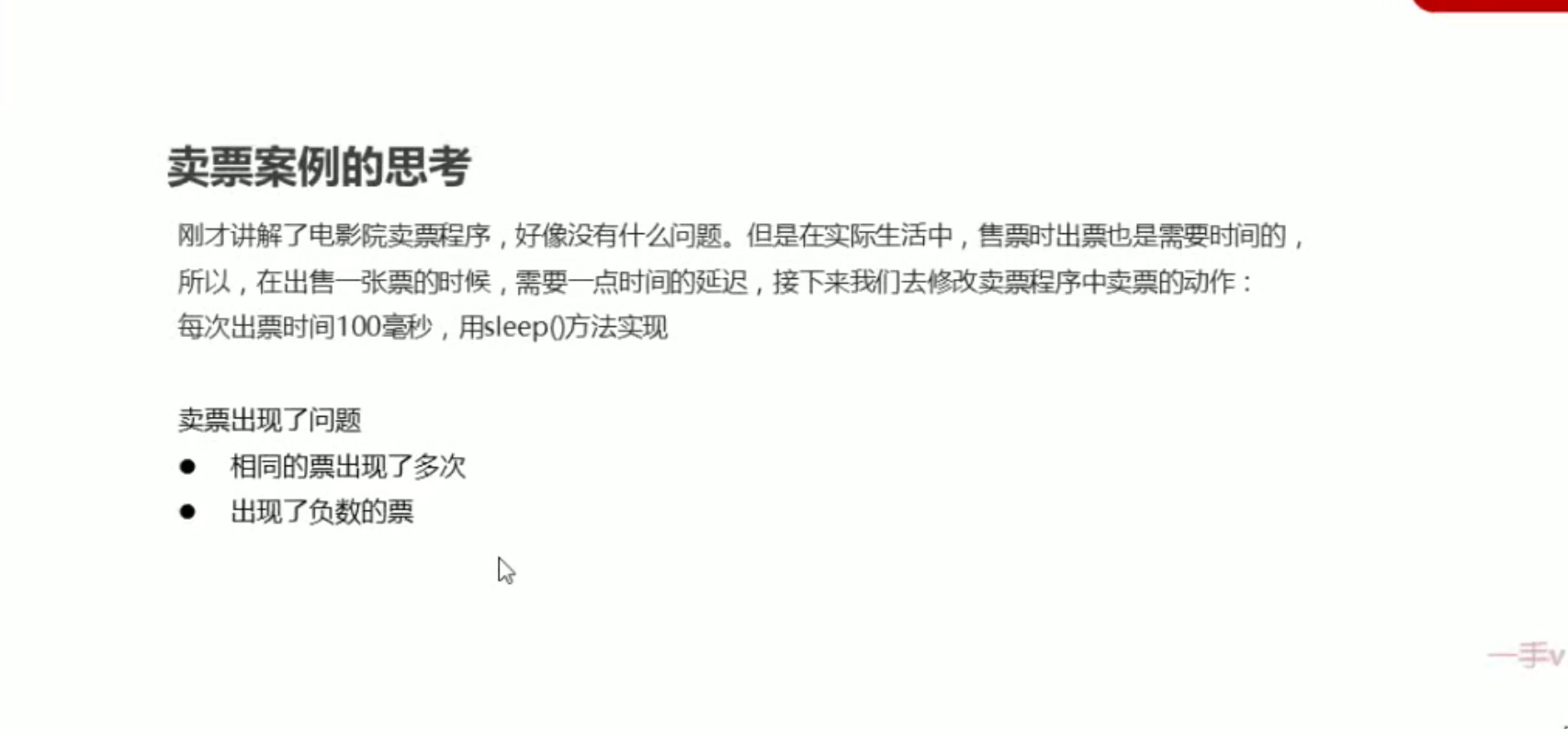
出现线程安全的原因
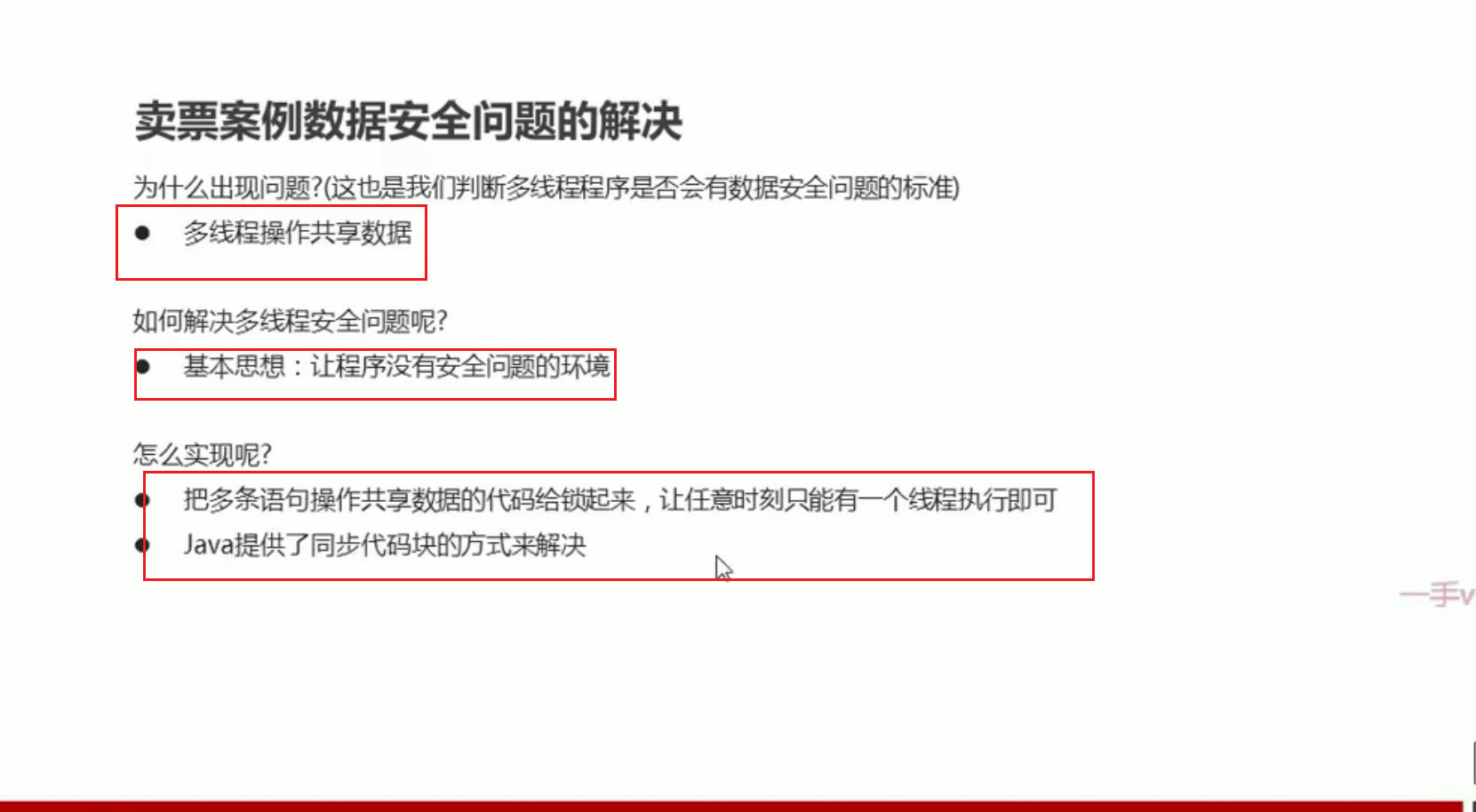
- 本质上是多个线程操作共享数据
同步代码块解决线程安全
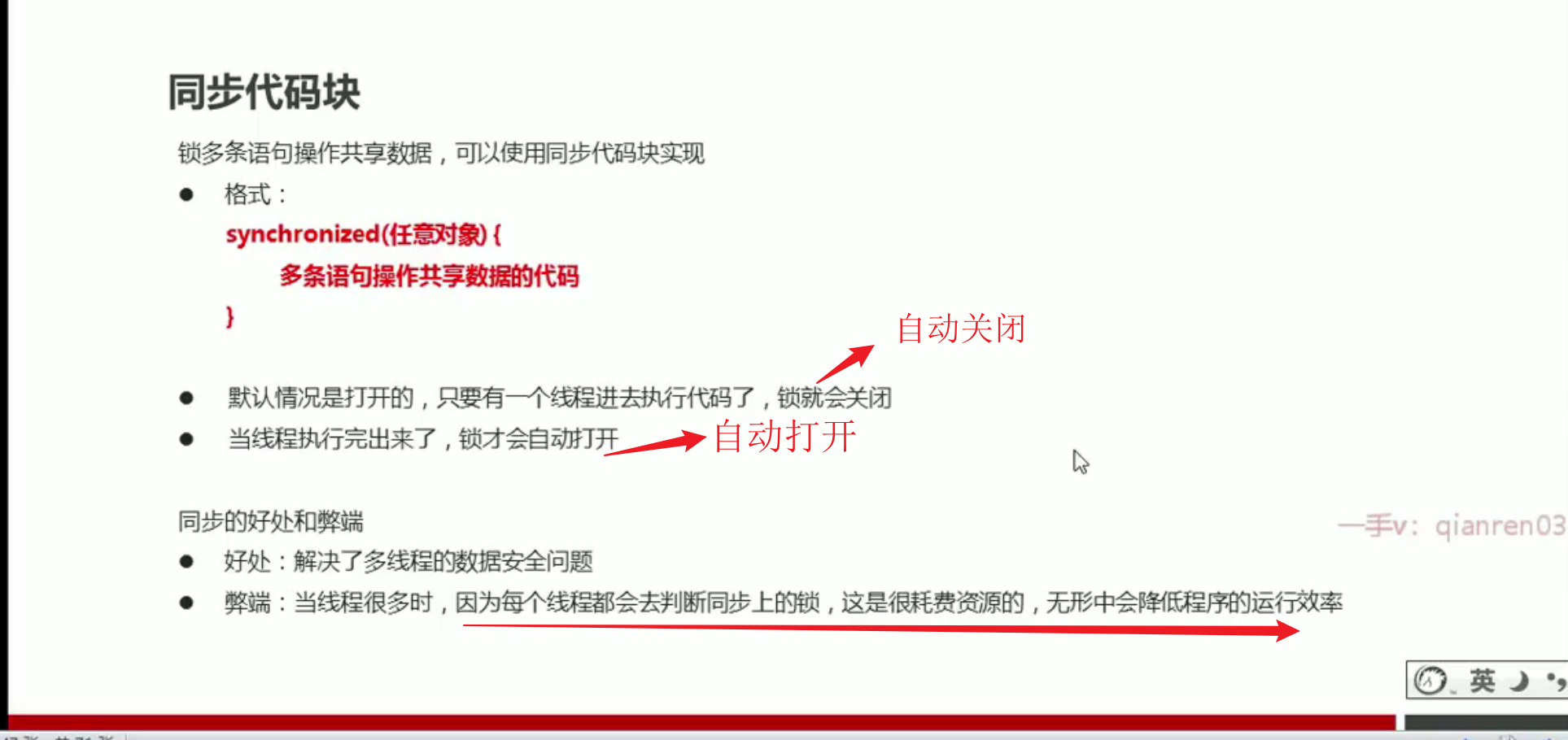
用同步代码块实现购票代码
- 我们将操作共享资源的代码放在同步代码块中
package com.itheima.threadsecture;

public class Ticket implements Runnable
{
    private int ticketCount = 100;//剩下的票数
    private Object obj = new Object();
    @Override
    public void run() {
        while (true){
            synchronized (obj) {//锁对象是任意的,但是必须保证各个线程面对的是同一把锁
                if(ticketCount>0){
                    try {
                        Thread.sleep(100);
                    } catch (InterruptedException e) {
                        throw new RuntimeException(e);
                    }
                    ticketCount--;
                    System.out.println(Thread.currentThread().getName()+"正在出售票"+"还剩下"+ticketCount);


                }else {
                    //当票数为0时,线程结束
                    break;
                }
            }
        }
    }
}
package com.itheima.threadsecture;

public class TicketDemo {
    public static void main(String[] args) {
        //Ticket作为参数相当于是要执行的内容
        //各个线程的参数必须一致,要不然将会出现3份票数
        Ticket ticket = new Ticket();
        Thread thread1 = new Thread(ticket);
        Thread thread2 = new Thread(ticket);
        Thread thread3 = new Thread(ticket);
        thread1.setName("窗口1");
        thread2.setName("窗口2");
        thread3.setName("窗口3");
        thread1.start();
        thread2.start();
        thread3.start();
    }
}
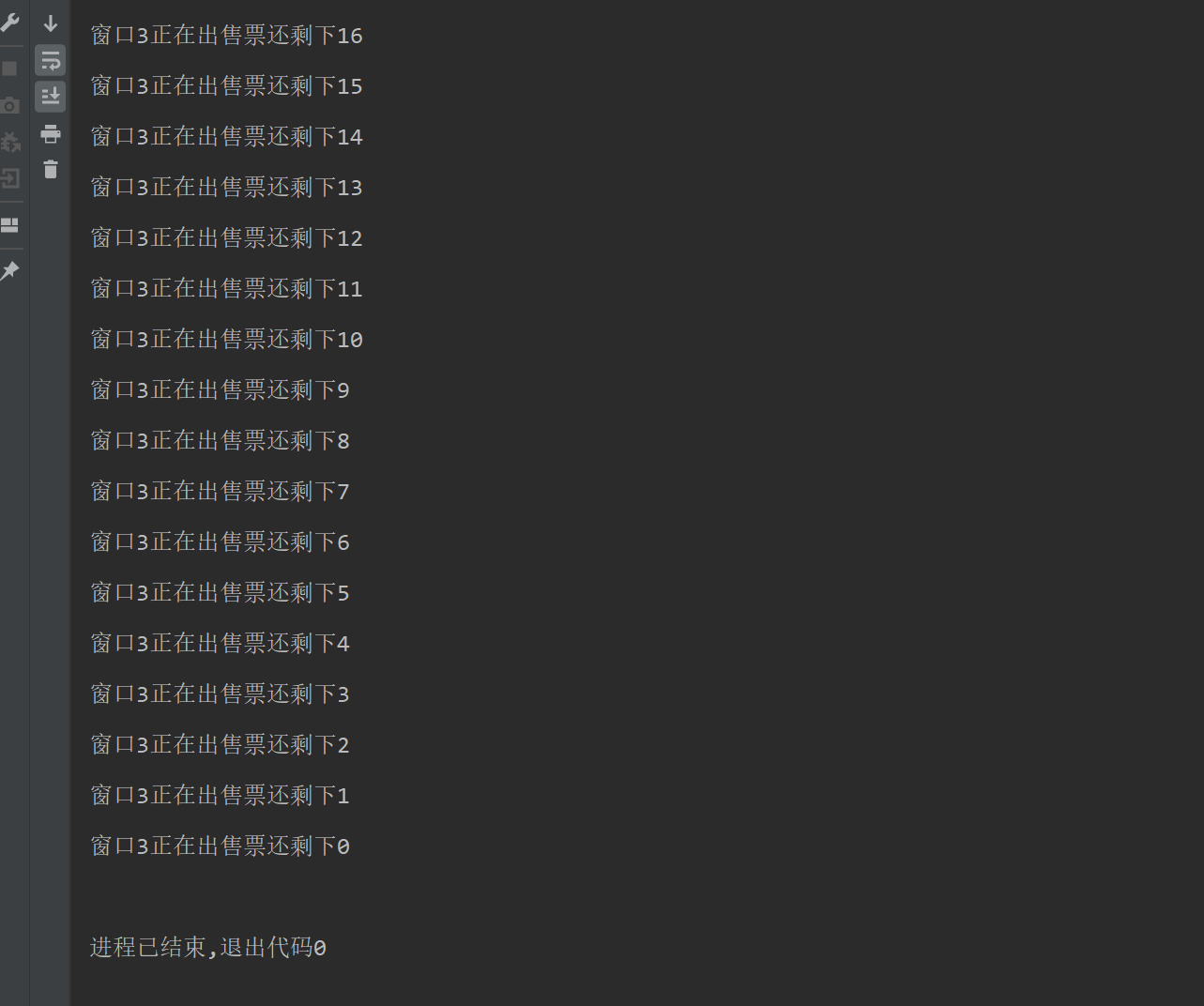
线程安全问题--锁对象唯一
同步方法
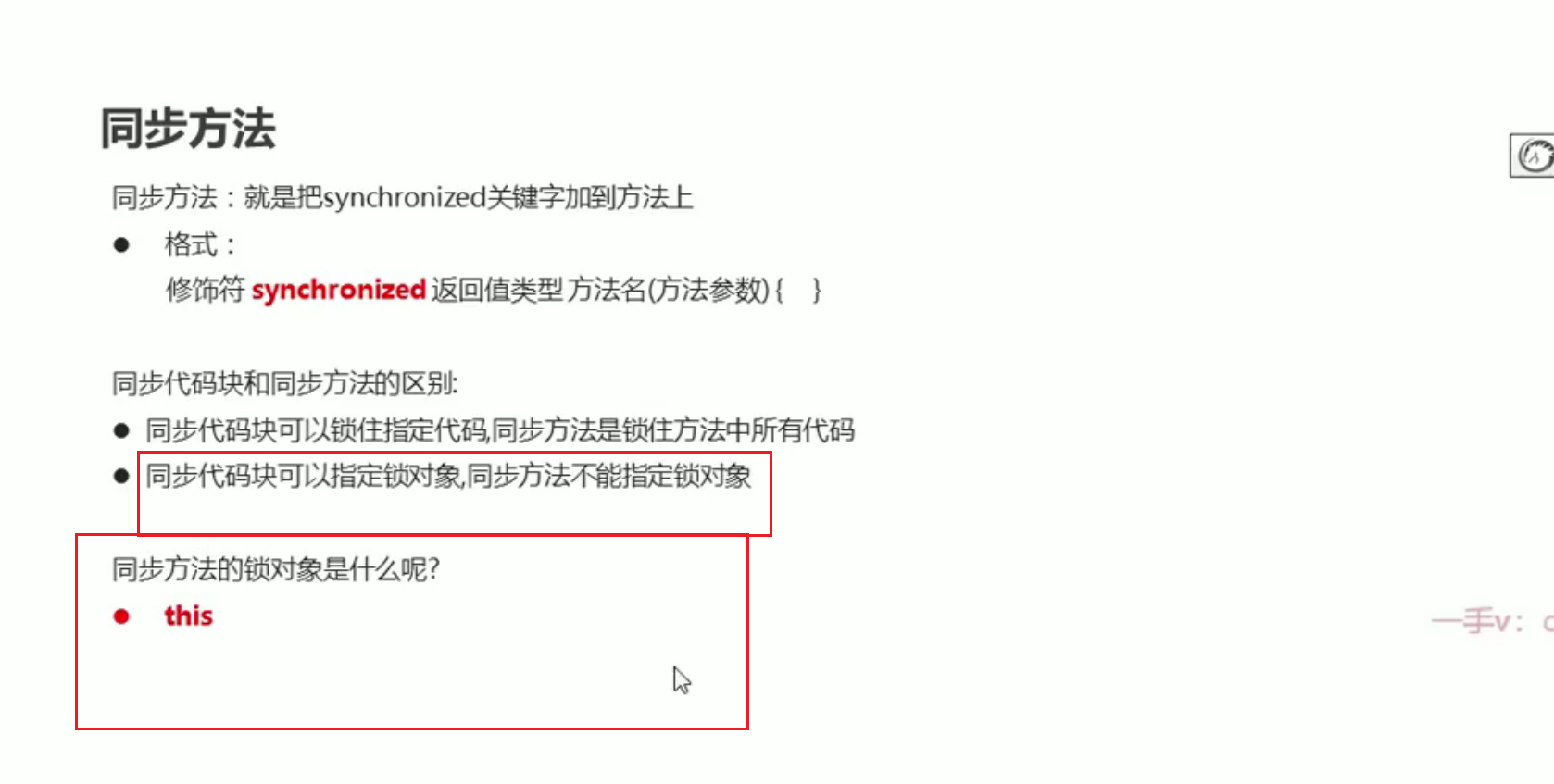
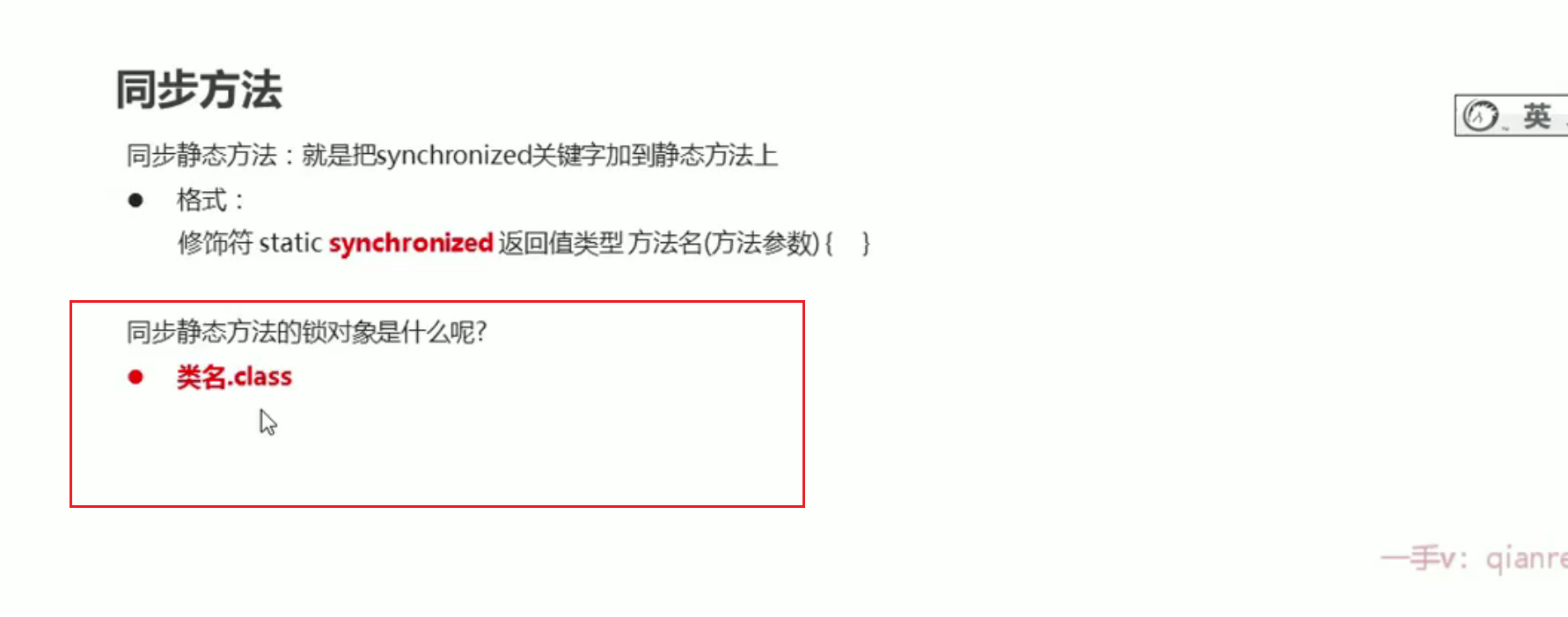
- 证明同步方法的锁对象是this
package com.runnable;

public class MyRunnable1 implements Runnable{
    private int ticketCount = 100;//剩下票数

    @Override
    public void run() {
        while (true)
        {
            if("窗口1".equals(Thread.currentThread().getName())){
                try {
                    synchronizedMethod();
                } catch (InterruptedException e) {
                    throw new RuntimeException(e);
                }
           if("窗口2".equals(Thread.currentThread().getName())){
              synchronized (this){//锁对象为当前调用的对象
                  if(ticketCount<=0){
                      break;
                  }else {
                      try {
                          Thread.sleep(100);
                      } catch (InterruptedException e) {
                          throw new RuntimeException(e);
                      }
                      ticketCount--;
                      System.out.println(Thread.currentThread().getName()+"正在卖票  还剩下"+ticketCount+"张票");
                  }

                  }
              }
           }
        }
    }

    private void synchronizedMethod() throws InterruptedException {//锁对象默认为this
        if(ticketCount<=0){
            return;
        }else {
            Thread.sleep(100);
            ticketCount--;
            System.out.println(Thread.currentThread().getName()+"正在卖票  还剩下"+ticketCount+"张票");
        }
    }
}
package com.runnable;

import com.thread.MyThread1;

public class MyRunnableTest1 {
    public static void main(String[] args) {
        MyRunnable1 runnable1 = new MyRunnable1();//参数对象相同
        Thread thread1 = new Thread(runnable1);
        Thread thread2 = new Thread(runnable1);
        thread1.setName("窗口1");
        thread2.setName("窗口2");
        thread1.start();
        thread2.start();
    }
}
我们使用Runnable接口实现同步。我们故意使用同步方法和同步代码块实现了相同的内容,但是我们的Run方法的内容是由MyRunnable负责的,即如果我们使用的是同一个MyRunnable对象,我们面对的就是同一把锁。我们的Thread对象传递的都是相同的参数对象。最后发现2种情况下是同步执行的。可以得出结论,同步方法的锁对象是this
Lock
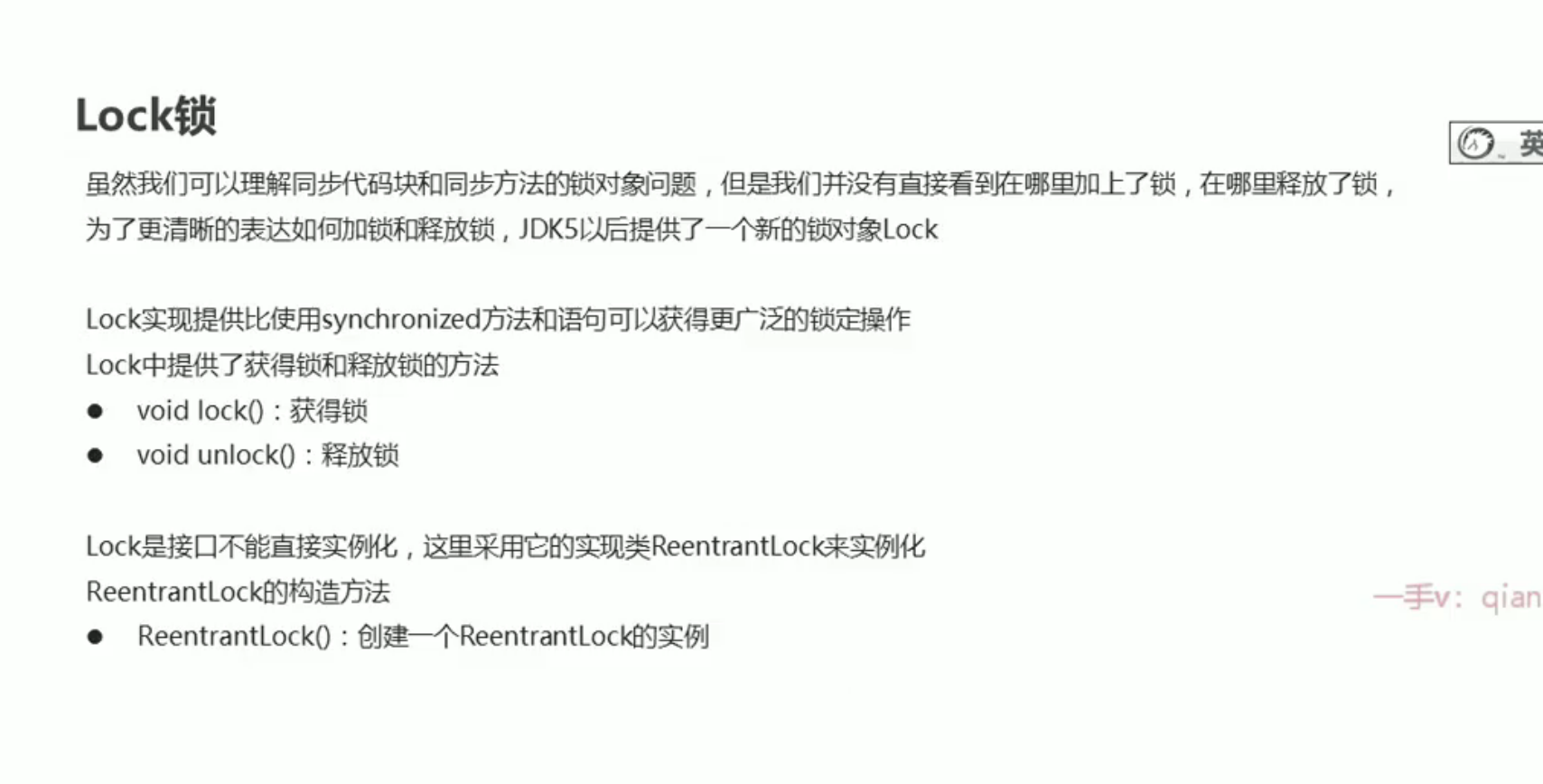
主要是因为我们的之前的锁不够形象,使用这个Lock对象,操作起来比较形象
- 使用Lock代替同步代码块
package com.itheima.threadsecture;

import java.util.concurrent.locks.ReentrantLock;

public class Ticket1 implements Runnable
{
    private int ticketCount = 100;//剩下的票数
    private Object obj = new Object();
    ReentrantLock lock = new ReentrantLock();//创建锁对象
    @Override
    public void run() {
        while (true){
           // synchronized (obj) {//锁对象是任意的,但是必须保证各个线程面对的是同一把锁
            lock.lock();//上锁

                if(ticketCount>0){
                    try {
                        Thread.sleep(100);
                        ticketCount--;
                        System.out.println(Thread.currentThread().getName()+"正在出售票"+"还剩下"+ticketCount);

                    } catch (InterruptedException e) {
                        throw new RuntimeException(e);
                    }finally {

                        lock.unlock();//关锁
                    }


                }else {
                    //当票数为0时,线程结束
                    break;
                }

           // }
        }
    }
}
package com.itheima.threadsecture;

public class TicketDemo {
    public static void main(String[] args) {
        //Ticket作为参数相当于是要执行的内容
        //各个线程的参数必须一致,要不然将会出现3份票数
        Ticket1 ticket = new Ticket1();
        Thread thread1 = new Thread(ticket);
        Thread thread2 = new Thread(ticket);
        Thread thread3 = new Thread(ticket);
        thread1.setName("窗口1");
        thread2.setName("窗口2");
        thread3.setName("窗口3");
        thread1.start();
        thread2.start();
        thread3.start();
    }
}
由于锁是一种资源,所有为了确保其被关闭,一般放在finaly语句中
死锁
- 如果锁进行了嵌套,可能会出现死锁问题