元素水平居中可以通过 text-align: center; 实现;即水平又垂直,最简单的就是 flex 布局来实现。
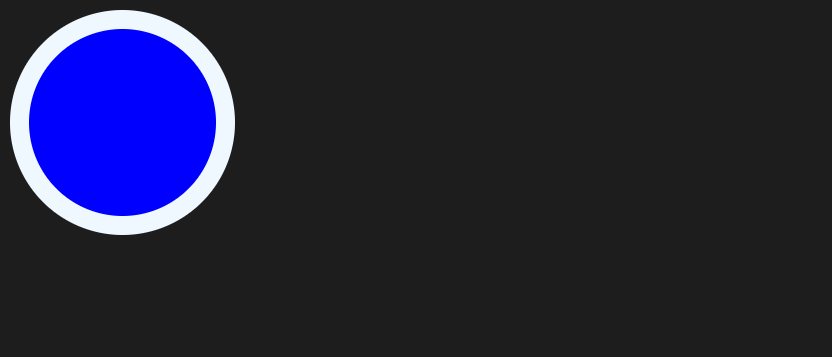
以上都是对有正常的文档流元素有效果,假如是两个绝对定位的元素要实现水平垂直居中呢?如下图所示,理想是把他们重合在一起且水平垂直居中。

✨技巧✨:两个元素的宽度和高度相差除以 2 得到的值分别设置其 left 和 top。
<div class="re">
  <div class="rd ab inner"></div>
  <div class="rd ab outer"></div>
</div>
<style>
.inner {
  width: 150px;
  height: 150px;
  z-index: 1;
  left: 15px;
  top: 15px;
  background-color: blue;
}

.outer {
  width: 180px;
  height: 180px;
  z-index: -1;
  background-color: aliceblue;
}
</style>