JZTXT
  • 首页
  • Ai
  • Java
  • Python
  • Android
  • Mysql
  • JavaScript
  • Html
  • CSS

远程SSH连接和远程桌面连接龙芯3A5000

发布时间 2023-03-27 14:19:42作者: 魔幻小生

远程SSH连接

sudo apt update # 更新软件列表
sudo apt install openssh-client # 安装SSH客户端
sudo apt install openssh-server # 安装SSH服务端
sudo systemctl start sshd # 启动

远程桌面连接

sudo apt install -y xrdp
sudo systemctl status xrdp # 查看 xrdp 服务状态

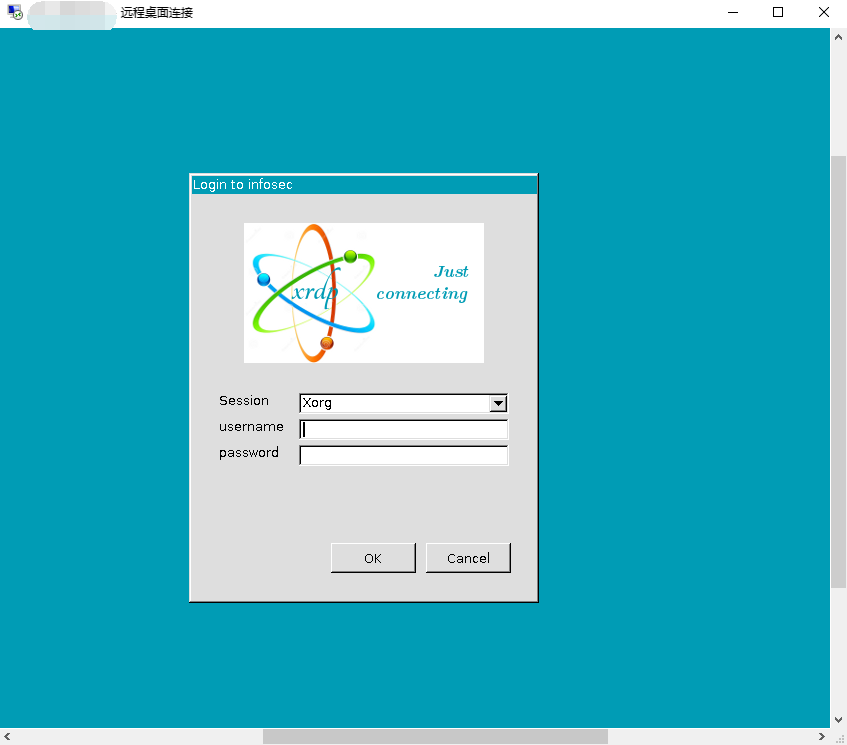
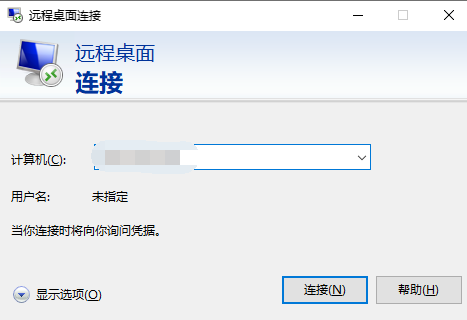
此时使用windows的远程桌面连接工具便可以成功进行远程连接
image

image

    本栏目推荐文章
  • python-爬元气桌面壁纸
  • VMware虚拟机安装银河麒麟桌面版V10系统
  • OpenHarmony 上跑CV 应用 - Windows上搭建 Linux 桌面系统
  • A connection was successfully established with the server but then an error
  • ssh工具
  • 《RAPL: A Relation-Aware Prototype Learning Approach for Few-Shot Document-Level Relation Extraction》阅读笔记
  • 2024-01-13 Can't perform a React state update on an unmounted component. This is a no-op, but it indicates a memory leak in your application. ==》引用了未使用的方法导致
  • 通过设置ssh秘钥来免去繁琐的输入密码的过程
  • mysql> GRANT ALL PRIVILEGES ON *.* TO 'root'@'%' WITH GRANT OPTION; ERROR 1410 (42000): You are not allowed to create a user with GRANT
  • 电脑桌面便签在哪里设置?Win10电脑桌面便签设置指南
版权声明:本网站为非赢利性站点,本网站所有内容均来源于互联网相关站点自动搜索采集信息,相关链接已经注明来源。
联系我们