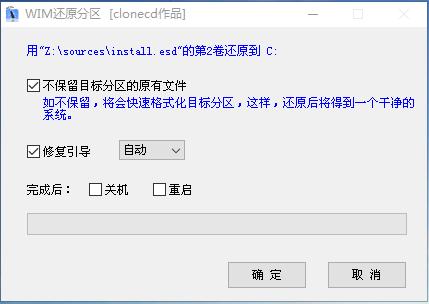
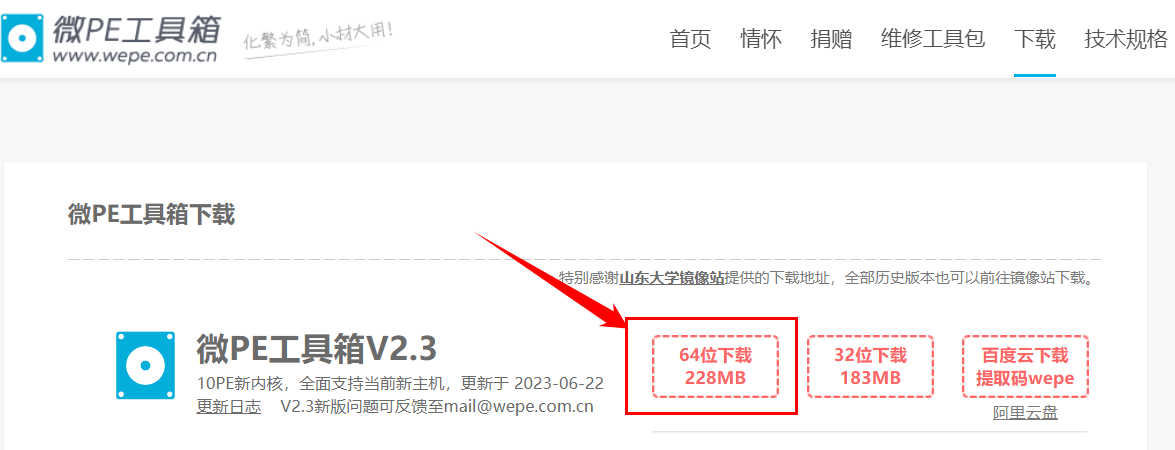
1.Download 微PE
Install it.
https://www.wepe.com.cn/download.html
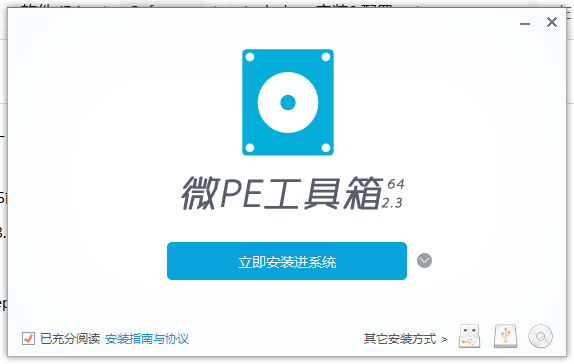
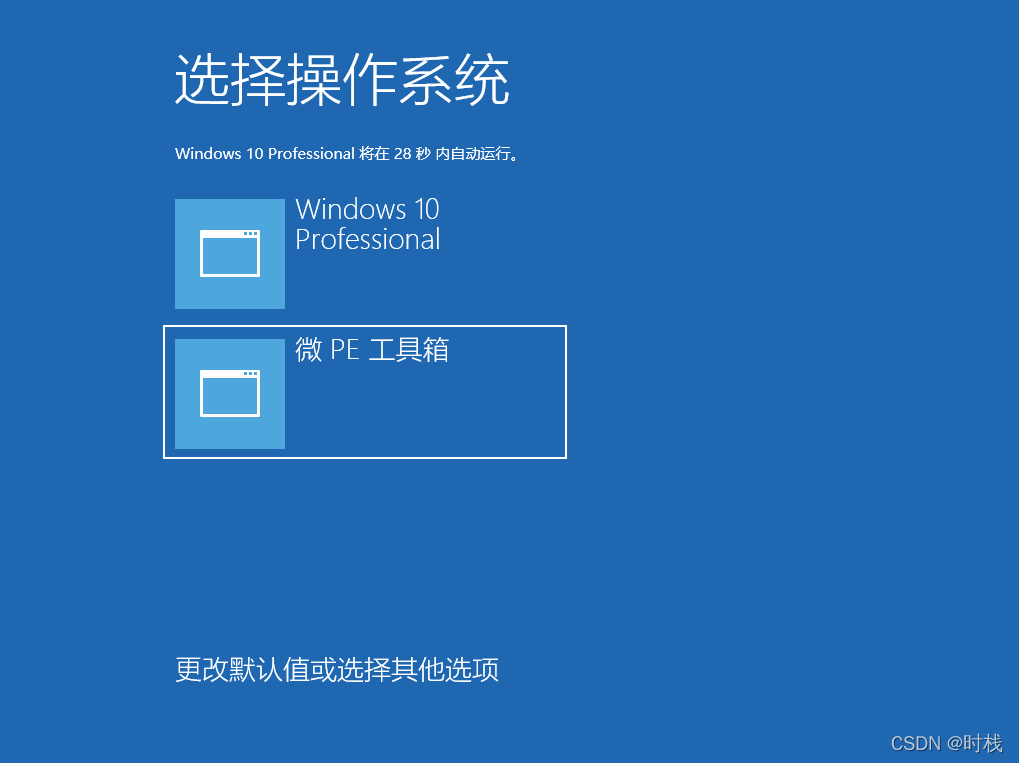
2. Reboot your system,
Select 微PE to start.
3. Open CGI备份还原 .
Tips.
Step 3 , choose your system's partition. Don't mistake. Mind it's size.For example, my C drive is 160.33G
Step 4 is choose ISO what you downloaded from the Internet.
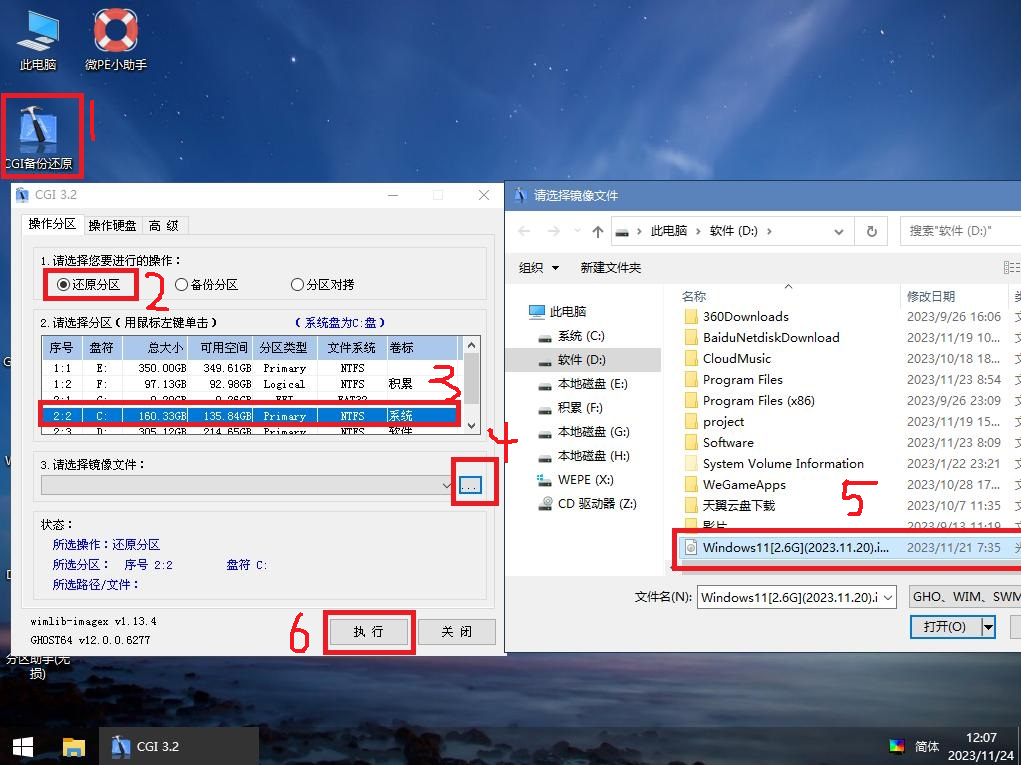
Then click yes