1.重置密码
1.1假设我们使用的是root账户

1.2跳过mysql密码认证过程
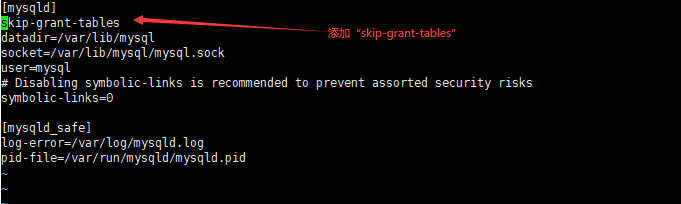
#vim /etc/my.cnf
在[mysqld]后面任意一行添加“skip-grant-tables”用来跳过密码验证的过程,如下图所示
1.3接下来我们需要重启MySQL
# service mysqld restart
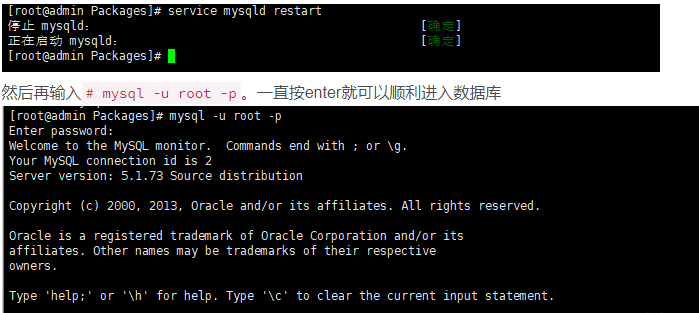
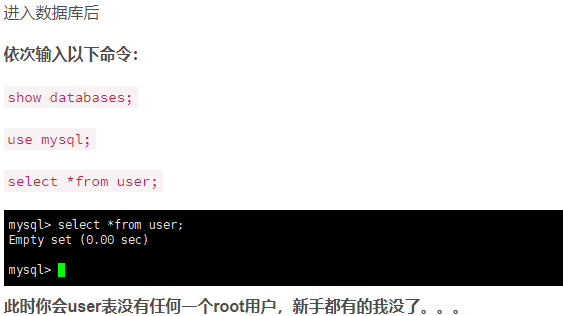
1.4创建root用户
mysql> create user 'root'@'localhost' identified by '123456';
1.5刷新配置
flush privileges;
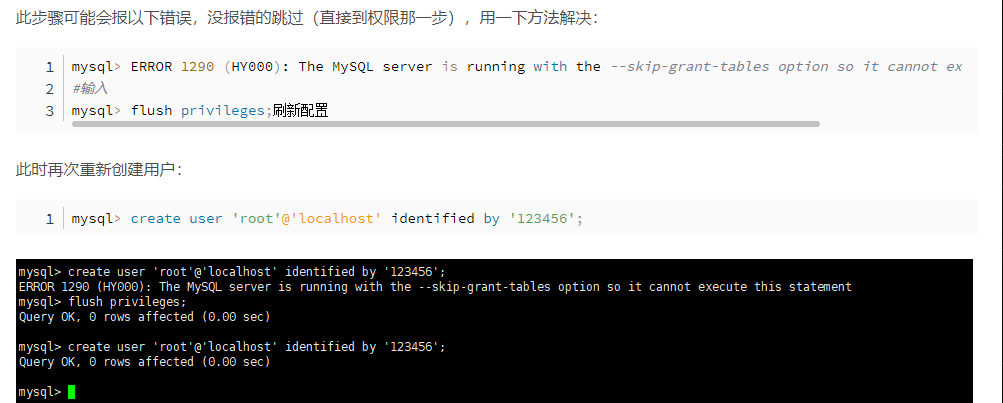
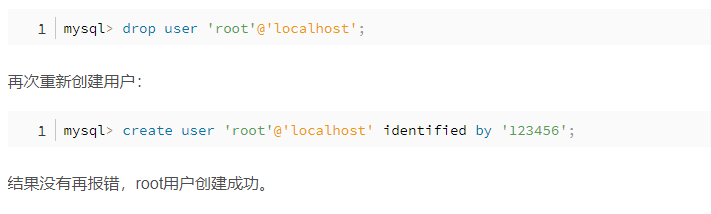
1.6在报错删除用户重新添加
mysql> drop user 'root'@'localhost';
mysql> create user 'root'@'localhost' identified by '123456';
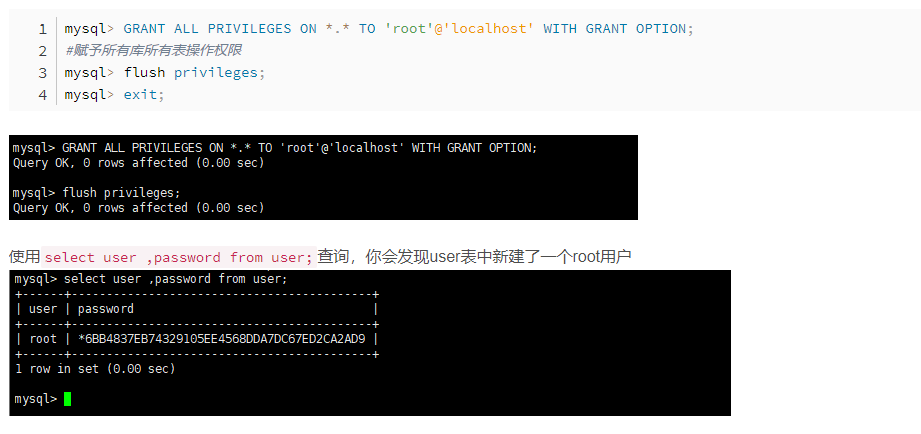
1.7赋予root用户权限
mysql> GRANT ALL PRIVILEGES ON *.* TO 'root'@'localhost' WITH GRANT OPTION;
#赋予所有库所有表操作权限
mysql> flush privileges;
mysql> exit;
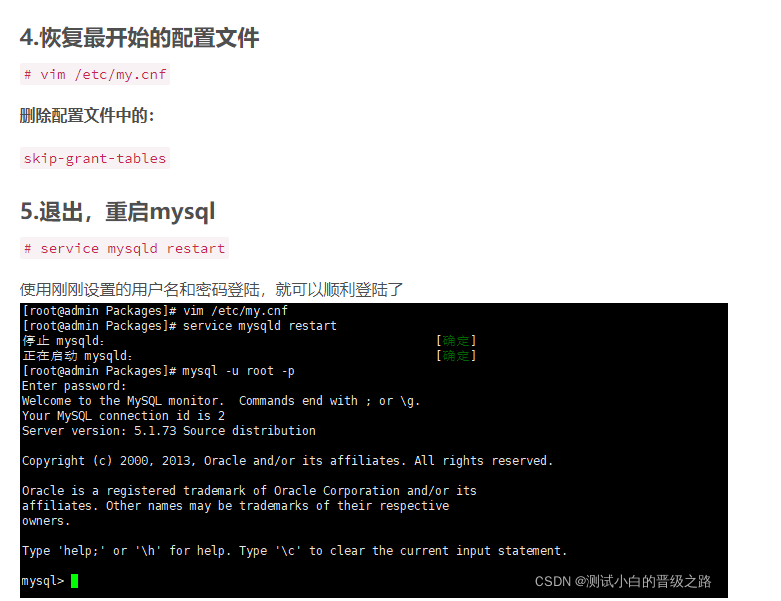
1.8恢复之前的配置,并重启数据库,用新密码登录
2.连接MySQL出现Host is not allowed to connect to this MySQL server
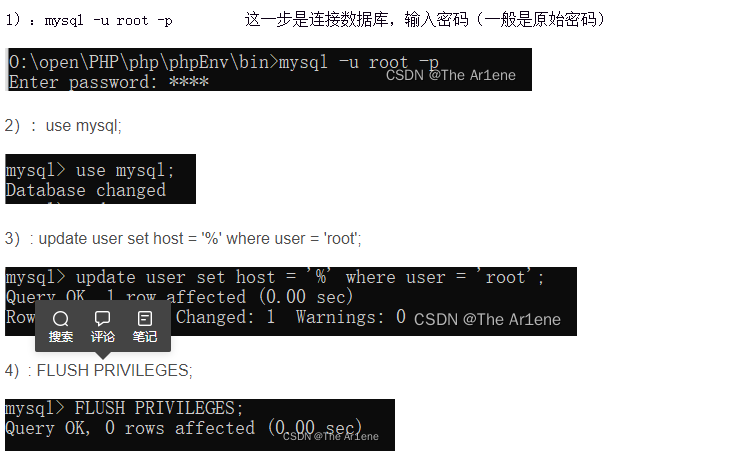
mysql -u root -p
use mysql;
update user set host = '%' where user = 'root';
FLUSH PRIVILEGES;