Python Files All In One
open, read, write, append, binary, close
# You can use Python to read and write the contents of files.

# The argument of the open function is the path to the file.
# If the file is in the current working directory of the program, you can specify only its name.

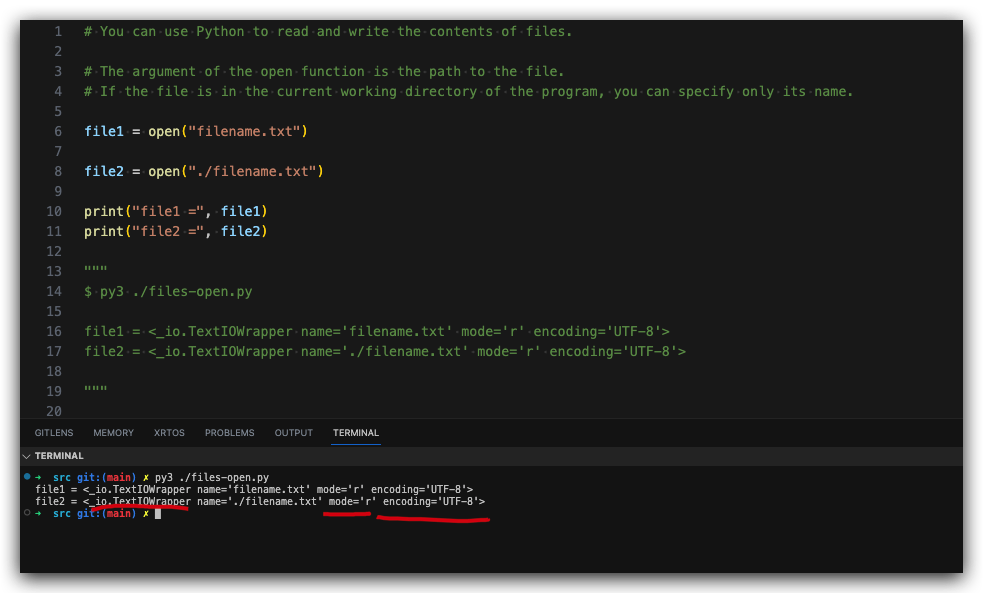
file1 = open("filename.txt")

file2 = open("./filename.txt")

print("file1 =", file1)
print("file2 =", file2)

"""
$ py3 ./files-open.py

file1 = <_io.TextIOWrapper name='filename.txt' mode='r' encoding='UTF-8'>
file2 = <_io.TextIOWrapper name='./filename.txt' mode='r' encoding='UTF-8'>

"""
# file = open("filename.txt", "r")
file = open("filename.txt")
content = file.read()
print("content =\n", content)
file.close()

"""
$ py3 ./files-reading.py

content =
 # CSV
file1, 2012
file2, 2016
file3, 2020
file4, 2024
"""
mode
You can specify the mode used to open a file by applying a second argument to the open function.
Sending "r" means open in read mode, which is the default.
Sending "w" means write mode, for rewriting the contents of a file.
Sending "a" means append mode, for adding new content to the end of the file.
Adding "b" to a mode opens it in binary mode, which is used for non-text files (such as image and sound files).
You can combine modes, for example, wb from the code above opens the file in binary write mode.
# write mode
open("filename.txt", "w")

# read mode
open("filename.txt", "r")
# 等价于
# open("filename.txt")

# append mode
open("filename.txt", "a")


# binary write mode
open("filename.txt", "wb")

# binary read mode
open("filename.txt", "rb")

# binary append mode
open("filename.txt", "ab")

"""
$ py3 ./files-open-mode.py


"""
demos
(? 反爬虫测试!打击盗版⚠️)如果你看到这个信息, 说明这是一篇剽窃的文章,请访问 https://www.cnblogs.com/xgqfrms/ 查看原创文章!
refs
©xgqfrms 2012-2021
www.cnblogs.com/xgqfrms 发布文章使用:只允许注册用户才可以访问!
原创文章,版权所有©️xgqfrms, 禁止转载 ?️,侵权必究⚠️!