1、访问https://192.168.3.254:10000
由于SSL证书是不安全的,我用的Firefox浏览器会阻止打开网页:
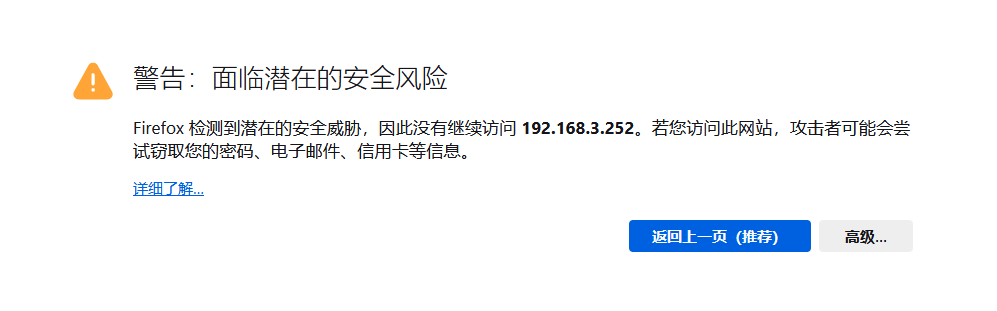
看到上述界面,先选择“高级”,
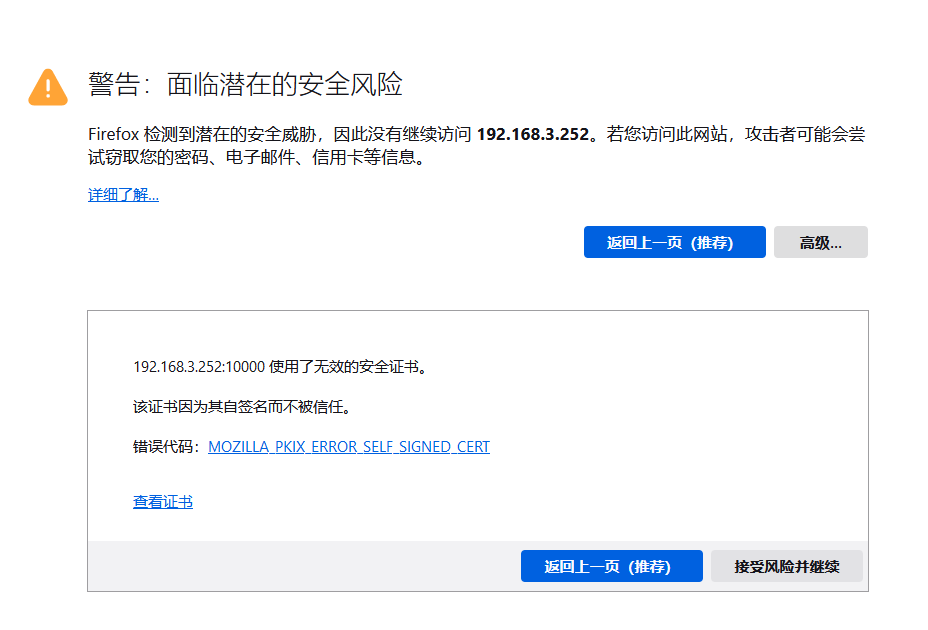
然后再选择“接受风险并继续”,就到了这一步:
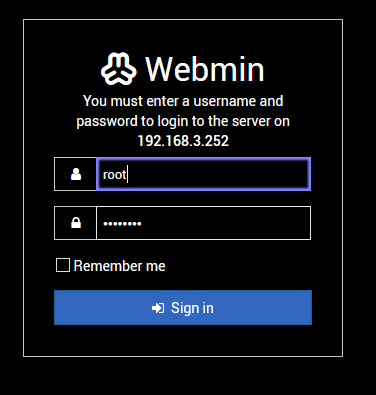
用户名:root
默认密码:password
2、需要修改2个配置文件
登入成功后,在左侧主菜单选“BIND DNS SERVER”,再在右边选“Edit Config File”:
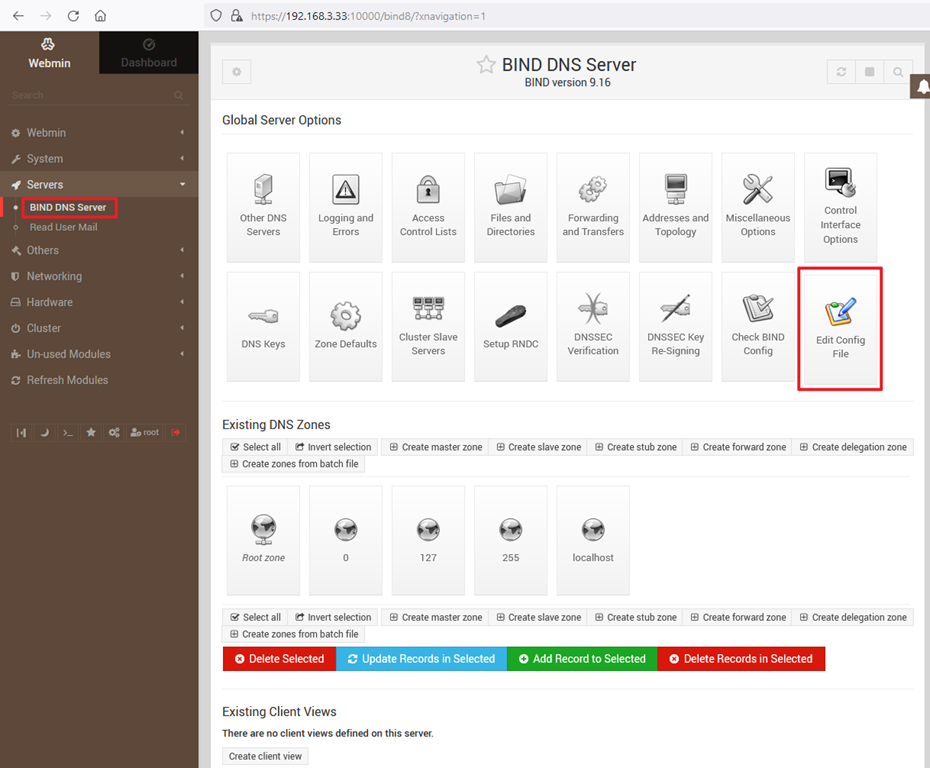
分别对两文件进行修改
3.1 named.conf
acl trusted {
 192.168.0.0/16;
 localhost;
localnets;
 };
 // This is the primary configuration file for the BIND DNS server named.
 //
// Please read /usr/share/doc/bind9/README.Debian.gz for information on the
 // structure of BIND configuration files in Debian, *BEFORE* you customize
 // this configuration file.
 //
 // If you are just adding zones, please do that in /etc/bind/named.conf.local

include "/etc/bind/named.conf.options";
 include "/etc/bind/named.conf.local";
 include "/etc/bind/named.conf.default-zones";
3.2 named.conf.options
options {
 directory "/var/cache/bind";

```
  // If there is a firewall between you and nameservers you want
     // to talk to, you may need to fix the firewall to allow multiple
     // ports to talk.  See http://www.kb.cert.org/vuls/id/800113

    // If your ISP provided one or more IP addresses for stable
     // nameservers, you probably want to use them as forwarders.
     // Uncomment the following block, and insert the addresses replacing
     // the all-0's placeholder.

    // forwarders {
     //      0.0.0.0;
     // };

    //========================================================================
     // If BIND logs error messages about the root key being expired,
     // you will need to update your keys.  See https://www.isc.org/bind-keys
     //========================================================================
     dnssec-validation auto;

    listen-on-v6 { any; };
     forwarders {
             8.8.8.8;
             8.8.4.4;
             };
     allow-query { any; };
     allow-recursion { trusted; };
     allow-query-cache { trusted; };
 ```

};
4、重启容器
docker restart dns