001、输出匹配字符之后的若干行
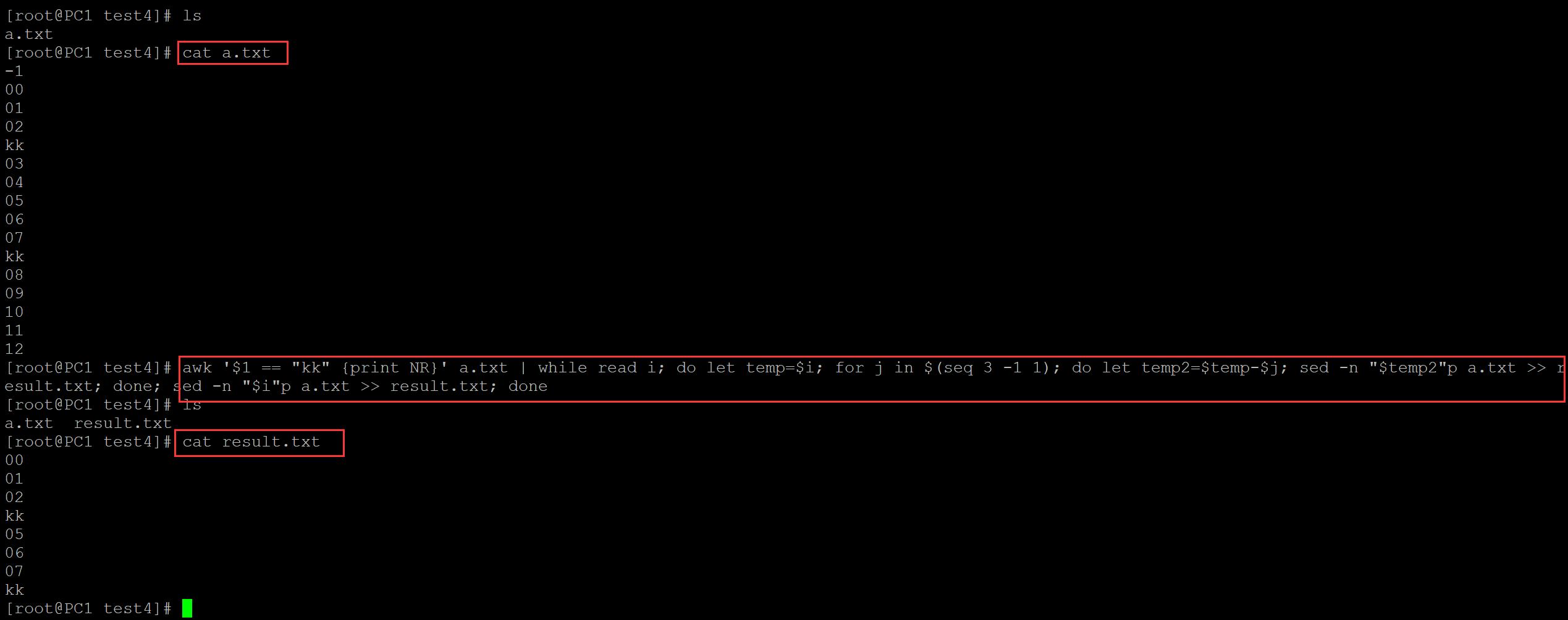
[root@PC1 test4]# ls
a.txt
[root@PC1 test4]# cat a.txt            ## 测试数据
01
02
kk
03
04
05
06
07
kk
08
09
10
11
12                                     ## 输出匹配字符之后的3行
[root@PC1 test4]# awk '$1 == "kk" {print NR}' a.txt | while read i; do sed -n "$i"p a.txt >> result.txt; let temp=$i; for j in $(seq 3); do let temp=$temp+1; sed -n "$temp"p a.txt >> result.txt; done; done
[root@PC1 test4]# ls
a.txt  result.txt
[root@PC1 test4]# cat result.txt   ## 结果文件
kk
03
04
05
kk
08
09
10
002、输出匹配字符之前的若干行
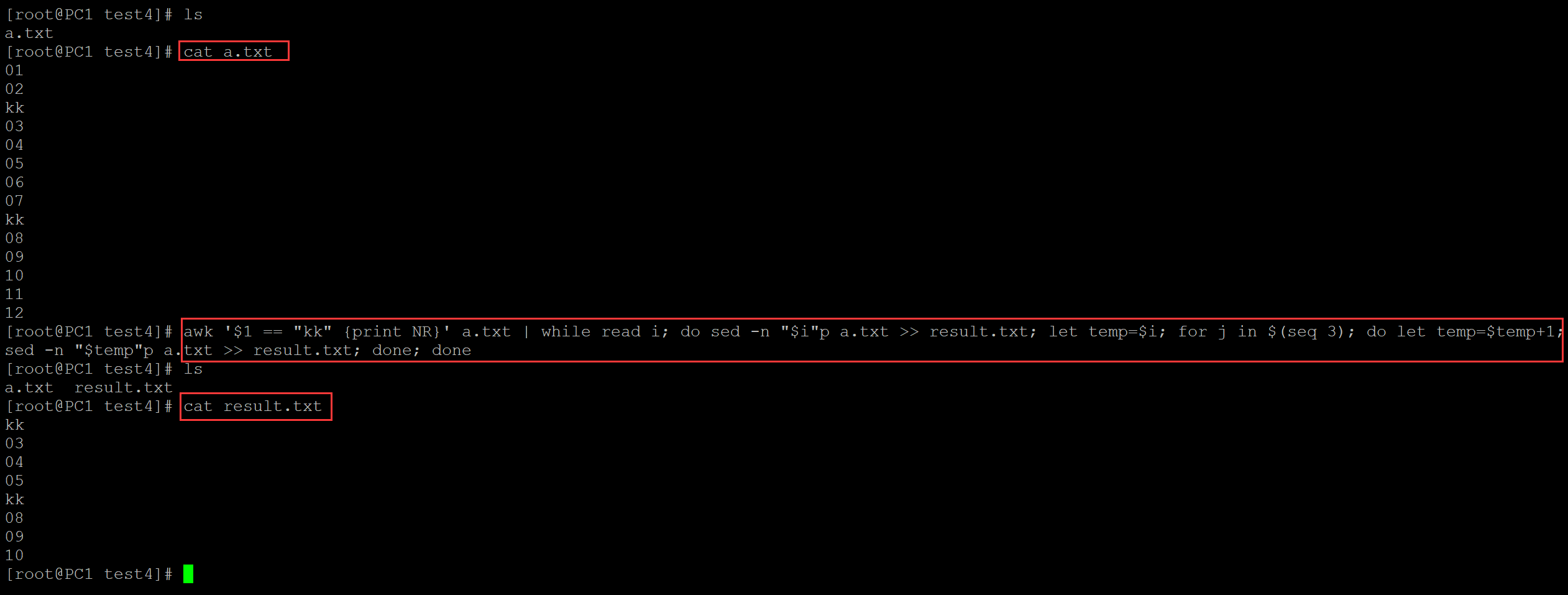
[root@PC1 test4]# ls
a.txt
[root@PC1 test4]# cat a.txt    ## 测试文件
-1
00
01
02
kk
03
04
05
06
07
kk
08
09
10
11
12                            ## 输出匹配字符之前的3行
[root@PC1 test4]# awk '$1 == "kk" {print NR}' a.txt | while read i; do let temp=$i; for j in $(seq 3 -1 1); do let temp2=$temp-$j; sed -n "$temp2"p a.txt >> result.txt; done; sed -n "$i"p a.txt >> result.txt; done
[root@PC1 test4]# ls
a.txt  result.txt
[root@PC1 test4]# cat result.txt   ## 结果文件
00
01
02
kk
05
06
07
kk