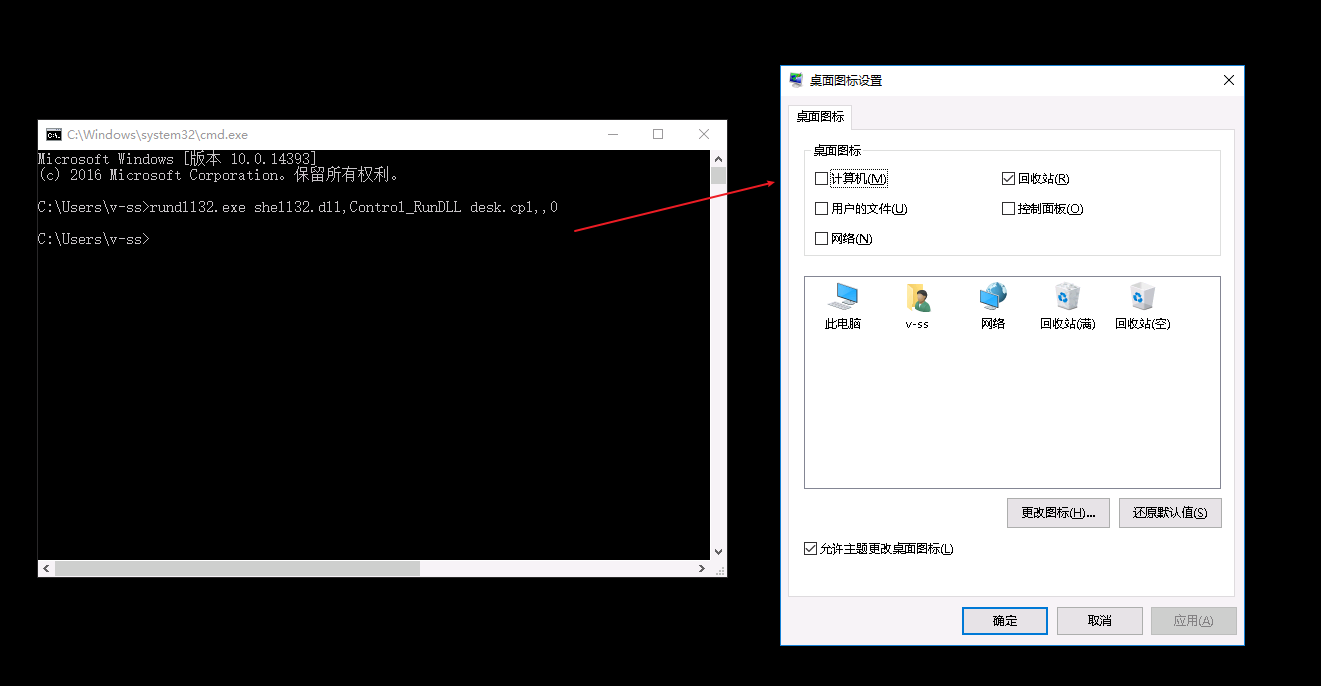
运行cmd窗口 输入命令 rundll32.exe shell32.dll,Control_RunDLL desk.cpl,,0 弹出桌面图标设置窗口 本栏目推荐文章P5321 [BJOI2019] 送别 题解--zhengjun[GXYCTF2019]BabySQlipython-爬元气桌面壁纸VMware虚拟机安装银河麒麟桌面版V10系统OpenHarmony 上跑CV 应用 - Windows上搭建 Linux 桌面系统[Keyence2019] Paper CuttingMac上运行windows软件-GPTKWindows Server 2016 & 2019 工作站速配脚本windows 命令行调整分辨率Windows 7 SP 1 部署 .NET 6/7