1.下载地址
https://github.com/voidint/g/releases
2.选择win版本包
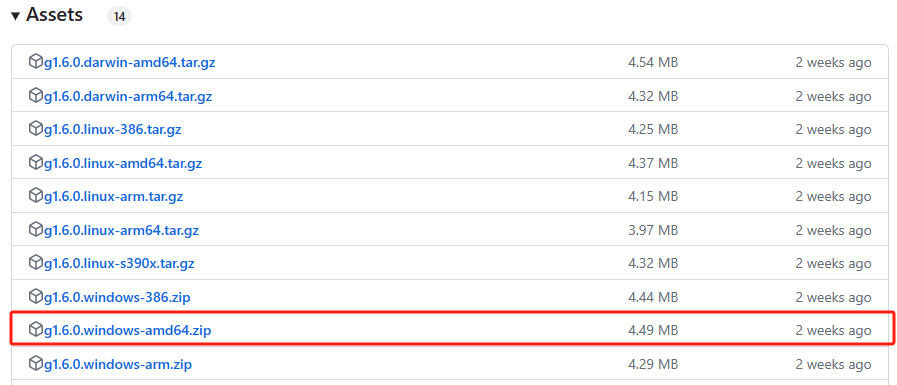
3.解压后将g.exe放入自定义目录,这里我放在C:\Program Files\g

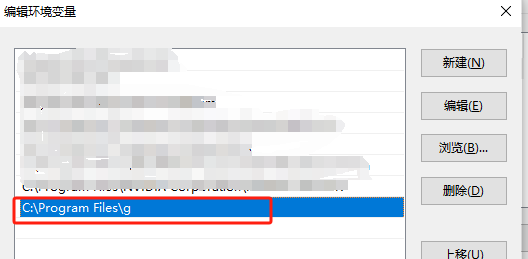
4.设置环境变量
编辑系统变量, 添加Path值
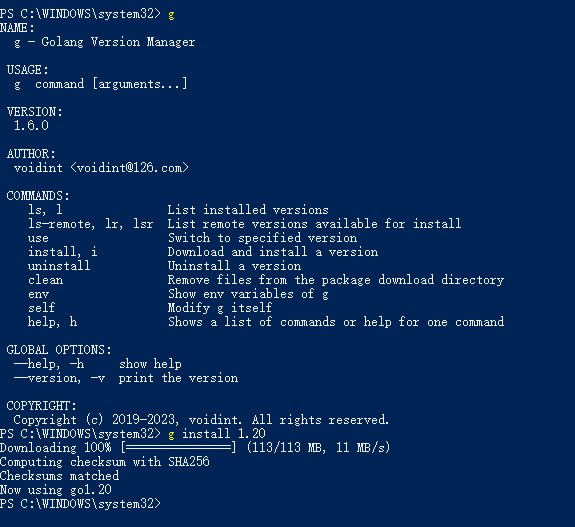
5.打开powershell
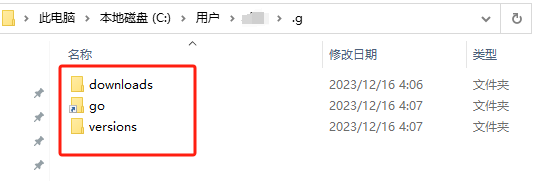
6.默认情况下,安装的文件都会放到用户home路径下,在用户目录下会生成.g文件夹。
参考:
1.https://github.com/voidint/g/blob/master/README_CN.md
2.https://blog.csdn.net/cf313995/article/details/109517921