快捷键
Ctrl+Shift+P搜索
Ctrl+F5 运行代码
Ctrl+, 打开设置
Ctrl+Shift+E 打开文件
Ctrl+Alt+C 打开博客园
功能
设置文件:settings.json
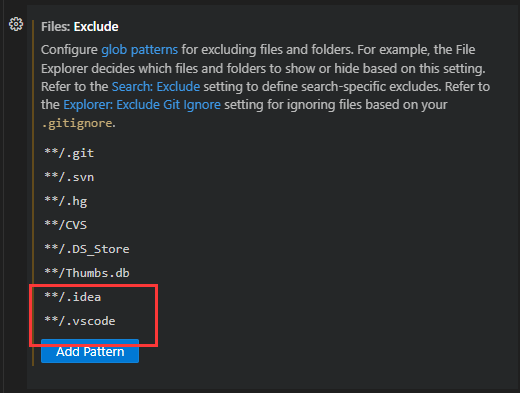
- 隐藏以及排除git相关文件
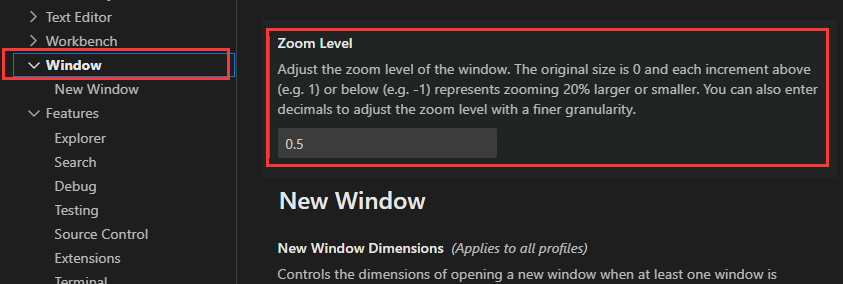
- 设置界面字体
Go语言
Go运行-> 教程-> 测试
-
配置VSCode
安装推荐的相关插件 -
安装go相关插件失败
网络问题,需要代理
1)更换下载源
https://blog.51cto.com/u_7075695/5099699
2)多尝试几次 -
go: cannot find main module, but found .git/config
go env // 查看环境配置
go env -w GO111MODULE= off // 关闭
Ctrl+F5运行

- go module
基础知识
go module详解 - launch.json