目录
一、Nginx 隐藏版本号
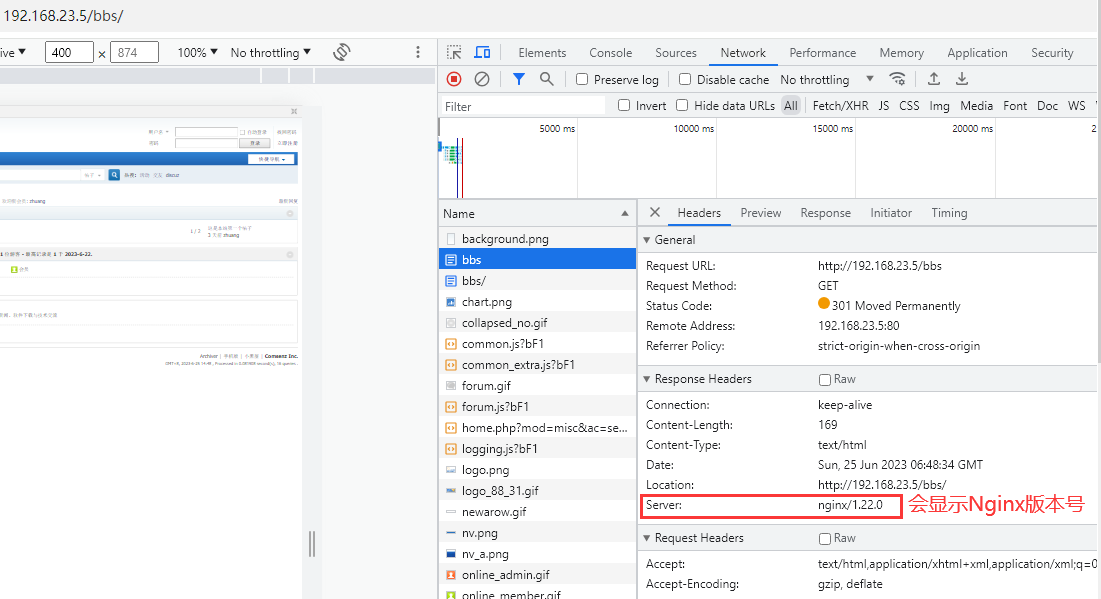
当Nginx的版本号不隐藏时,访问网站会显示 Nginx的版本号,从而会增加一定的风险
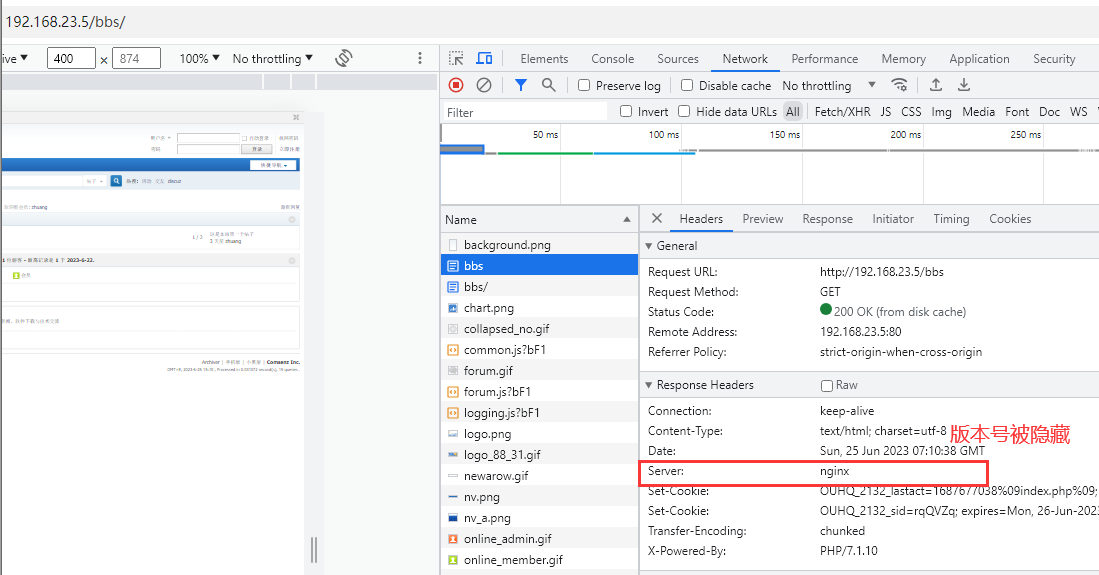
1. 访问网站查看版本号
2. 隐藏方法
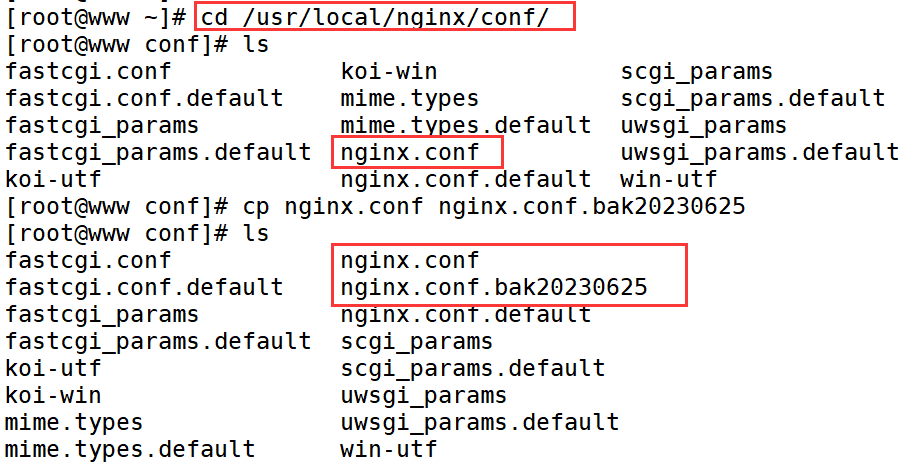
(1)备份配置文件
cd /usr/local/nginx/conf/
cp nginx.conf nginx.conf.bak
(2)修改配置文件
vim /usr/local/nginx/nginx.conf

 http {
     include       mime.types;
     default_type  application/octet-stream;

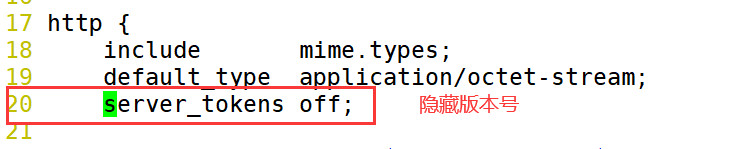
	 # 隐藏版本号
	 server_tokens off;

:wq!

# 重启 Nginx 服务
systemctl restart nginx
3. 刷新网页
版本号被隐藏
二、Nginx 更改版本号
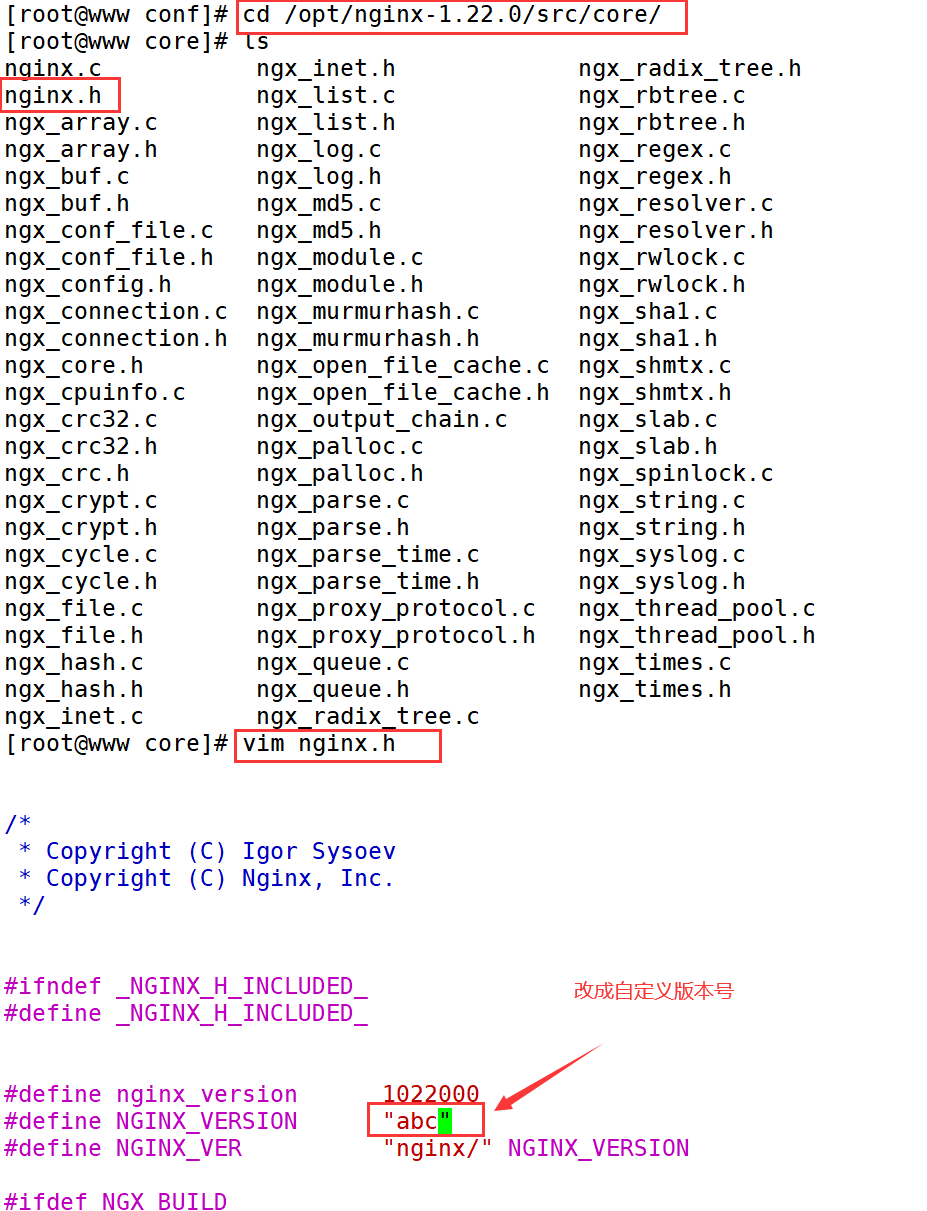
1. 修改 Nginx 源码文件
cd /opt/nginx-1.22.0/src/core/
vim nginx.h

# 更改为自定义版本号
#define NGINX_VERSION      "abc"

:wq!
2. 重新编译安装
# 指定重新安装路径及模块
cd /opt/nginx-1.22.0/
[root@www nginx-1.22.0]#
./configure \
> --prefix=/usr/local/nginx \
> --user=nginx \
> --group=nginx \
> --with-http_stub_status_module \
> --with-http_ssl_module

# 编译与安装
make -j 6 && make install
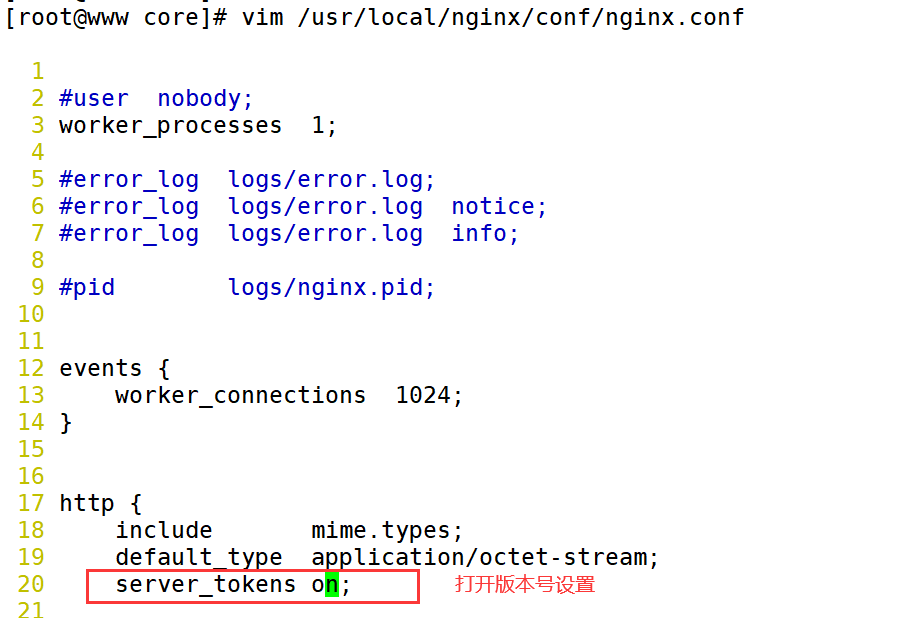
3. 将隐藏版本号设置打开
vim /usr/local/nginx/conf/nginx.conf
http {
    include       mime.types;
    default_type  application/octet-stream;

    # 打开版本号设置
    server_tokens on;

:wq!

# 重启 Nginx 服务
systemctl restart nginx
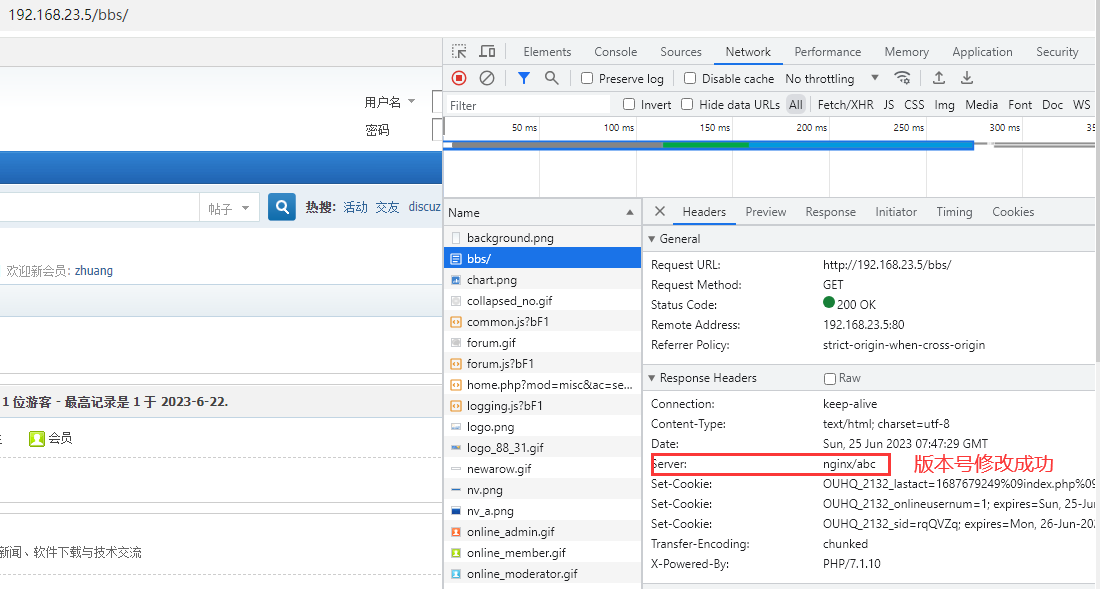
4. 刷新网页
版本号隐藏成功
三、Nginx 日志分割
Nginx本身不带日志分割工具,所以在工作中,所有的nginx的日志分割都是以shell脚本的形式来实现的
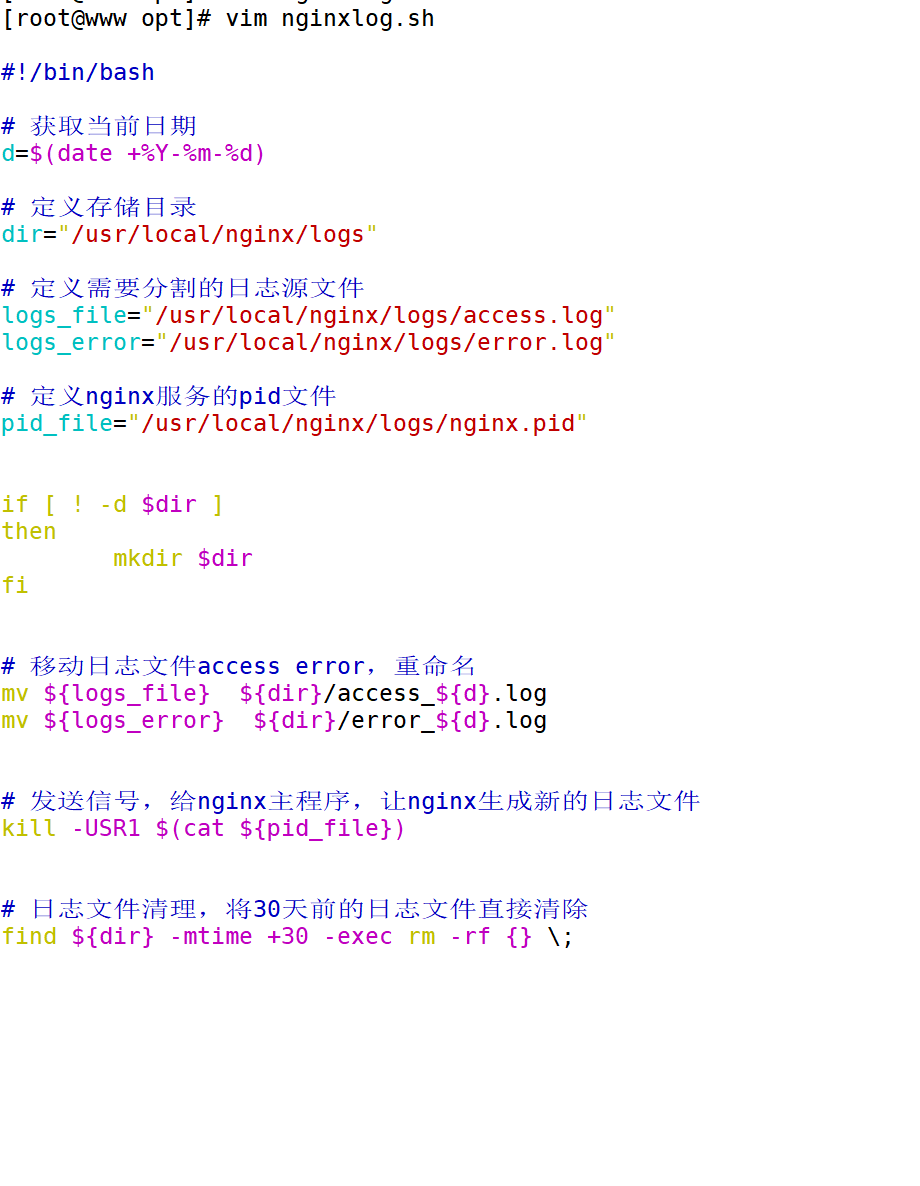
1. 编写shell脚本
cd /opt
[root@www opt]#
vim nginxlog.sh

#!/bin/bash

# 获取当前日期
d=$(date +%Y-%m-%d)

# 定义存储目录
dir="/usr/local/nginx/logs"

# 定义需要分割的日志源文件
logs_file="/usr/local/nginx/logs/access.log"
logs_error="/usr/local/nginx/logs/error.log"

# 定义nginx服务的pid文件
pid_file="/usr/local/nginx/logs/nginx.pid"


if [ ! -d $dir ]
then
        mkdir $dir
fi


# 移动日志文件access error,重命名
mv ${logs_file}  ${dir}/access_${d}.log
mv ${logs_error}  ${dir}/error_${d}.log


# 发送信号,给nginx主程序,让nginx生成新的日志文件
kill -USR1 $(cat ${pid_file})


# 日志文件清理,将30天前的日志文件直接清除
find ${dir} -mtime +30 -exec rm -rf {} \;

2. 运行脚本
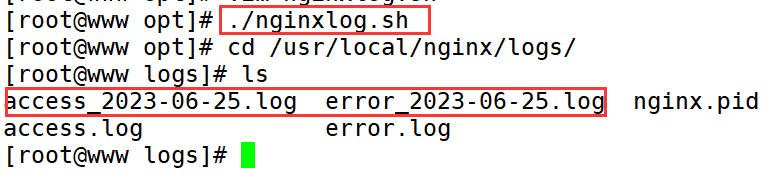
./nginxlog.sh
3. 创建定时任务
crontab -e -u root

0 0 1 * * /opt/nginxlog.sh

:wq!

四、Nginx 压缩页面
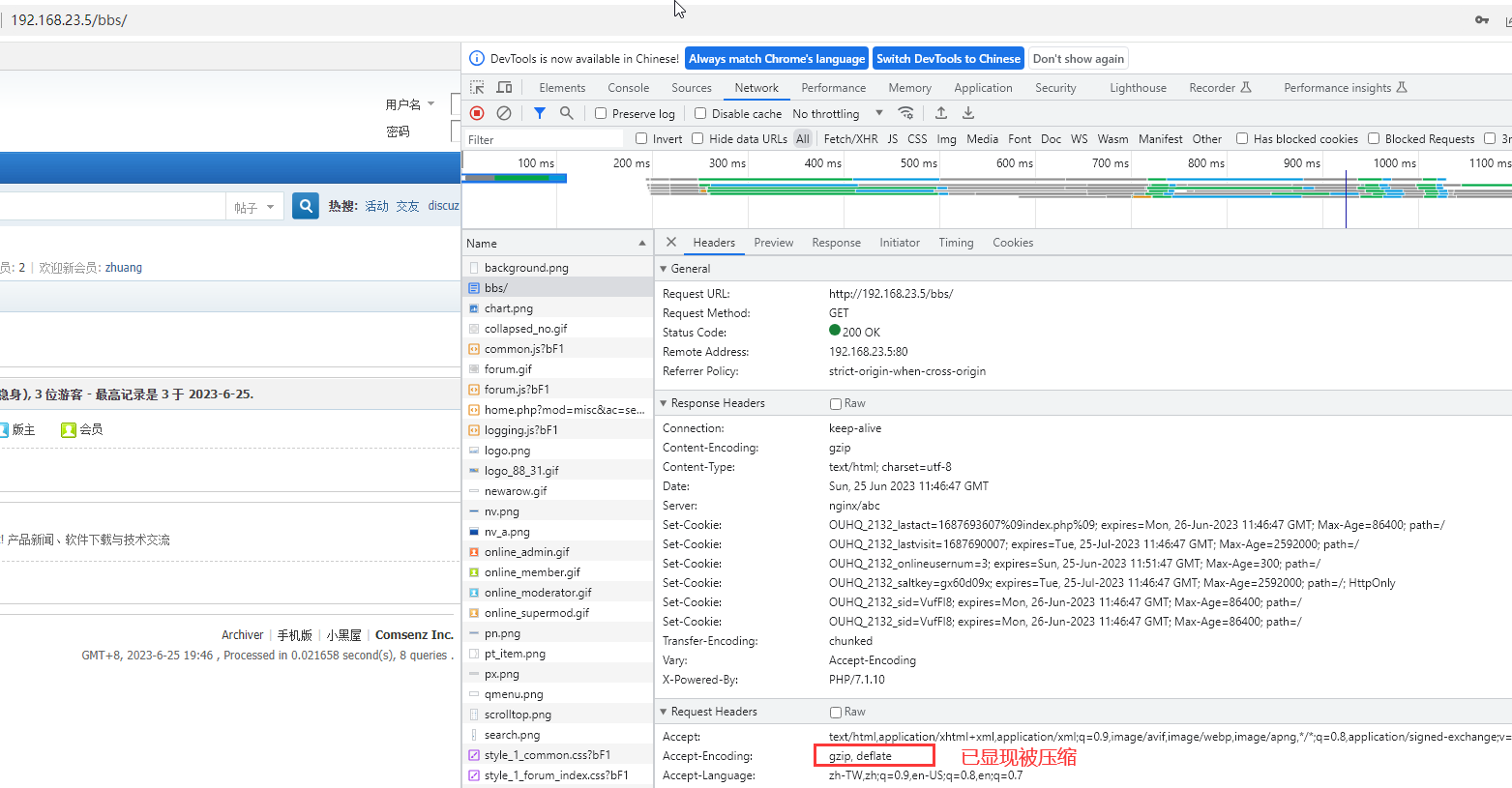
压缩目的时为了节约宽带,提高访问速度
ngx_http_gzip_module 压缩模块所提供的功能,默认是注释掉的,也就是不压缩,需要人工指定
gzip_min_length 1k; 最小的压缩文件,小与1K就不再压缩了
gzip buffers 4 64k; 压缩的缓冲区,4个64K缓冲区
gzip _http_version 1.1; 压缩版本,默认1.1
gzip_comp_level 6; 压缩级别1-9,6(正好)
gzip_vary on; 支持前端缓存服务器的压缩功能打开
gzip_types textplain text/javascript application/x-javascript text/css text/xml application/xml applicationt/xmI+rss image/jpg image/jpeg image/png image/gif application/x-httpd-php application/javascript application/json;
支持压缩的类型
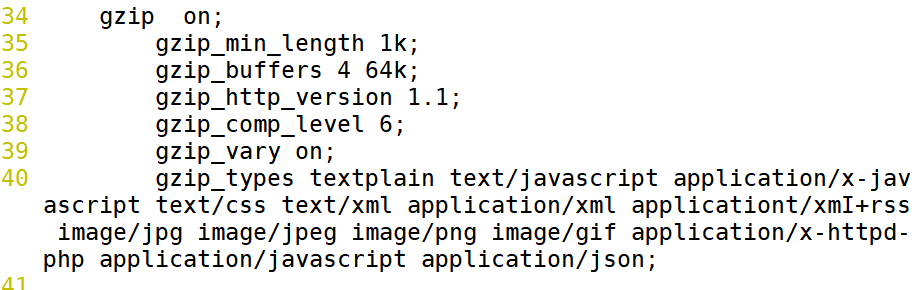
1. 更改配置文件
    gzip  on;
        gzip_min_length 1k;
        gzip_buffers 4 64k;
        gzip_http_version 1.1;
        gzip_comp_level 6;
        gzip_vary on;
        gzip_types textplain text/javascript application/x-javascript text/css text/xml application/xml applicationt/xmI+rss image/jpg image/jpeg image/png image/gif application/x-httpd-php application/javascript application/json;

:wq!

# 检验配置文件是否有错误
nginx -t

# 重启Nginx服务
systemctl restart nginx

2. 清空浏览器缓存重新访问