1.查看当前运行级别:systemctl get-default或者runlevel或者who -r
2.查看文件夹/lib/systemd/system/
ll /lib/systemd/system | grep multi-user.target

ll /lib/systemd/system | grep graphical.target

ll /lib/systemd/system/default.target
可以看到当前默认的runlevel就是graphical.target

3.修改系统开机运行级别
systemctl set-default multi-user.target
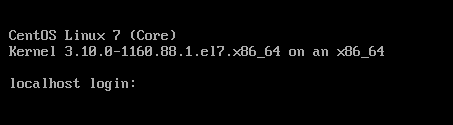
重启之后就会发现直接运行在CLI登录界面(Command Line Interface)也就是runleve=3也就是multi-user.target上面了
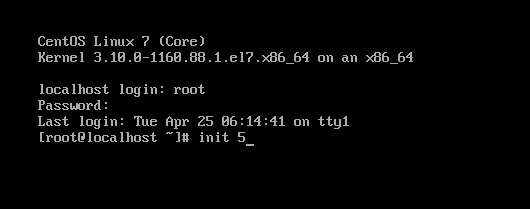
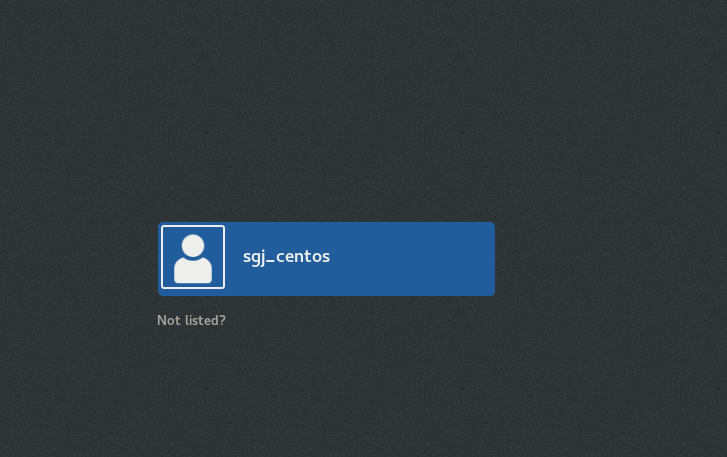
如果想回到GUI登录界面(Graphical User Interface)也就是runlevel=5也就是graphical.target上,可以切换root用户然后init 5输入密码即可